Armor Stand
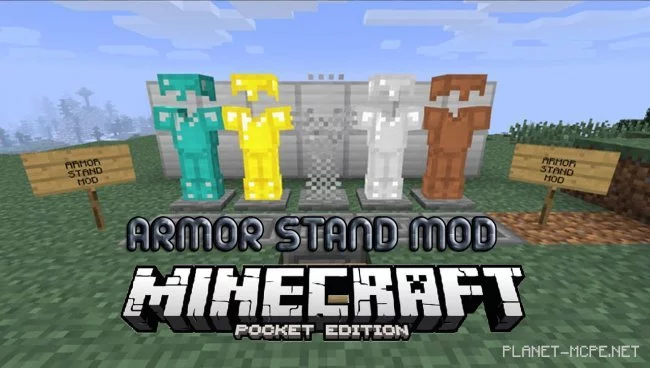
The mod «Armor Stand (Armor Display)» introduces an armor stand to Minecraft Pocket Edition. The Armor Stand [Armor Display] is available in the PC version of Minecraft without the need for mods, but this feature is currently absent in the Pocket Edition.
If you wish to have an armor stand in your Minecraft Pocket Edition world similar to the one in the PC version of Minecraft, then the Armor Stand mod is exactly what you need. This mod allows you to display your armor on a stand just like in the PC version of the game. However, the textures for the stand are still a work in progress. Nevertheless, the functionality of the armor stand is fully operational.
Access the creative mode inventory and locate the Armor Stand [Armor Display]. The icon for this item resembles a stick. Hold the stick in your hand and tap the ground to place the armor stand on the selected block. (Make sure your survival difficulty is set to maximum; otherwise, the stand may not function correctly.)
By default, the stand does not have any additional features like in the PC version of the game, but it is still completely functional. Click on the armor pieces to place them on the stand.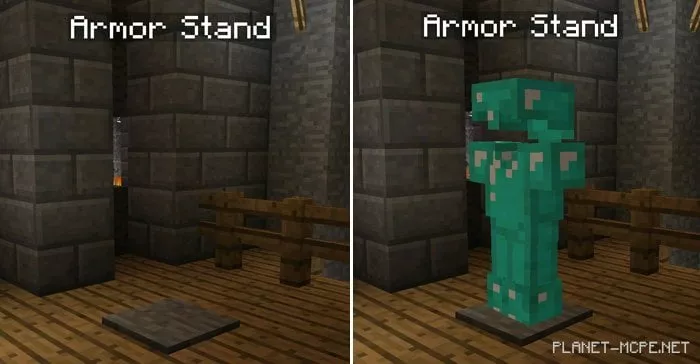
The armor stand can showcase any set of armor in MCPE, including mixed sets.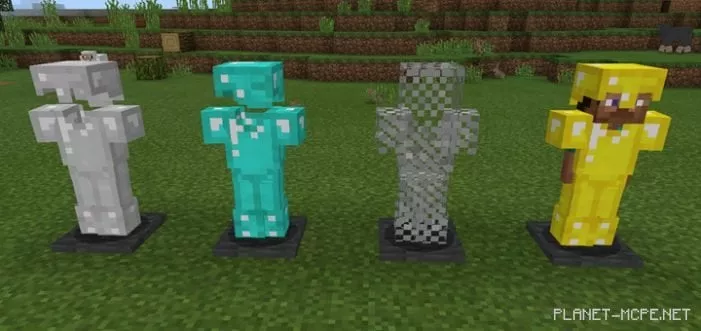
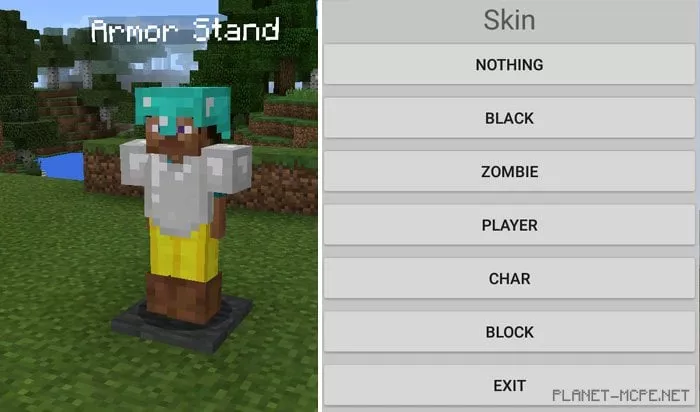
You can add mannequins (zombies/players) to the armor. Tap it with an empty hand to open the menu.