AntiGrief
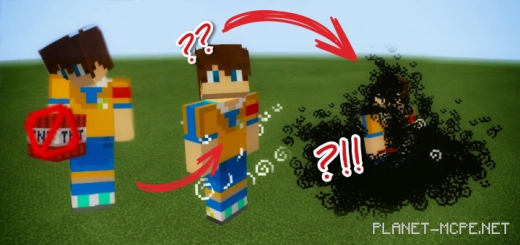
Safeguard your realm in Minecraft Bedrock from griefers by installing the mod “AntiGrief+ (Anti-grief)“. You can allow construction while preventing destruction and significant damage to your world by banning specific items, such as TNT. If any visitor misuses their privileges, you can restrict their access to certain items.
To access the help menu, type the command “/function ag/help“.
The End Crystals are clearly located in the third dimension of Minecraft — in the End. They have a striking appearance and a fantastic design, making them potentially great decorative items. However, there is one notable feature: if a player touches a crystal, it will explode with tremendous force.
You can enable or disable the End Crystals in your world by using the commands: “function ag/endcrystal-on” to turn them on, and “/function ag/endcrystal-off” to turn them off.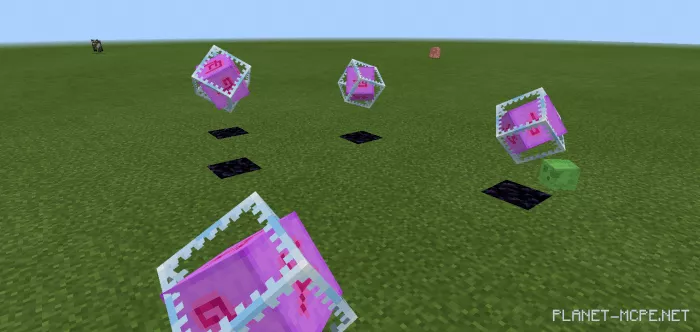
Unlike Edge crystals, dynamite is considerably less powerful. It can be activated or deactivated using Redstone. There are numerous ways to utilize it, ranging from pranking a friend to clearing an area.
The mod enables you to configure the use of TNT in your world.
This feature prevents unexpected joining of players who have been restricted from taking any actions. The restriction can be lifted if a player changes their username.
To ban a specific player, type “/tag [player’s nickname] add ag-moveban”, and to unban them— “/tag [player’s nickname] add ag-moveunban”.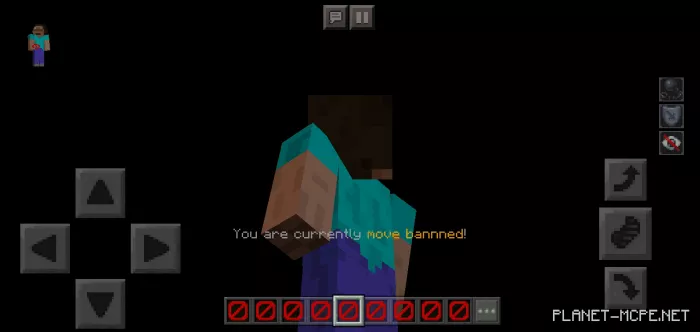
If you are inviting guests to your world but are concerned about its safety, you can restrict certain items that you believe may cause harm. Additionally, you can prohibit an item not for all players, but just for one individual.
To prevent a player from using an item, enter the command: «/tag [player’s nickname] add ag-itemban». To lift the ban, use «/tag [player’s nickname] add ag-itemunban».
Some of the items included in the banned list are: TNT, spawn eggs, lava buckets, flint, steel, and Ender crystals.