📢 Купить рекламу на сайте  — узнать цены и условия размещения!
📢
Купить рекламу на сайте — узнать цены здесь →

AEfurniture

AEfurniture
11.04.2026 Mods admin 0 comments 1 min 245 views

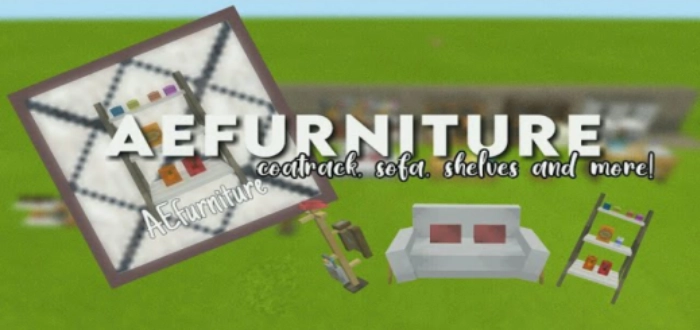
There’s nothing quite like a more enjoyable atmosphere in the home of the main character in Minecraft on Android. With the AE Furniture mod (AEfurniture), you can enhance your interior design far beyond what is possible in the vanilla version.

Features of the AEfurniture Mod

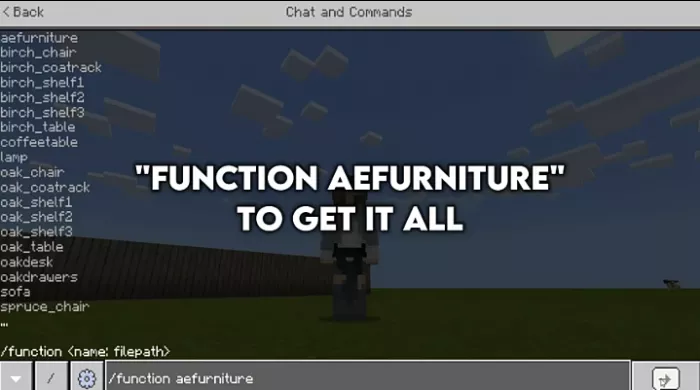
It’s important to note that the AE Furniture mod (AEfurniture) was not designed for use in Minecraft Pocket Edition survival mode. All items can be obtained by entering console commands. By the way, here are the commands for MCBE.
Currently, the mod creator has included the following items in MCPE:
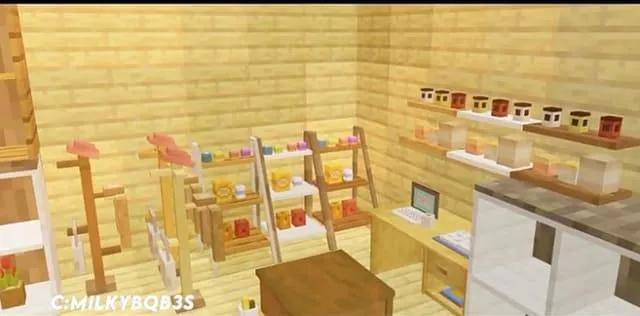
  • Tables
  • Shelves
  • Lanterns
  • Chests
  • Sofa
  • Clothes hangers.

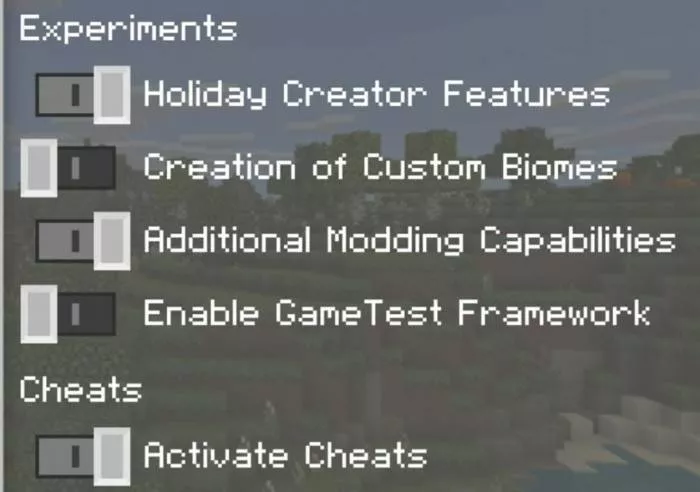
For the mod to function correctly in Minecraft, make sure to enable experimental features. Have fun playing!

Installing AEfurniture (.mcpack)

  • Download the mod labeled as “.mcpack” below.
  • Open the downloaded file to import the add-on/texture into Minecraft.
  • Launch Minecraft Pocket Edition and navigate to the world settings.
  • For the world, enable the imported:
    Resource Packs.
    Add-on Packs.
  • Select the imported resource packs/add-ons in each section.
  • It is recommended to restart the Minecraft PE client afterward.
  • Start Minecraft Pocket Edition, enter the previously configured world Minecraft, and enjoy the add-on!

Leave a comment