Admin Panel
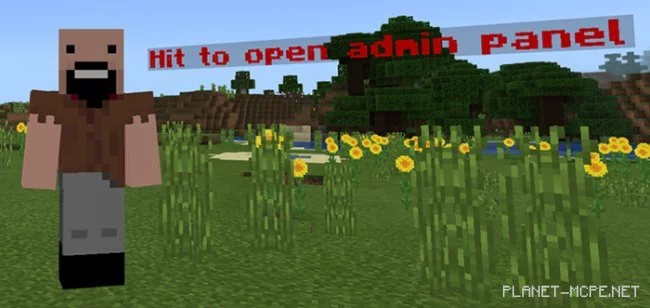
Introducing the mod “Admin Panel“, which integrates an admin panel script into Minecraft. Players with the correct password and access credentials can gain entry. Administrators have the ability to manage the world through a user-friendly interface with quick settings or by entering any command. You can utilize it if you possess the password without needing operator status.
First, you need to identify yourself as an administrator to access the panel in Minecraft Bedrock. For this, you will require a name tag with adminpanel123456789. Create it using an anvil, then click on the armor stand with this tag.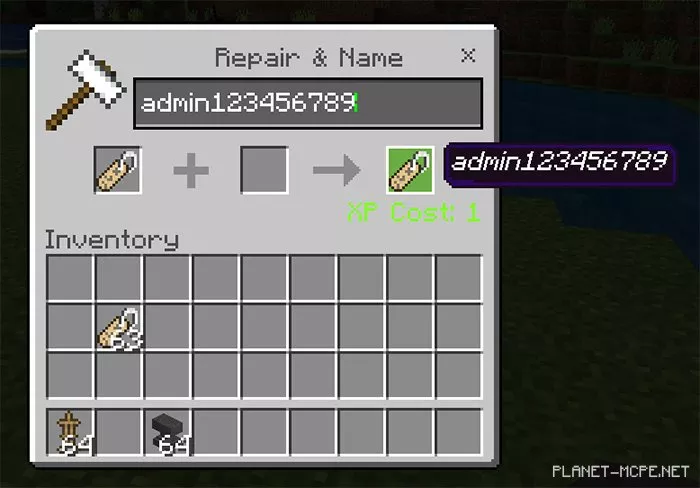
Click on the armor stand with the tag, then hit the invisible entity to become an administrator.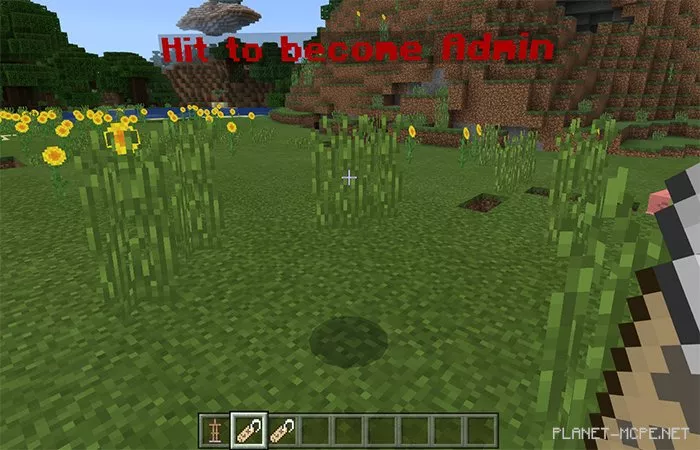
To access the admin panel, you will need a second tag named adminpanel123456789. Create it using an anvil, then click on the armor stand with this tag.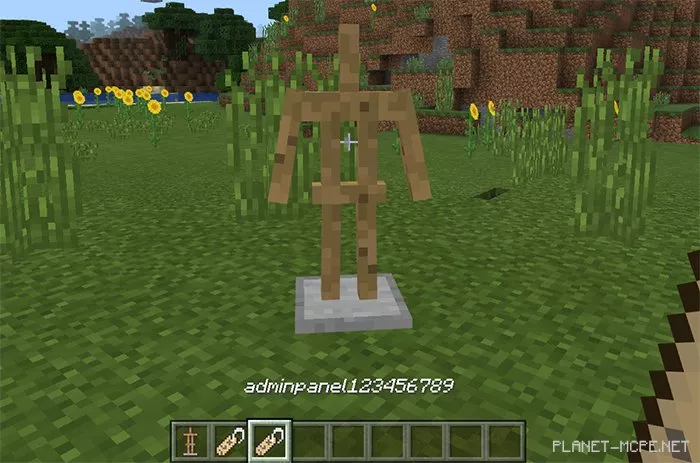
Hit the empty entity to open the admin panel.
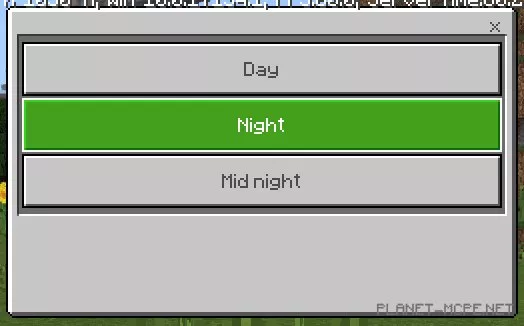
The admin panel includes options for controlling time, weather, and executing commands.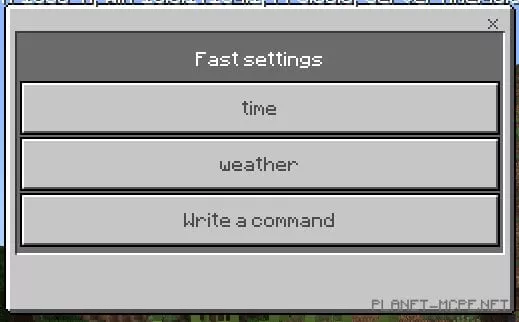
You can set the admin password in lines 43 and 44 of the behavior_packsadminBscriptsserveradmin.js file.
You can also configure a second password for the admin panel in lines 47 and 48 of the behavior_packsadminBscriptsserveradmin.js file.