📢 Купить рекламу на сайте  — узнать цены и условия размещения!
📢
Купить рекламу на сайте — узнать цены здесь →

Aaron’s Long Sword

Aaron’s Long Sword
10.04.2026 Mods admin 0 comments 2 min 152 views

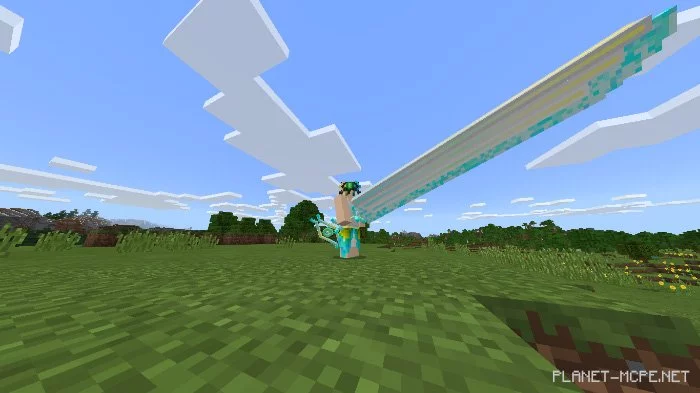
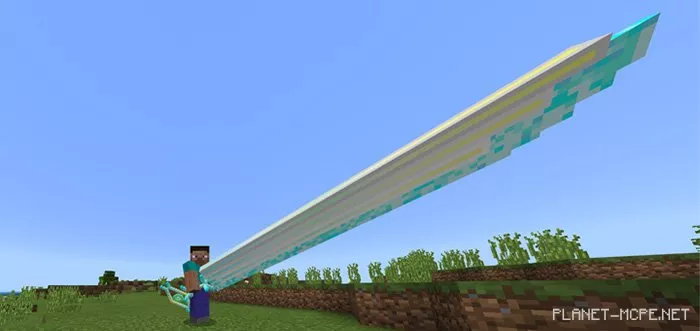
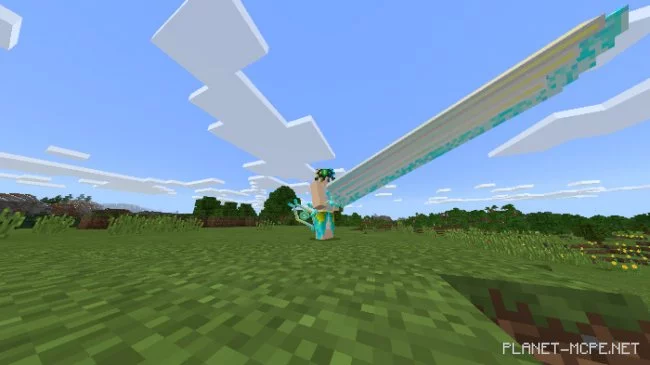
The Long Sword, introduced by the mod titled “Aaron’s Long Sword“, is an incredibly heavy weapon in Minecraft that no one can lift or wield. Only a person of true loyalty and royal lineage can wield this sword. Once, a young boy named Aaron managed to lift this weapon for the first time in the history of Minecraft Bedrock. Thus, it was named the “Long Sword of Aaron”.

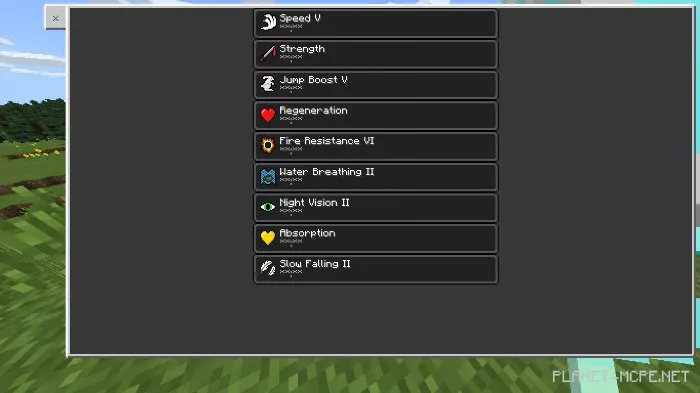
Effects

  • Speed 4
  • Strength 20
  • Jump Boost 4
  • Regeneration 20
  • Fire Resistance 5
  • Water Breathing 1
  • Night Vision 1
  • Blast Resistance – 15
  • Slow Falling 2

Warning

  • You need to achieve optimal performance on your device
  • You may need to restart your world if the slow falling effect does not work
  • Avoid changing the texture pack

Installing Aaron’s Long Sword (.mcpack)

  • Download the mod marked with “.mcpack” below.
  • Run the downloaded file to import the addon/texture into MCPE.
  • Open Minecraft Pocket Edition and go to world settings.
  • Set the imported:
    Resource Packs.
    Addons.
  • Select the imported resource packs/addons in each section.
  • It is recommended to restart the game client Minecraft PE after this.
  • Launch Minecraft Pocket Edition, enter the previously configured world MCPE, and enjoy the addon!

Installing Aaron’s Long Sword (.zip)

  • Download the mod below.
  • Extract two folders from the archive.
  • Move the folder “Aaron’s Long Sword [Behavior]” to the /games/com.mojang/behavior_packs/ folder.
  • Move the folder “Aaron Long Sword [Resource]” to the /games/com.mojang/resource_packs/ folder.
  • Launch Minecraft Pocket Edition.
  • Create a new world or edit an existing one.
  • Set the selected world with the resource pack and addon that you previously moved to the resource_packs and behavior_packs folders.
  • Done! Restart Minecraft PE and enjoy the game!

Leave a comment