Реклама на сайте
2 млн+ просмотров в месяц
Ads

The Island Map

The Island Map
09.02.2026 Maps admin 0 comments 1 min 258 views

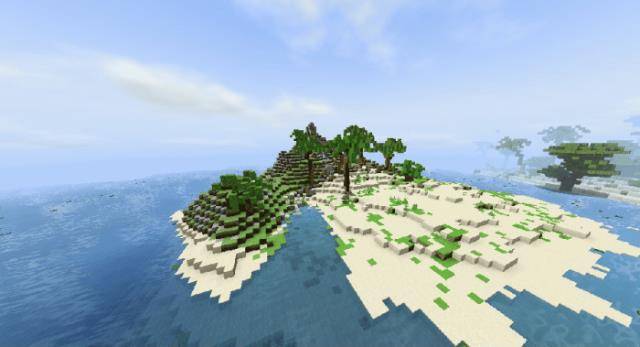
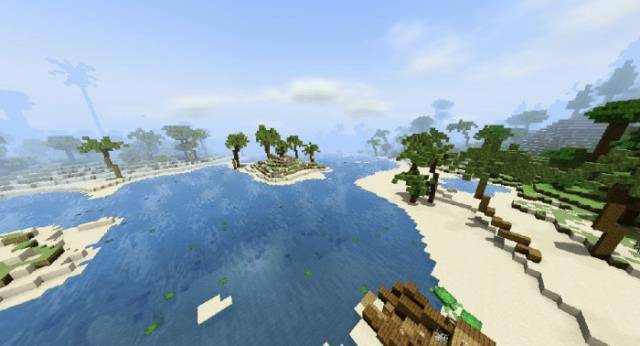
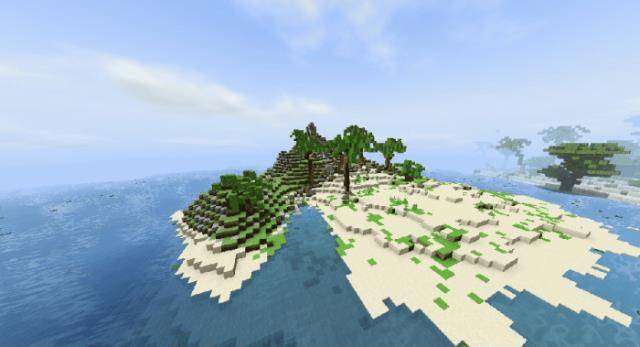
If you find yourself bored with the standard survival mode in Minecraft repeatedly, check out the map “The Island“! Here, you’ll land on a tropical island where you must survive by farming and building shelter. It’s not an easy task, but various natural resources will help you along the way!

Features of the map:

  • Caves that generate naturally;
  • Ore generation;
  • Custom textures for both the Overworld and the Nether;
  • Diverse biomes;
  • You can craft nearly any item from vanilla Minecraft.

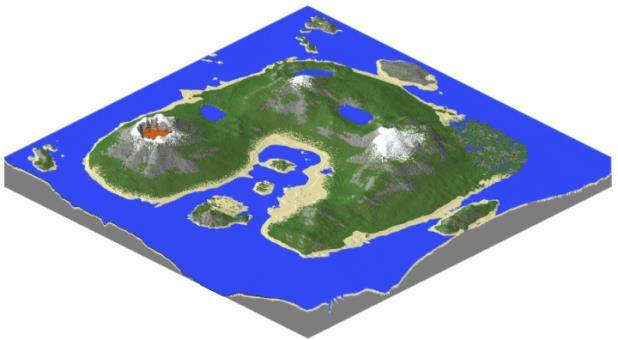
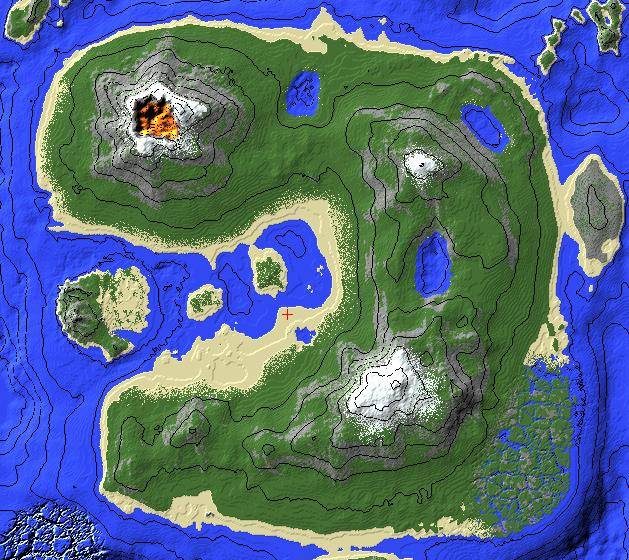
Eight biomes featuring custom structures.

  • Swamp;
  • Beaches;
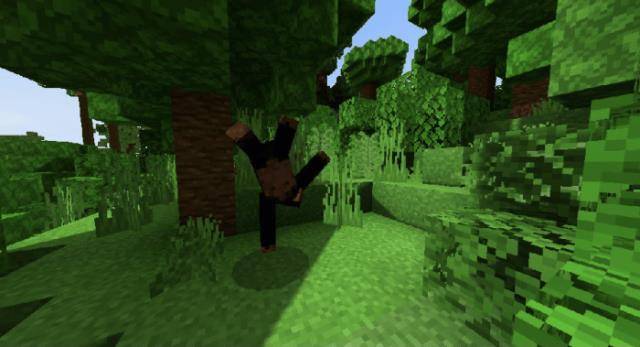
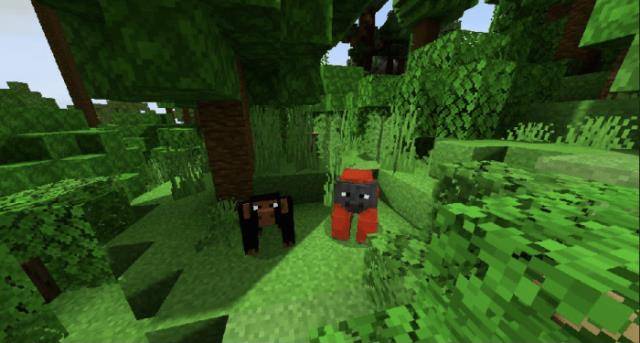
  • Jungles;
  • Savanna;
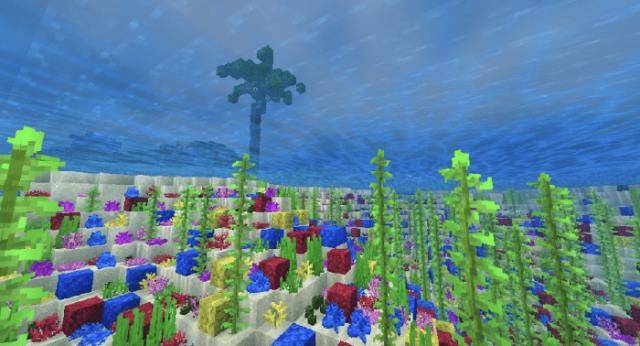
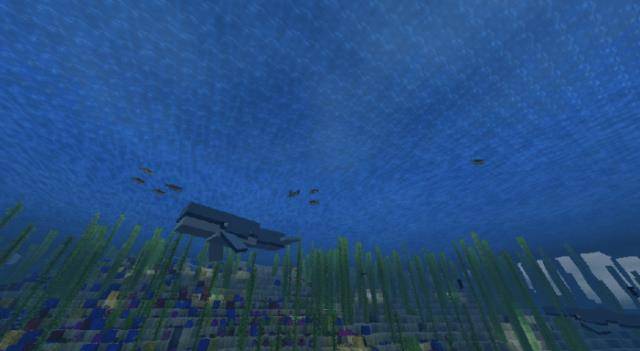
  • Deep-sea coral reefs;
  • Snow-capped mountains;
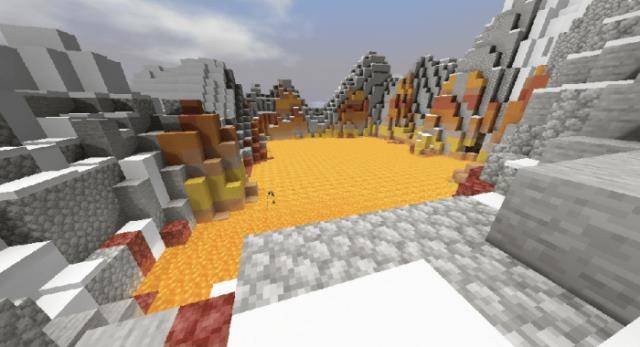
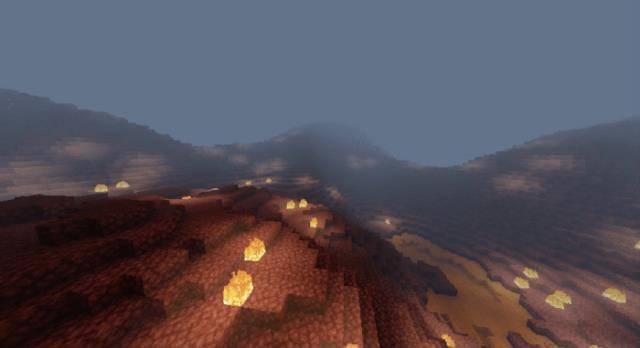
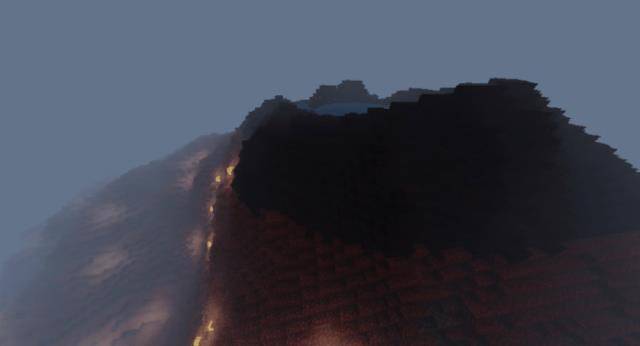
  • Volcano;
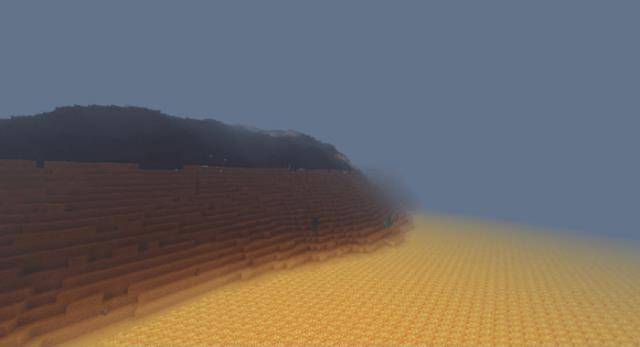
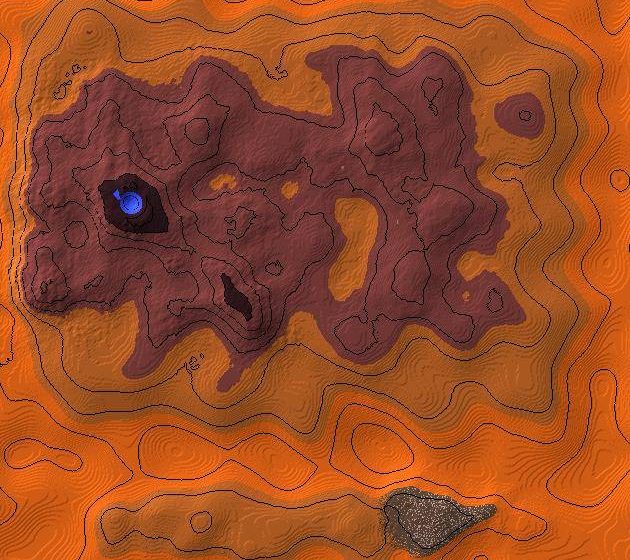
  • The Nether.

3D model. 2D model of the Overworld and The Nether. The Overworld. The Nether.
Installing The Island Map (.mcworld)

  • Download the map marked as “.mcworld” from below.
  • Open the downloaded file to import the map into Minecraft.
  • Launch Minecraft Pocket Edition, and then select the imported world.

Installing The Island Map (.zip):

  • Download the map.
  • Extract the map from the archive.
  • Move the map to the following path: “/games/com.mojang/minecraftWorlds”.
  • Open Minecraft PE > Play > Select the installed map.
  • Have fun playing!

Leave a comment