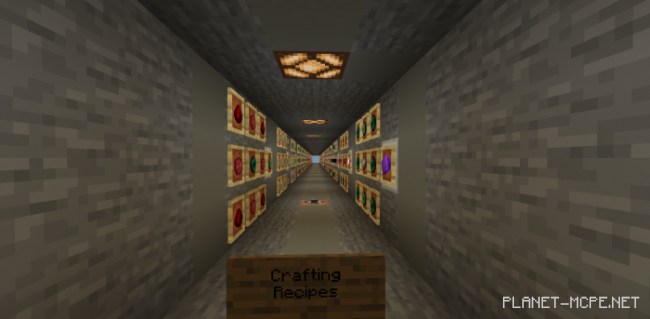
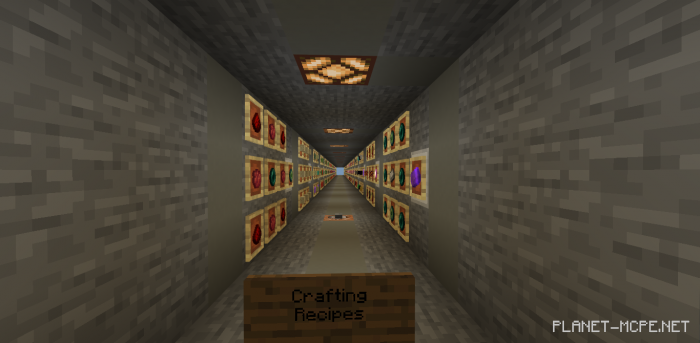
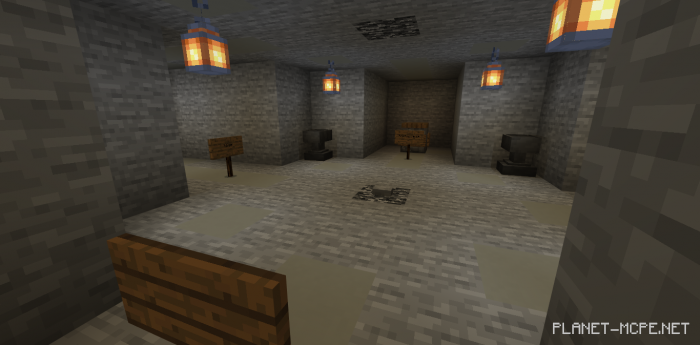
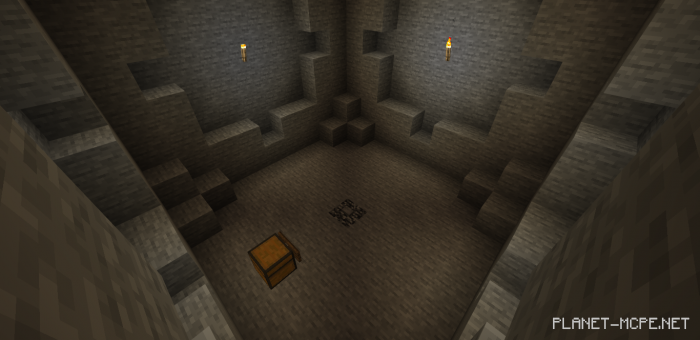
The map “Stone Blocked” is akin to maps in Minecraft, resembling a skyblock experience, but instead of being in the sky, you find yourself underground. You start with just the most basic items from Minecraft: a wooden pickaxe and a few others. Your adventure involves exploring a vast stone world filled with its own alleys and mysteries.
Installing the Stone Blocked Map (.mcworld)
Download the map marked with — “.mcworld” from below.
Open the downloaded file to import the map into Minecraft.
Launch Minecraft Pocket Edition, and then select the imported world.
Download the map marked with — “.mcworld” from below.
Open the downloaded file to import the map into Minecraft.
Launch Minecraft Pocket Edition, and then select the imported world.