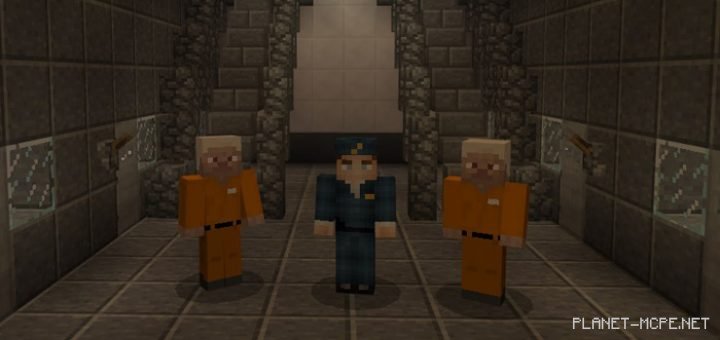
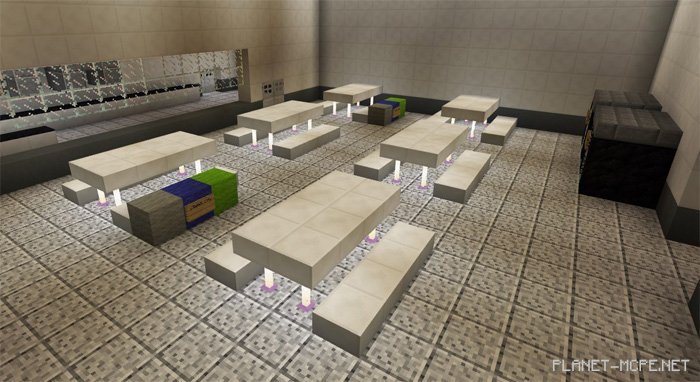
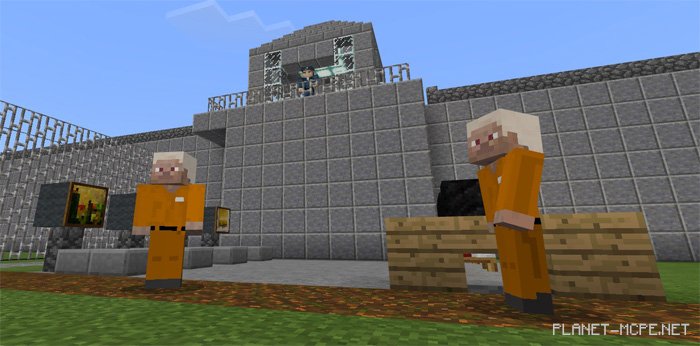
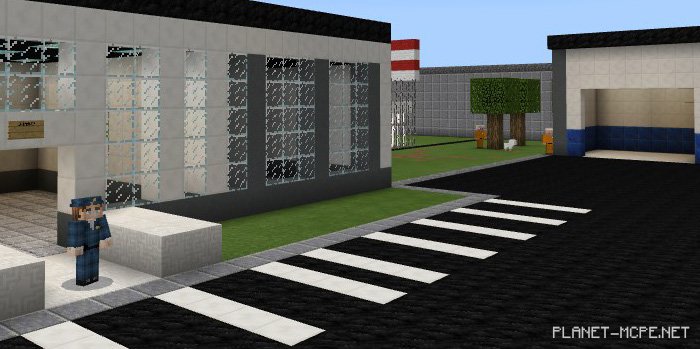
Are you and your friends on the lookout for a unique and engaging mini-game in Minecraft PE? We are excited to introduce you to the map “Prison Life” designed for Minecraft Pocket Edition. In this setting, you can split into prisoners and guards, competing to see who among your group is the smartest and craftiest! On this map for MCPE, players will be divided into two teams: the prisoners will attempt to escape from prison while the guards work to stop them. This makes for an intriguing mini-game in MCPE, as there is no fixed sequence of actions.
How to Play?
On this map for Minecraft Pocket Edition, you can enjoy an exciting mini-game with 2 to 6 players. The game works best when you form two equal teams. Before starting, you’ll choose whether you want to be a guard or a prisoner.
Prisoner: Your task is straightforward: find a way out of the prison without getting caught by the guards. If you manage to break free, head to the “Criminal Base”, grab some weapons, and return to assist your fellow inmates.
Guard: You are employed at this prison, and your job is to ensure that no prisoner escapes. You decide when to let the prisoners outside, when they can have their meals, and so forth.
It’s recommended to act as realistically as possible.
Rules
No breaking blocks
Play in survival mode
No cheats allowed
Changes
Bank added
Improved criminal base
Houses added
Tunnel updated
Store added
More streets added
Installing the Prison Life Map (.mcworld)
Download the map labeled — “.mcworld” below.
Open the downloaded file to import the map into MCPE.
Launch Minecraft Pocket Edition, then select the imported world.
Installing the Prison Life Map (.zip):
Download the map.
Extract the map from the archive.
Move the map to the path: “/games/com.mojang/minecraftWorlds”.
Enter Minecraft PE > Play > Select the installed map.
![Prison Life Map [Mini-game]](https://new.planet-mc.net/wp-content/uploads/2026/02/1498162487_prison-life-3-720x340-2-1.jpg)