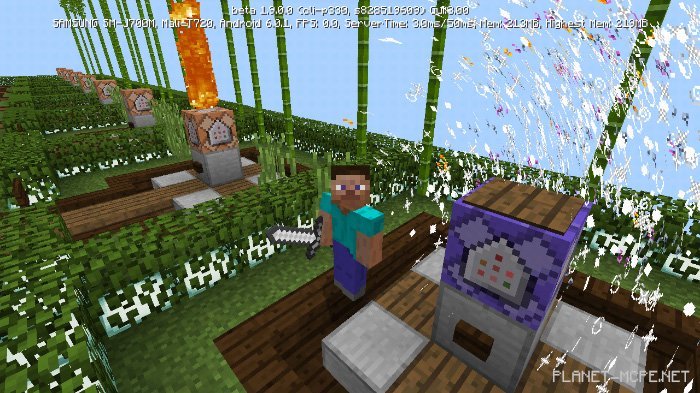
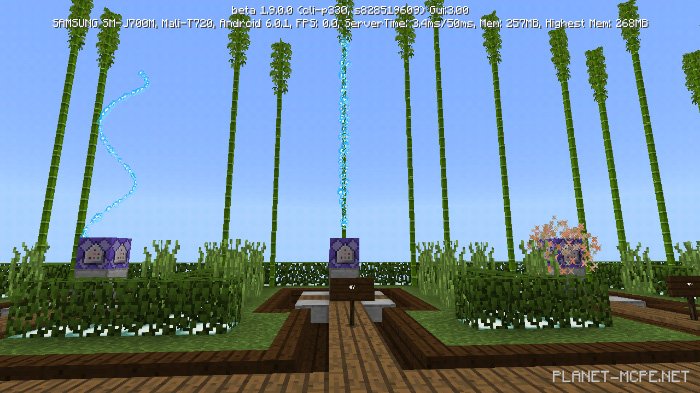
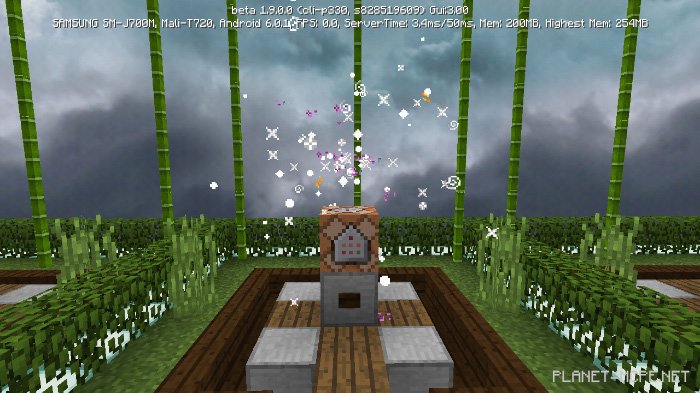
The map «New Particles (New Particles)» was designed to showcase a variety of particles introduced in Minecraft Bedrock 1.9.0.0. You can experience each particle by pressing the button on the command block. There are a total of 34 unique particles available. These particles will be incredibly useful for creating maps, servers, and other exciting projects in Minecraft.
Video Review
How to Install the New Particles Map (.mcworld)
Download the map labeled — «.mcworld» below.
Open the downloaded file to import the map into MCPE.
Launch Minecraft Pocket Edition and select the imported world.
How to Install the New Particles Map (.zip):
Download the map.
Extract the map from the archive.
Move the map to the path: “/games/com.mojang/minecraftWorlds”.
Open Minecraft PE > Play > Select the installed map.
![New Particles [Redstone] Map 1.9+](https://new.planet-mc.net/wp-content/uploads/2026/02/1542914085_new-particles-1-1-1.jpg)