Nature Border Map [Survival]
![Nature Border Map [Survival]](https://new.planet-mc.net/wp-content/uploads/2026/02/1521042633_nature-border-2-1-1.jpg)
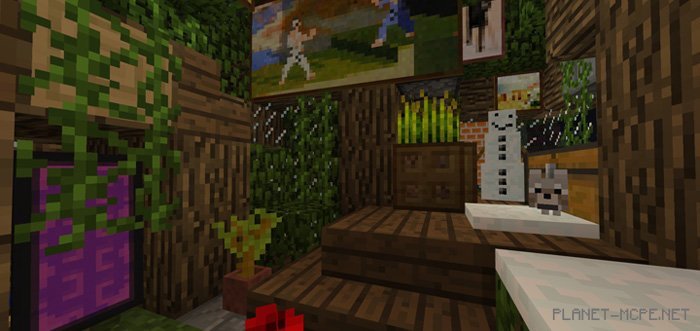
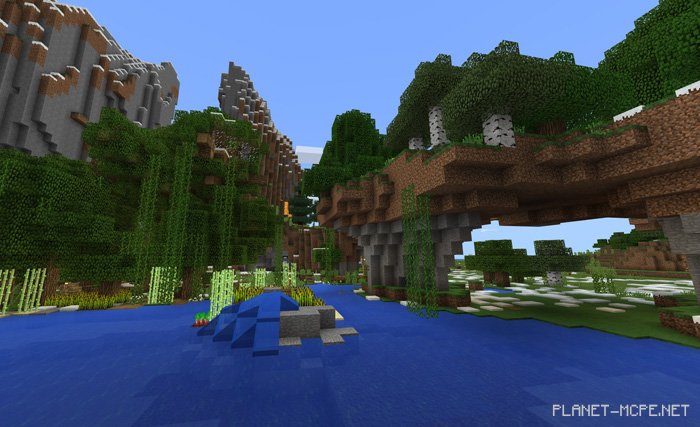
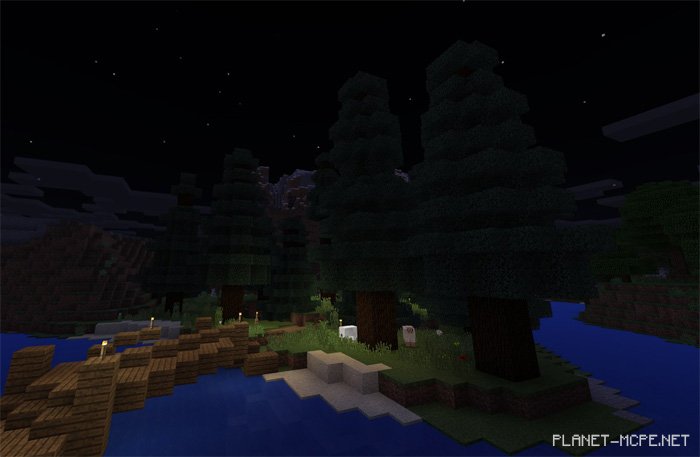
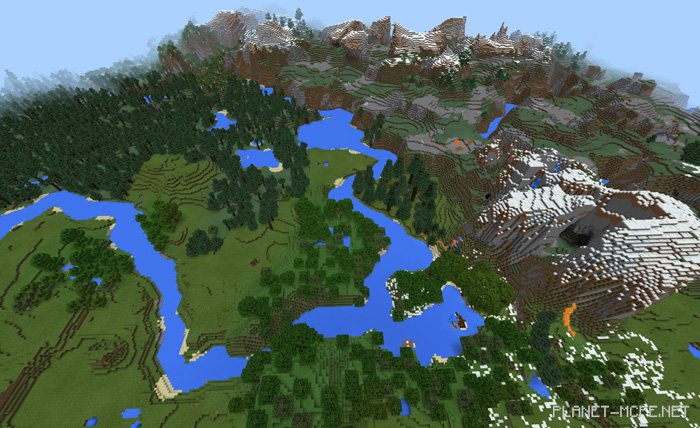
The map «Nature Border (Natural Boundary)» for Minecraft PE features a large wooden house, an array of supplies, a mine, and ample space for construction. This map is built on a stunning seed that can no longer be generated for some reason. It serves as a very useful map if you’re looking to embark on a new survival adventure without the hassle of establishing your first base in MCPE.