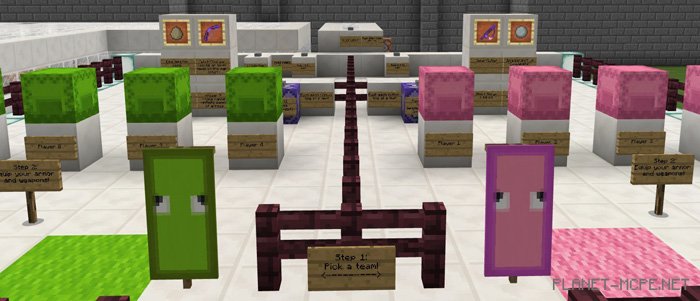
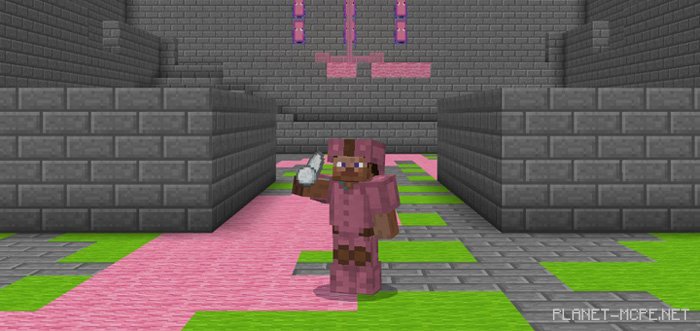
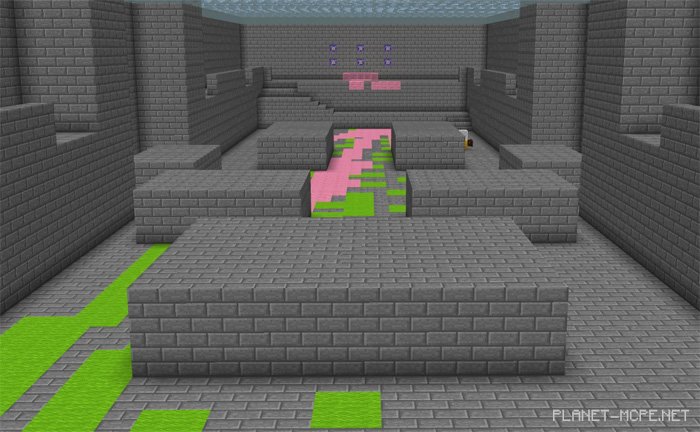
The map «Splatoon (Сплатун)» is a recreation of the game Splatoon within Minecraft Pocket Edition. It features a behavior pack and command blocks to create a PvP-style gameplay experience. This map draws inspiration from the original mini-game Splatoon created by SethBling for Minecraft: Java Edition. Playing in multiplayer mode will be quite exciting, and you can restart the mini-game directly in the game!
How to Play?
The objective of the game is to cover more turf with ink (or rather wool) in under 3 minutes. This map includes four unique weapons, an automated 3-minute timer, and the option to reset it. It is recommended for 2 vs. 2 players in MCPE, but it also accommodates 4 vs. 4 matches.
Each team has different types of weapons.
Green Team Weapons
Charging Splash – effective only at lower levels of the map. Long range, pre-enchanted with Power V, infinite ink supply
Splash Egg – requires 2 hits to kill, long-range, limited ink supply (though comes with a large amount of ink)
Pink Team Weapons
Wave Splash – one-hit kill, short range, infinite ink supply
Splattershot Junior: long range, no attack damage, limited ink supply (comes with a lot of ink)
Trailer
Changes
Added a copy of the hero shot model (Trident) for the pink team
Made some adjustments for a better experience
Installing the Splatoon Map (.mcworld)
Download the map labeled as “.mcworld” below.
Open the downloaded file to import the map into MCPE.
Launch Minecraft Pocket Edition, then select the imported world.
Installing the Splatoon Map (.zip):
Download the map.
Extract the map from the archive.
Move the map to the path: “/games/com.mojang/minecraftWorlds”.
Open Minecraft PE > Play > Select the installed map.
![Map: Splatoon (Turf Wars) [Minigame]](https://new.planet-mc.net/wp-content/uploads/2026/02/1519420082_splatoon-turf-wars-2-1-1.jpg)