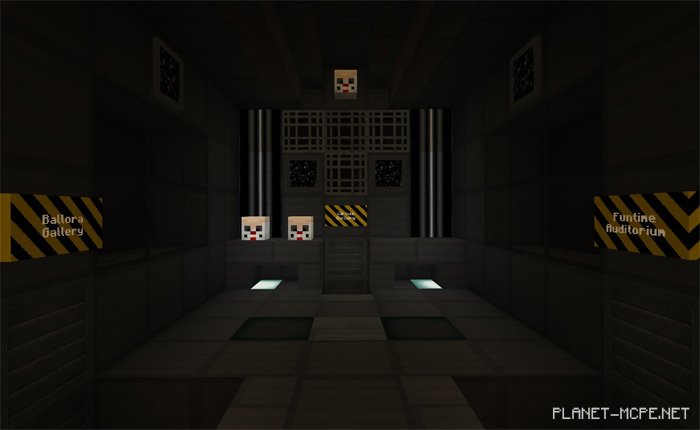
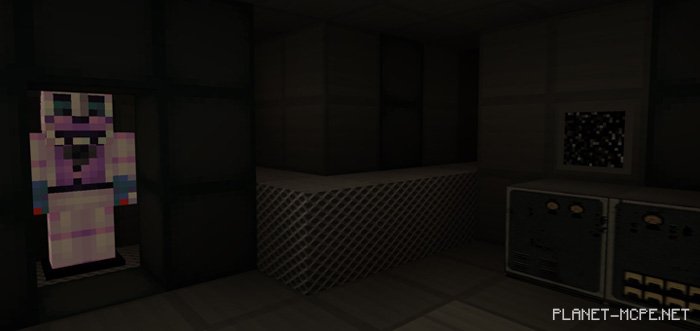
Five Nights at Freddy’s: Sister Location – Night 3 is the third installment of a well-known map in Five Nights at Freddy’s: Sister Location, set within the realm of Minecraft Pocket Edition. This offers an authentic horror adventure experience, lasting approximately 10-15 minutes. As usual, the map features impressive gameplay mechanics, including a fully narrated storyline and custom textures for MCPE.
Trailer
How to Install Five Nights at Freddy’s: Sister Location – Night 3 (.mcworld)
Download the map labeled as “.mcworld” below.
Open the downloaded file to import the map into MCPE.
Launch Minecraft Pocket Edition and select the imported world.
How to Install Five Nights at Freddy’s: Sister Location – Night 3 (.zip):
Download the map.
Extract the map from the archive.
Move the map to the path: “/games/com.mojang/minecraftWorlds”.
Open Minecraft PE > Play > Select the installed map.
![Map of Five Nights at Freddy’s: Sister Location – Night 3 [Adventure]](https://new.planet-mc.net/wp-content/uploads/2026/02/1513422195_fnaf-n3-1-1-1.jpg)