Реклама на сайте
2 млн+ просмотров в месяц
Ads

Map: Find The Button: Food Edition [Minigame]

Map: Find The Button: Food Edition [Minigame]
06.02.2026 Maps admin 0 comments 1 min 150 views

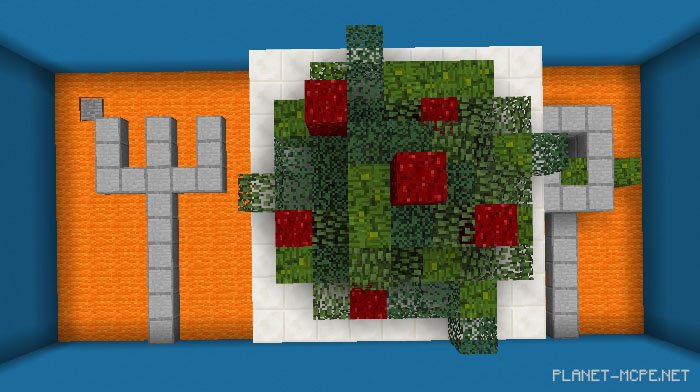
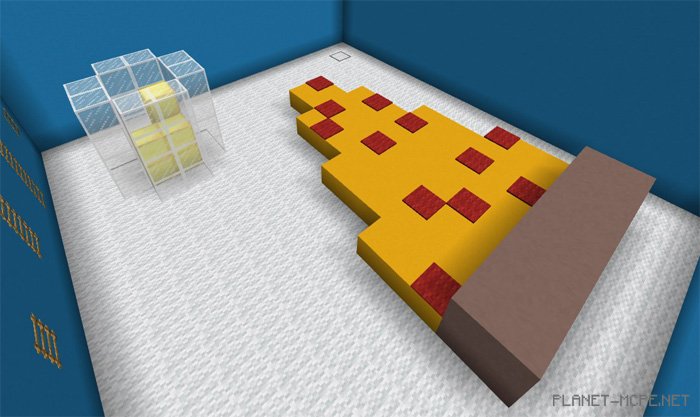
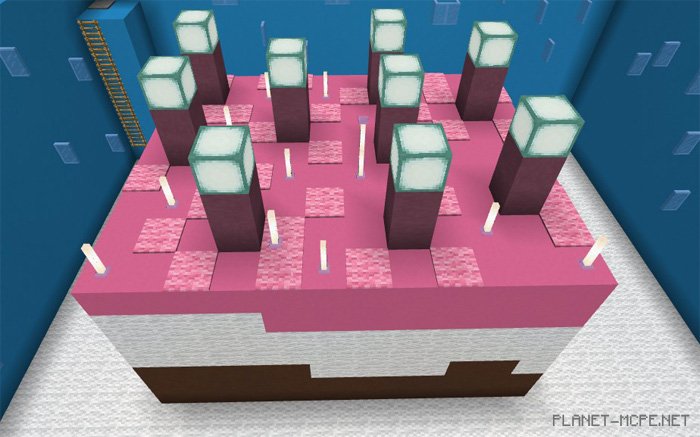
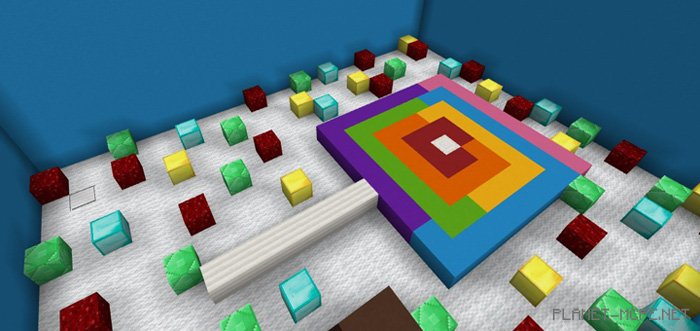
Mini-game on the mapFind The Button: Food Edition” for Minecraft Pocket Edition features 10 unique levels, each themed around different food items. Sweet lovers can enjoy delightful desserts like cake and cookies, while savory dishes such as hamburgers and pizza are also included. The main objective of each level is to locate the button that unlocks the next stage. If you find yourself stuck and unable to discover the button, a hint book is available in MCPE to provide additional guidance. Have fun!
Rules

  • Game Mode: Survival
  • Difficulty: Peaceful

Changes

  • Added 6 new levels (hot dog, ice cream, apple, popsicle, salad, fries)
  • Bugs fixed
  • Gameplay rules updated
  • Hint book revised

Installing Find The Button: Food Edition (.mcworld)

  • Download the map labeled — “.mcworld” below.
  • Open the downloaded file to import the map into MCPE.
  • Launch Minecraft Pocket Edition, then select the imported world.

Installing Find The Button: Food Edition (.zip):

  • Download the map.
  • Extract the map from the archive.
  • Move the map to the path: “/games/com.mojang/minecraftWorlds”.
  • Open Minecraft PE > Play > Select the installed map.
  • Enjoy your game!

Leave a comment