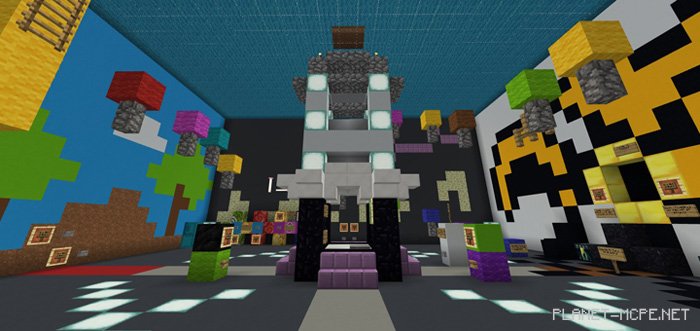
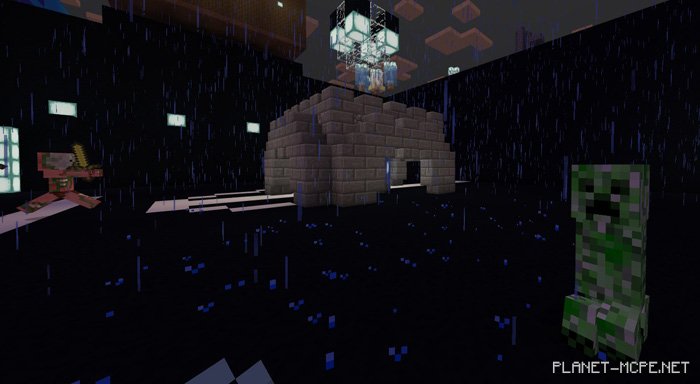
The map «Blu’s MiniGame Map (Mini-Game Map)» features a variety of mini-games for Minecraft PE, including Disasters, King of the Hill, and Hide and Seek. Development on this map took nearly 8 months, with extensive testing to ensure everything works properly. The games are primarily equipped with redstone and command blocks from Minecraft PE, and each can be reset upon completion. You have the option to play this map in either single-player or multiplayer mode.
How to Play?
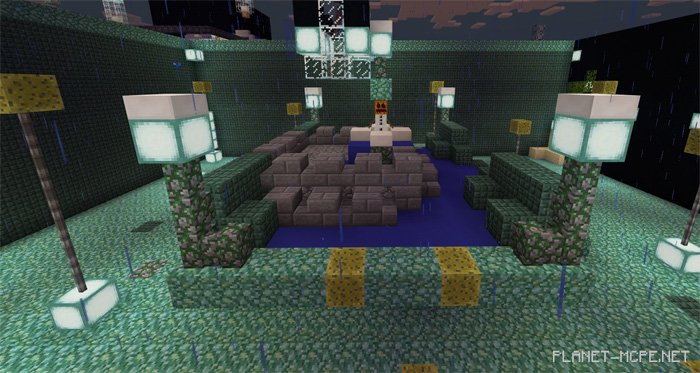
You will find yourself in an seige lobby. This is for the mini-game seige, where you must defend a snow golem (and yourself) against attacking mobs in Minecraft Pocket Edition. During gameplay, you’ll earn iron, gold, and other items that can be used to purchase weapons, enchantments, and upgrades through the shop system.
There is another lobby available that grants access to a wide range of games in MCPE.
Rules
Adventure mode
No breaking blocks
If you experience lag, reduce your render distance and turn off fancy graphics (consider disabling clouds as well)
Changes
Additions list: New weapons, gadgets, and traps for battle. Shops using XP.
New disaster (Instability) in the disaster mini-game
Special holiday moon: firework dispenser in the lobby
New spells: Abra-Ca-Repulse, Binding Spell, and more.
Some arenas have been redesigned
Fixes: Hide and Seek now functions correctly
The chance of multiple disasters occurring has increased
Items used are now named
Reward system has been revised
Preparation time reduced to 30 seconds
Players are teleported to the reward system after winning within 30 seconds.
The Spleef mini-game now receives more attention
Items in the first lobby have been rearranged for a cleaner look
The title GAME OVER is now displayed for all players
Installing Blu’s MiniGame Map (.mcworld)
Download the map labeled — «.mcworld» below.
Open the downloaded file to import the map into MCPE.
Launch Minecraft Pocket Edition, then select the imported world.
Installing Blu’s MiniGame Map (.zip):
Download the map.
Extract the map from the archive.
Move the map to the path: “/games/com.mojang/minecraftWorlds”.
Open Minecraft PE > Play > Select the installed map.
![Map: Blu’s MiniGame Map [Minigame]](https://new.planet-mc.net/wp-content/uploads/2026/02/1516219087_megaminigames-2-1-1.jpg)