Map: Antoine City [Creative]
![Map: Antoine City [Creative]](https://new.planet-mc.net/wp-content/uploads/2026/02/1538764247_antoine-1-3-1.jpg)
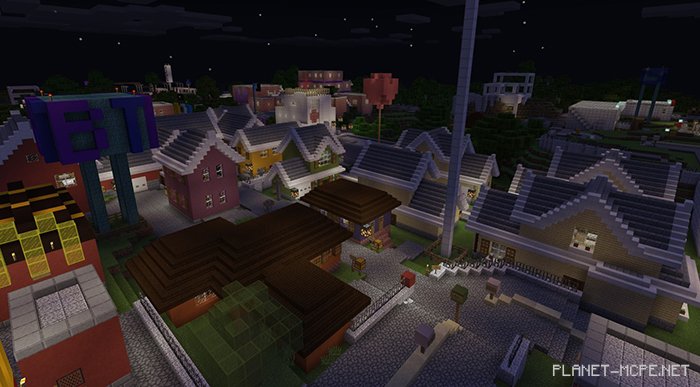
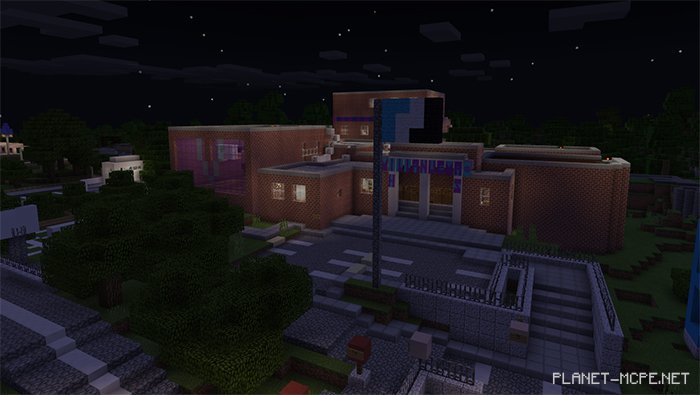
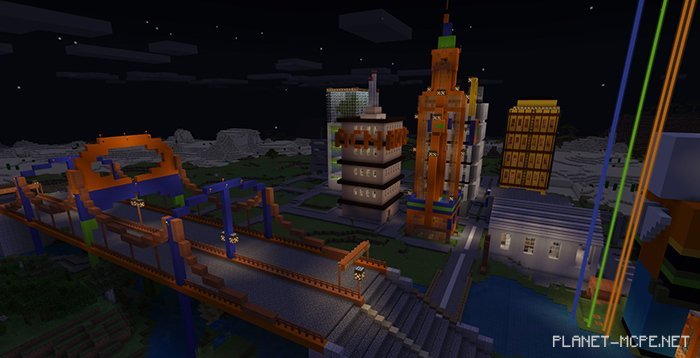
The project on the map “Antoine City” was initiated and developed by AngelPandaEarth. However, he has chosen to discontinue this project in favor of a new one. As a result, he is allowing anyone from the community to continue the work in Minecraft Bedrock. You can find more details in the book that appears when you enter the world. The map features a medium-sized city filled with various buildings to explore in Minecraft.