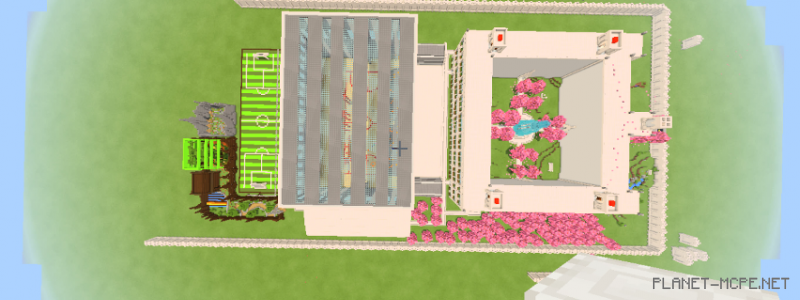
High School [Custom Landscape]
![High School [Custom Landscape]](https://new.planet-mc.net/wp-content/uploads/2026/02/1510248974_48739_59f7e4a3a5c97-1-1.png)
Download the map “High School” featuring a high school setting and enjoy playing on it. A significant amount of effort, spanning 3-4 weeks, went into its creation in the world of Minecraft PE, and development is still ongoing. I hope you appreciate the style of this map, and soon the developer will be able to present an updated version!