Epic Kit PvP 2.0 Beta Map
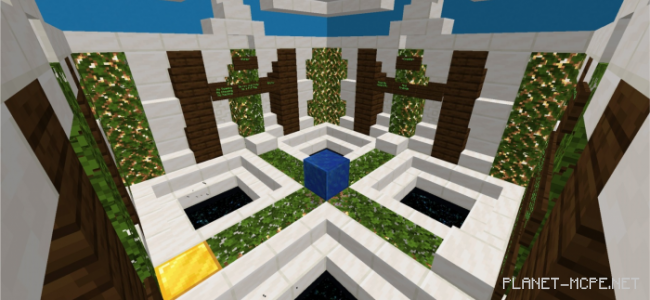
Are you interested in playing on a PvP map in Minecraft, where players have multiple lives? On the “Epic Kit PvP (Epic Set)” map, each participant starts with 5 lives. There is also a diverse selection of kits and heroes, each uniquely appealing and visually striking. You can choose your favorite location and battle it out with your friends!
How to Play?
Enter Minecraft Bedrock, open the map, and you’ll see a game icon with a button next to it. Click on this button to start the round.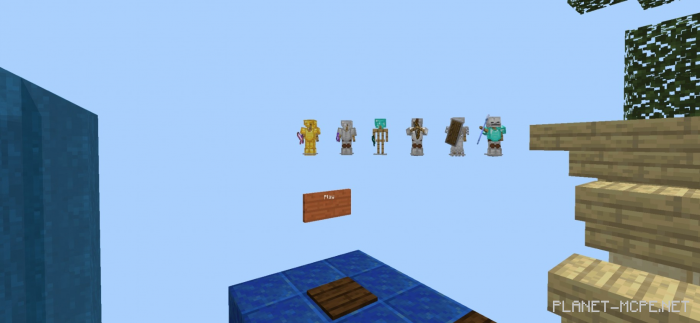 Initially, all players will be placed in a lobby, waiting for other participants and the match to begin.
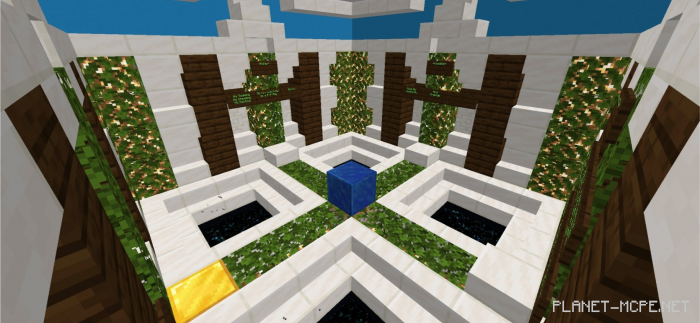 A panel will display the number of players. If there are fewer than 2 or more than 5, you won’t be able to start the round. Only when the player count is within the specified range will a button appear for you to click.
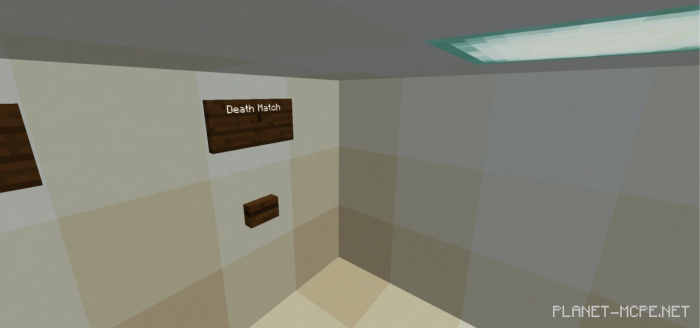
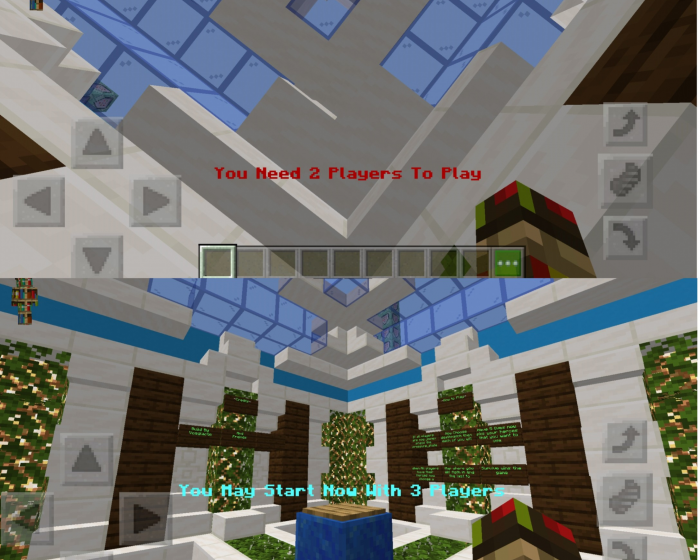 Next, you will teleport to a room where you can select modes (currently, only one mode is available). You’ll see a sign that says Death match along with a button below it. Click on this button.
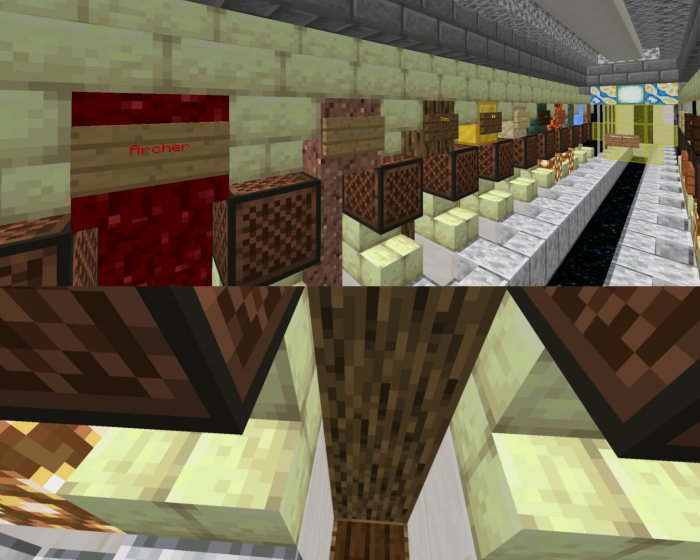
 After selecting a location, all players will be teleported to a hero/kit selection room. The process here is similar: choose your desired hero and press the button under the sign.
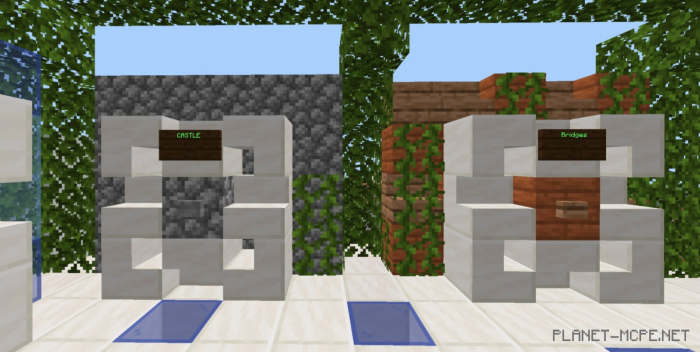
 Wait for everyone to make their selections before being teleported to the match room. Then, click the button for your chosen location.
 All players will then be transported to the battlefield, and the game begins! If you die, your life count decreases. Once you’ve used up all 5 lives, you exit the match. You can click on the spectator button to continue watching your friends play.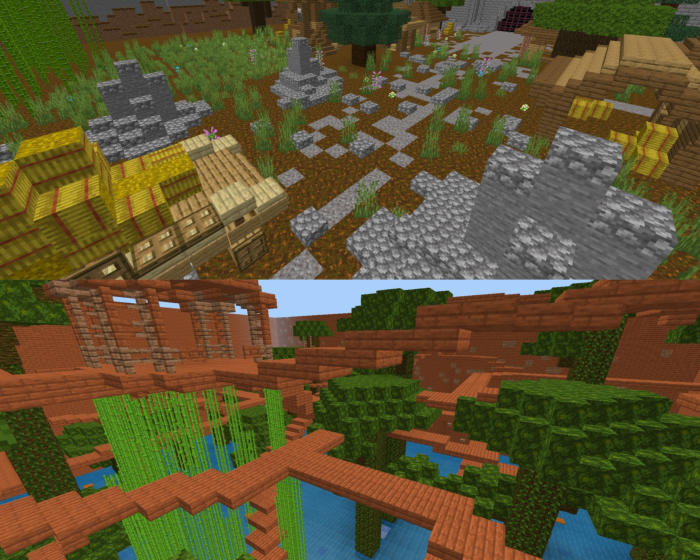
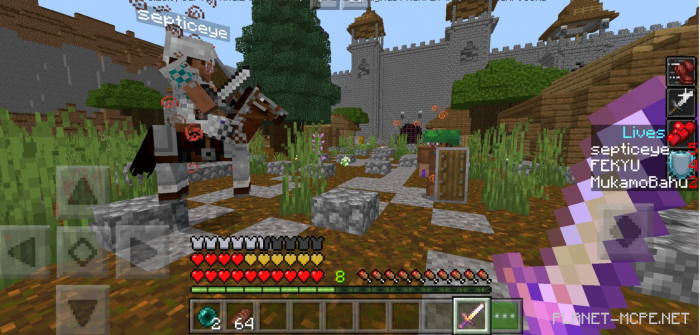 The winner is the last player standing on the battlefield. The location resets automatically, and all players return to the lobby. You can then repeat the game and play again.
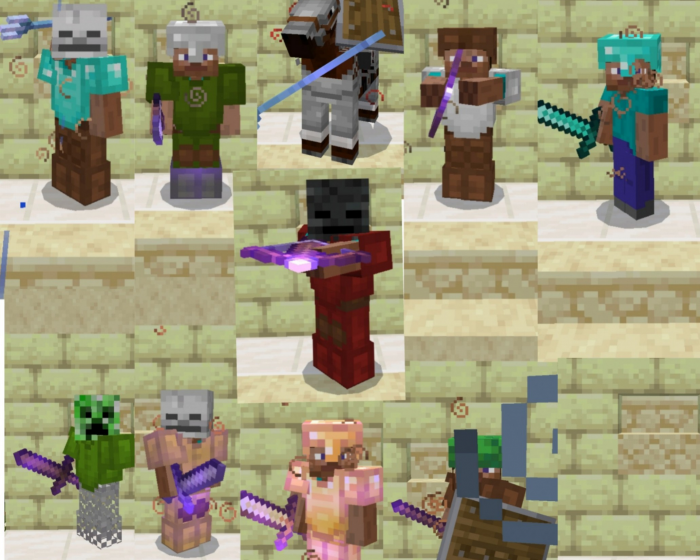
There are a total of 11 heroes, each possessing unique abilities. You can select any one of them.