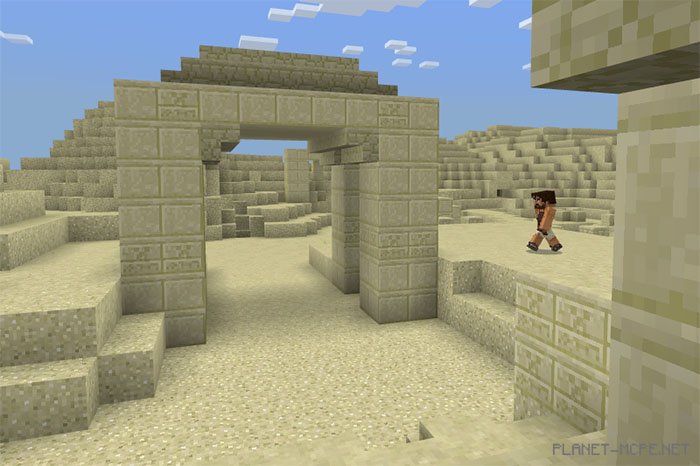
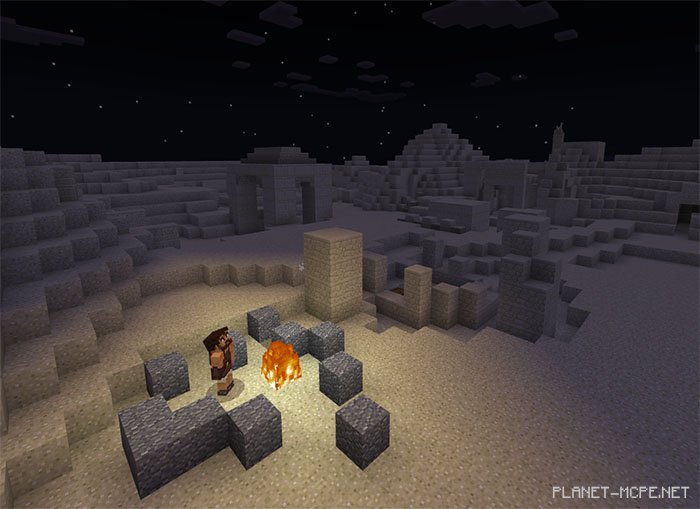
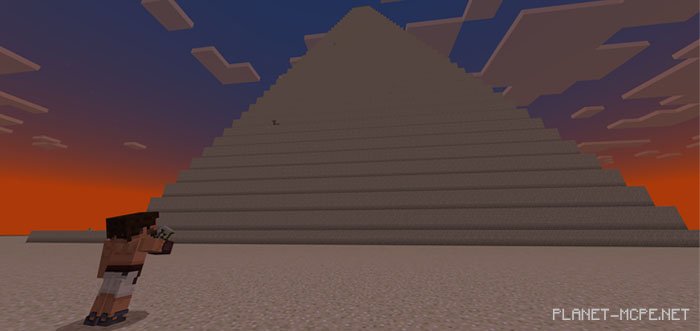
Egypt Survival is a survival map featuring several unique locations crafted within the flat world of Minecraft PE. Currently, you can explore 6 distinct areas including the Kattara Abyss, the Great Sand Sea, Siwa, Giza, the Forbidden Zone, and The End. Delve into tombs, corridors, towers, pyramids, and attempt to complete various quests listed below on this page.
Quests
Gather loot to ensure you have enough items to battle all enemies until the end
Trade with villagers in Siwa using different currencies
Locate 4 portal blocks to create a Nether portal that will take you to the forbidden zone
Create Ender Eyes and build a portal to The End
Find fireworks and a pair of Elytra, then defeat the Ender Dragon
Search for a secret location at the end
Access the achievement hall
Complete tasks to earn great rewards
Discover the explorer’s house and place trophies in the Trophy Room for excellent prizes
Rules
Do not leave the designated areas (avoid stepping on or moving through grass)
Play on any difficulty level
Do not steal items from the Achievement Hall, shops, or Trophy Room
Do not convert gold ingots into gold nuggets
Installing the Egypt Survival Map (.mcworld)
Download the map labeled as “.mcworld” below.
Run the downloaded file to import the map into MCPE.
Open Minecraft Pocket Edition, then select the imported world.
Installing the Egypt Survival Map (.zip):
Download the map.
Extract the map from the archive.
Move the map to the path: “/games/com.mojang/minecraftWorlds”.
Launch Minecraft PE > Play > Select the installed map.
![Egypt Survival [Survival]](https://new.planet-mc.net/wp-content/uploads/2026/02/1522169602_desert-survival-2-1-1.jpg)