EckoSoldier Map Let’s Play World – Survival Island Season 1 [Creativity]
![EckoSoldier Map Let’s Play World – Survival Island Season 1 [Creativity]](https://new.planet-mc.net/wp-content/uploads/2026/02/1509822925_survival-island-2-1-1.jpg)
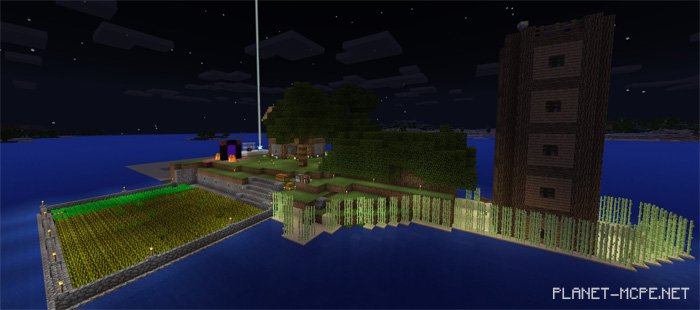
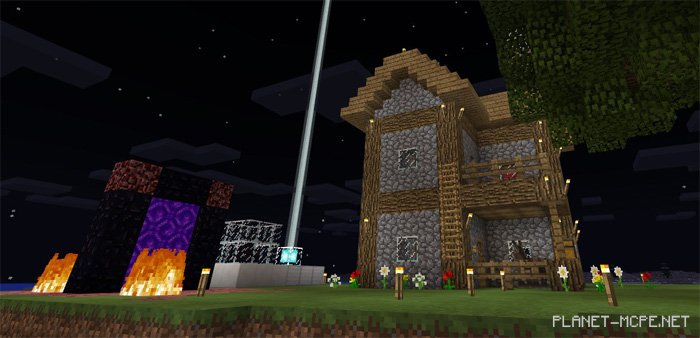
Discover the realm of the map “EckoSoldier Let’s Play World – Survival Island Season 1 (World from EckoSoldier’s Let’s Play),” which EckoSoldier utilized in one of his survival gameplay series within Minecraft PE. In this season, he embarked on a journey across the ocean starting from a small desert island. Season 1 (also the final season of this series) spanned 11 episodes over approximately two months (beginning mid-2016). Today, you can experience this world in Minecraft PE for yourself. Enjoy!