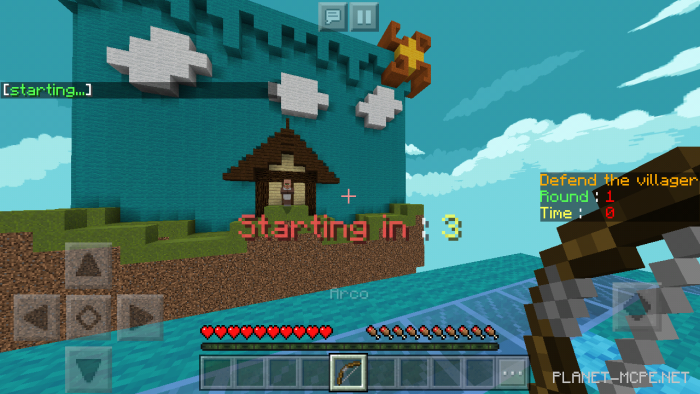
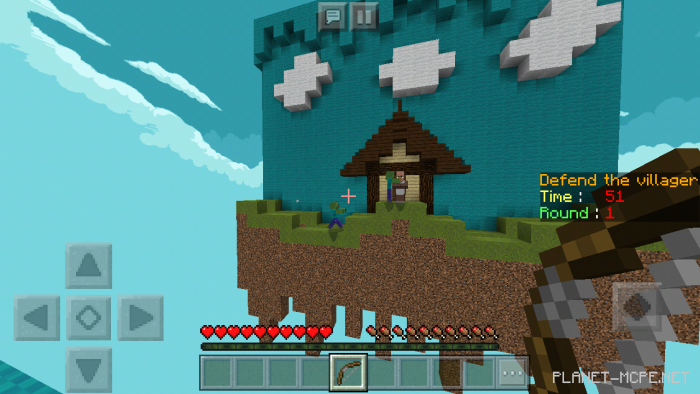
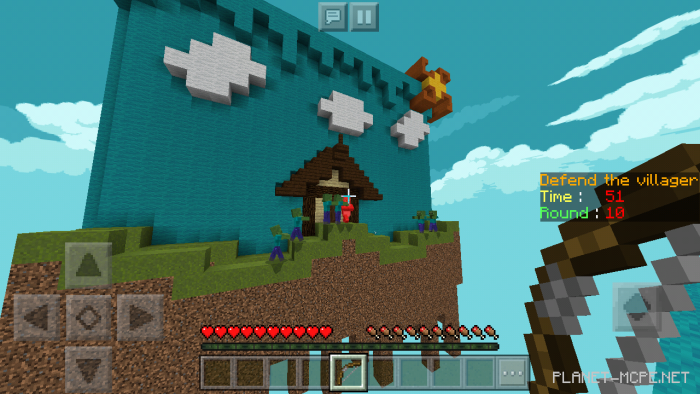
Map “Defend The Villager” is an entertaining mini-game suitable for any Minecraft player. Your mission is to protect the villager from incoming zombies that will spawn. You will only have a bow and arrows at your disposal, along with 10 levels, each lasting 1 minute.
Objective: Prevent the zombies from reaching the villager and turning him into one of them in Minecraft Bedrock.
How to Install Defend The Villager Map (.mcworld)
Download the map labeled as “.mcworld” below.
Open the downloaded file to import the map into Minecraft.
Launch Minecraft Pocket Edition, then select the imported world.
How to Install Defend The Villager Map (.zip):
Download the map.
Extract the map from the archive.
Move the map to the path: “/games/com.mojang/minecraftWorlds”.
Open Minecraft PE > Play > Select the installed map.
![Defend The Villager Map [Mini-game]](https://new.planet-mc.net/wp-content/uploads/2026/02/1550703139_defend-the-villager_2-1-1.png)