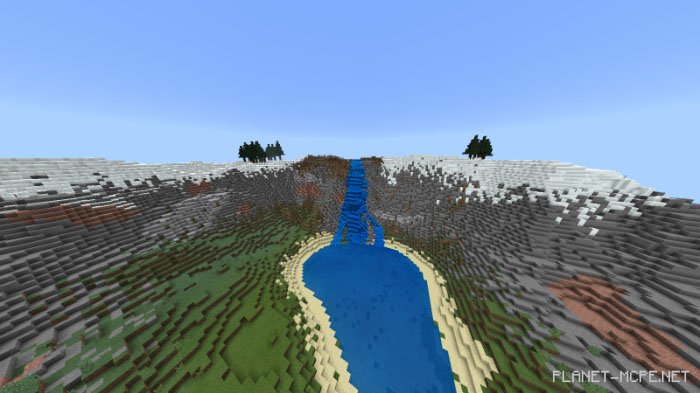
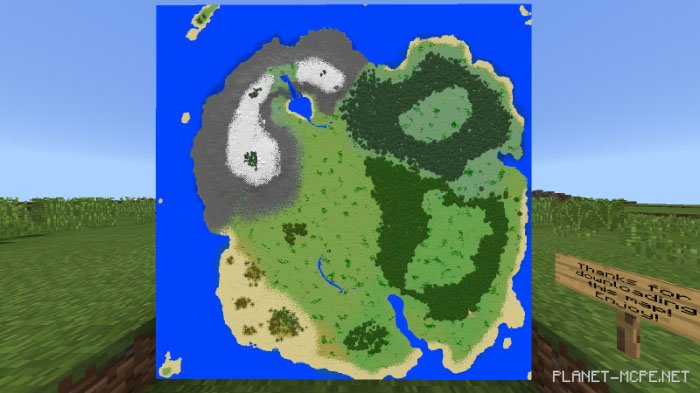
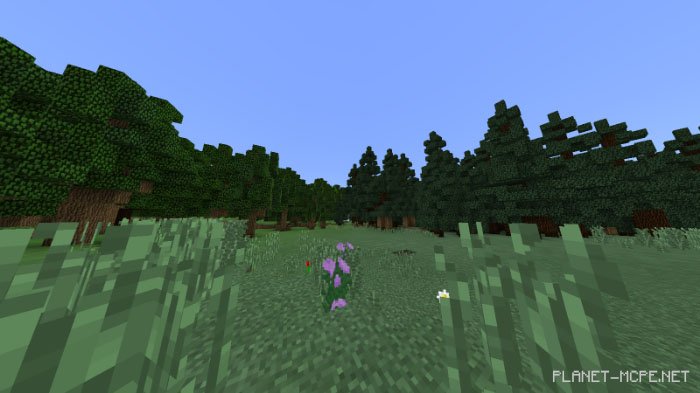
The user landscape on the map “Custom Rewrited (User Processing)” is ideal for survival gameplay. It features a medium-sized island in Minecraft , filled with various biomes and areas to explore. Some of these regions include new types of forests, waterfalls, and expansive beaches. Upon entering the Minecraft Bedrock world, you will discover a chest containing tools, food, and armor. Additionally, if you possess great creative thinking, you’ll find plenty of flat spaces perfect for building!
Features
Custom oak, pine, and palm forests
A snowy hill area with a waterfall flowing into a lake
An enormous beach
You can earn achievements in this world
A starting chest filled with tools, food, and armor
Ample flat terrain for creative builders
Installing the Custom Rewrited Map (.mcworld)
Download the map labeled “.mcworld” below.
Open the downloaded file to import the map into MCPE.
Launch Minecraft Pocket Edition and select the imported world.
Installing the Custom Rewrited Map (.zip):
Download the map.
Extract the map from the archive.
Move the map to the path: “/games/com.mojang/minecraftWorlds”.
Open Minecraft PE > Play > Select the installed map.
![Custom Rewrited [Custom Landscape]](https://new.planet-mc.net/wp-content/uploads/2026/02/1536270595_custom-rewrited-3-1-1.jpg)