Craftmania Map
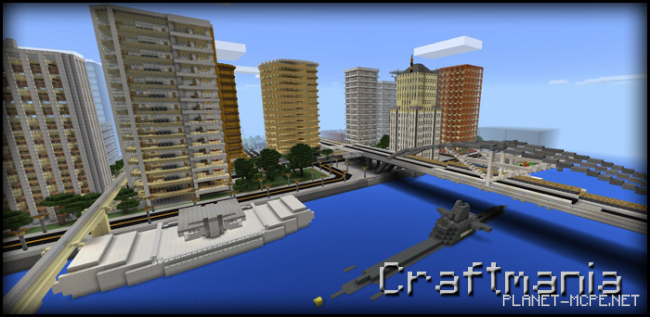
On the Craftmania map, you won’t find just a city. Craftmania is an entire nation made up of several cities, towns, and various areas waiting to be explored. It stands as one of the largest maps available for Minecraft Pocket Edition. While playing on the Craftmania map, you can thoroughly investigate the architecture of the cities, including an airport and military bases that feature both airfields and missile launch sites.
Here’s a screenshot of the city where you’ll spawn. This area represents the commercial district filled with skyscrapers, office buildings, and hotels.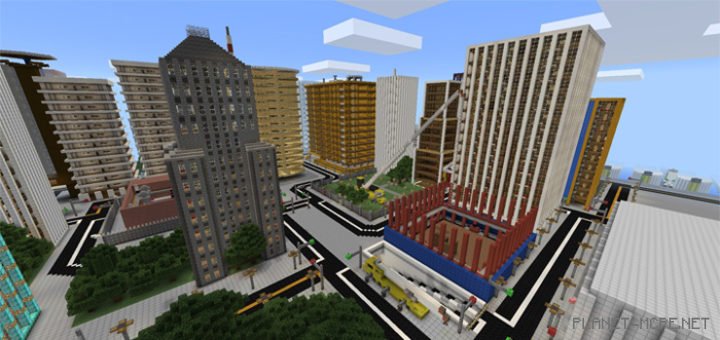
A large river flows between two cities, featuring a submarine and other small vessels within its waters.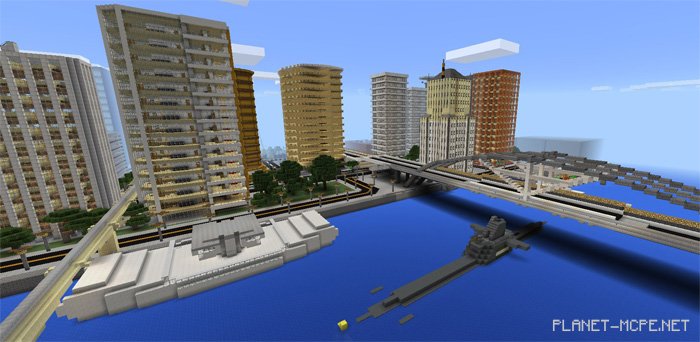
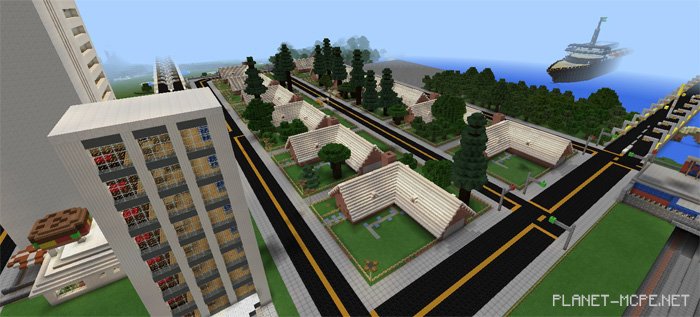
Not far from your starting point lies a suburban area. The houses in this neighborhood are designed at a 1:1 scale, suggesting that part of this map was created using an editor.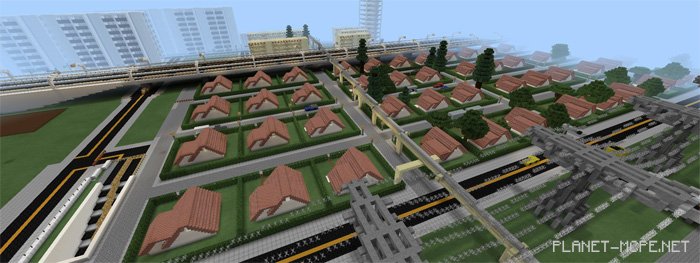
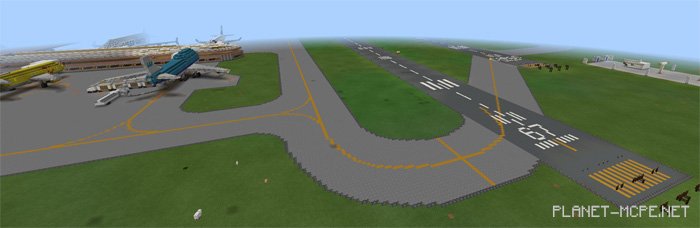
Another notable feature in this city is a large airport, which hosts around ten airplanes. The airport even includes a realistic runway for takeoffs and landings.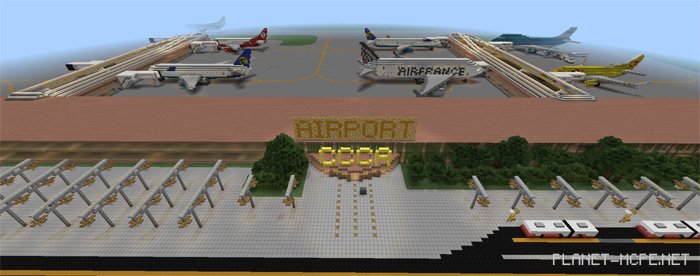
Close to the spawn point, there is a large harbor where ships can also be found. Some of these vessels carry containers loaded with cargo.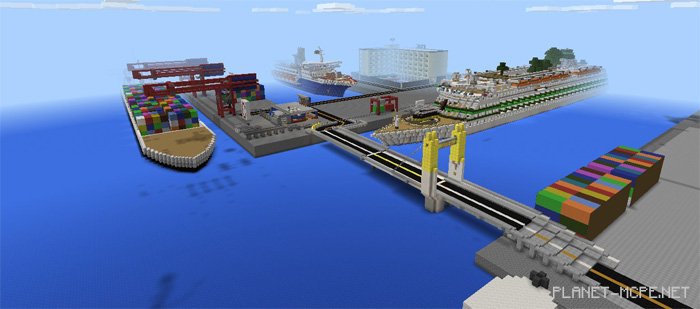
Further out to sea, you will discover massive oil platforms.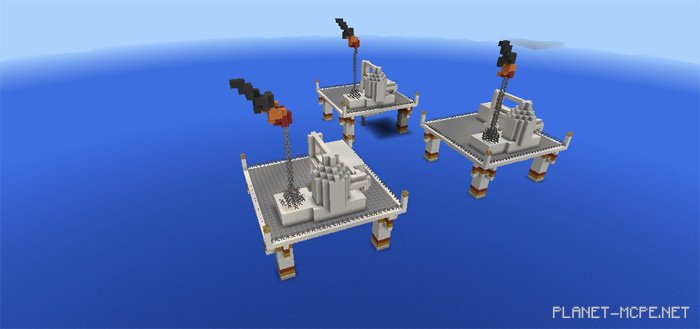
There are many more diverse locations within the city for you to explore. You’ll uncover these places on your own!
Download Craftmania v 0.4.0 (.zip)