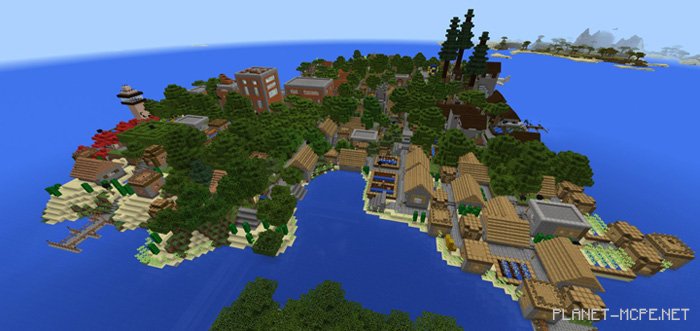
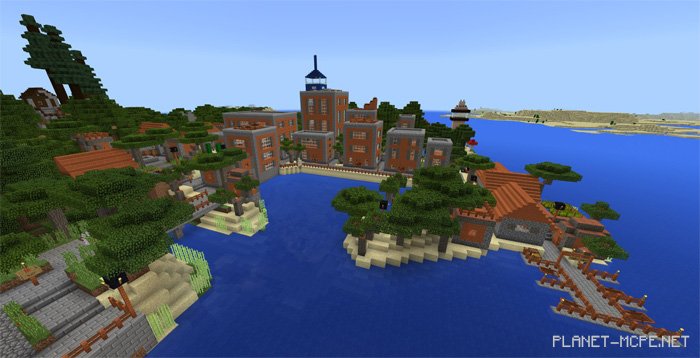
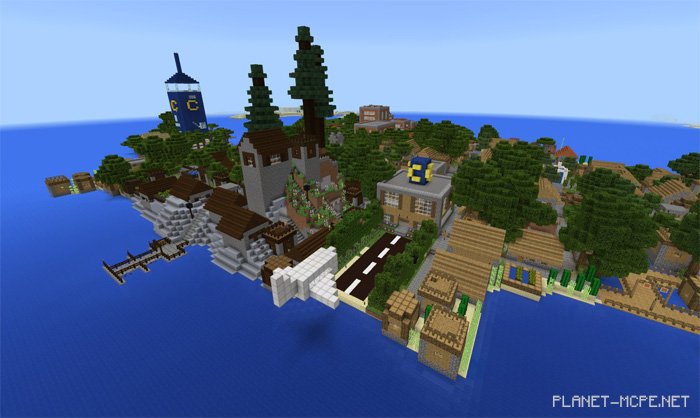
The map «Caden Island» is a distinctive yet conventional world in Minecraft Pocket Edition, featuring the classic village style of MCPE within a large urban setting. The city is divided into five unique sections, each showcasing different architectural styles. Although it occupies a relatively small island, there are plenty of intriguing sights to explore.
Island Features
Caden City: The heart of the island. It resembles a typical village from Minecraft PE, but has evolved into a bustling town.
Royal Gardens: An exotic area located in the northeast corner. Here, you will discover natural attractions such as a swamp, a hedge maze, and a mushroom forest.
High-Long-Bay: This beachside region features an acacia skyline along the eastern coast of the island. There’s also a quaint walking area and a shopping center.
Mountain Giant: A hilly section of the island where dark oak houses are built closely together. This area offers stunning views of the surrounding regions.
Caden Tower: Technically its own island situated north of Caden City. You’ll find a massive lapis lazuli tower that serves as the focal point of the world.
How to Install Caden Island Map (.mcworld)
Download the map labeled as «.mcworld» below.
Open the downloaded file to import the map into MCPE.
Launch Minecraft Pocket Edition and select the imported world.
![Caden Island Map [Creativity]](https://new.planet-mc.net/wp-content/uploads/2026/02/1515255401_caden-island-2-1-1.jpg)