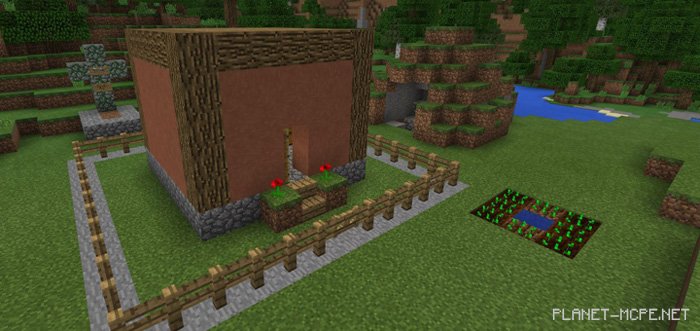
Map “Self Building House” utilizes a multitude of command blocks in Minecraft Pocket Edition, enabling the automatic construction of a house from scratch. Various block animations and vanilla sounds are employed to create this structure. The entire building process in MCPE takes approximately 2 minutes, and once completed, it can be dismantled in about 6 seconds.
How does it work?
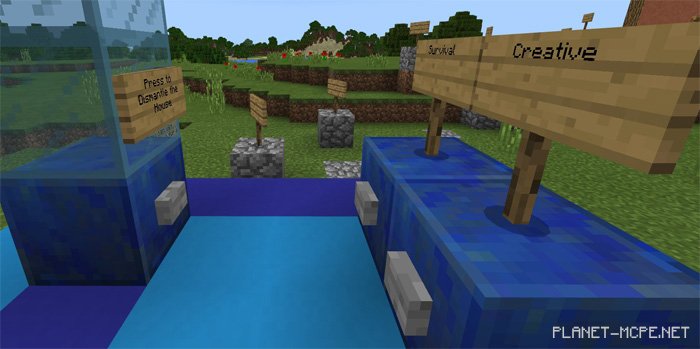
You can initiate the process in Minecraft PE by pressing a button on a blue lapis lazuli block. This is an incredible animation that lasts between 1 to 2 minutes from start to finish.
Features
Automatic construction with numerous block animations
Building and dismantling the structure at the press of a button
Easter egg – a gadget
Interior design included
Rules
Do not press the build button more than once
You may use creative mode for better viewing
Changes
Fixed a rare issue where some animations would not complete
The Easter egg is now more noticeable
Players are teleported in the correct direction to avoid missing the first animation
Hall of Fame removed
Other minor fixes
Installing the Self Building House Map (.mcworld)
Download the map labeled as “.mcworld” below.
Run the downloaded file to import the map into MCPE.
Open Minecraft Pocket Edition and select the imported world.
Installing the Self Building House Map (.zip):
Download the map.
Extract the map from the archive.
Move the map to the path: “/games/com.mojang/minecraftWorlds”.
Launch Minecraft PE > Play > Select the installed map.
![Self-Building House [Redstone] Map](https://new.planet-mc.net/wp-content/uploads/2026/02/1518463444_self-building-house-2-1-1.jpg)