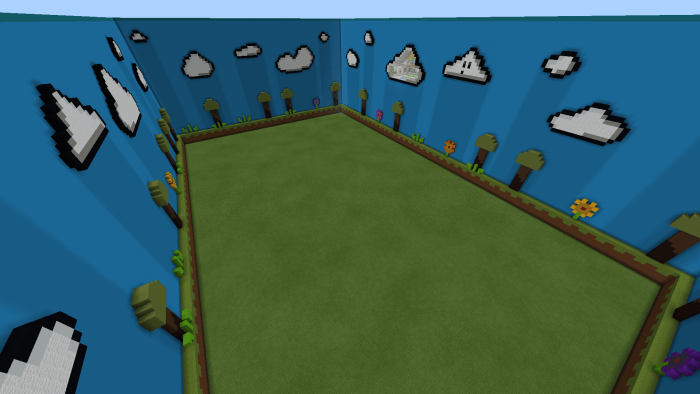
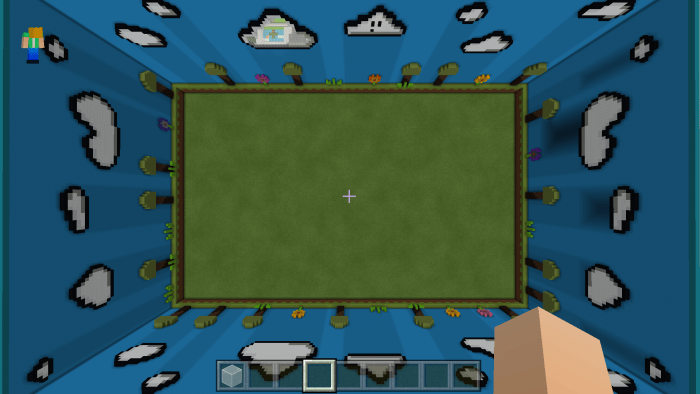
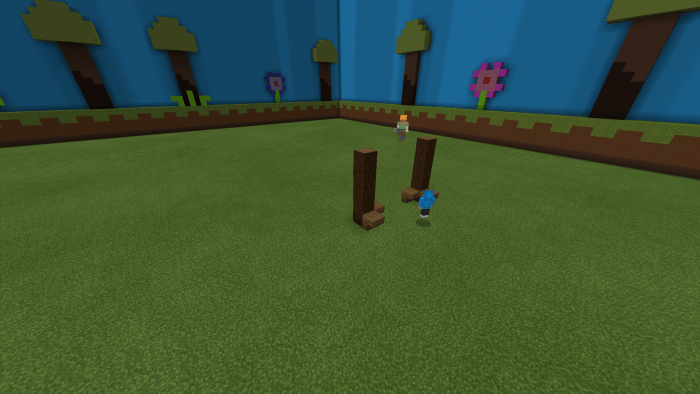
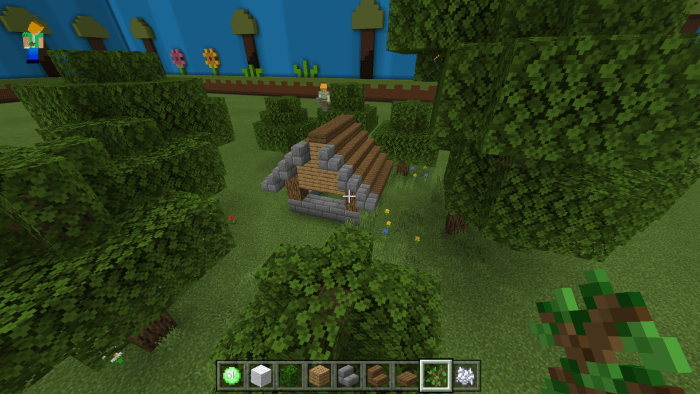
Design your own hide-and-seek arena in Minecraft using the map titled “Hide And Seek Maker“! You have the freedom to construct various structures and customize the map according to your tastes. Once you’re done, invite your friends over for a fun game of hide-and-seek together.
How to Play?
To initiate construction, click the “Creative” button. From there, your imagination is the limit — the game world of Minecraft is entirely at your disposal, so feel free to build and create anything you desire. Once everything is set up, invite other players by clicking the “OK” button. After that, exit creative mode by pressing the “Creative” button again.
How to Install the Hide And Seek Maker Map (.mcworld)
- Download the map labeled as “.mcworld” from the options below.
- Open the downloaded file to import the map into Minecraft.
- Launch Minecraft Pocket Edition, and then select the imported world.