On the map titled “Buttons”, you will embark on a quest to locate buttons across 10 distinct levels. If you enjoy button or lever hunting games in Minecraft, this map is sure to captivate you!
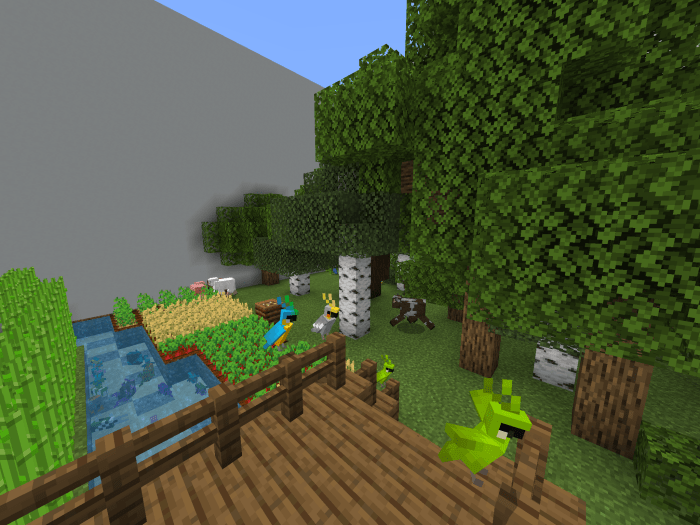
It supports both single-player and multiplayer modes. 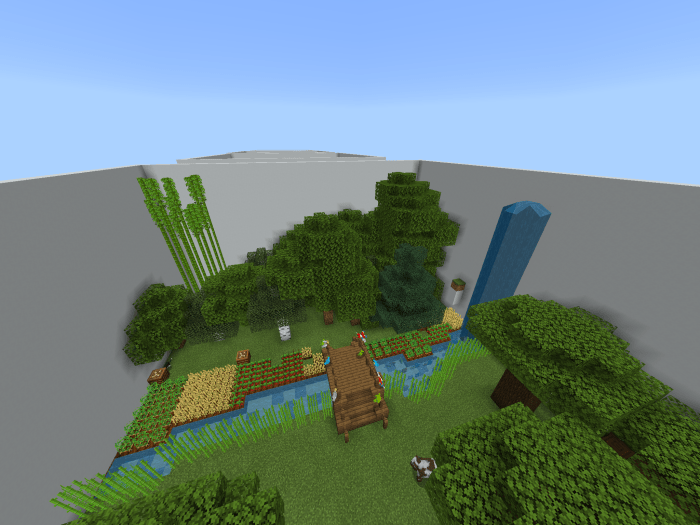 This is the spawn point.
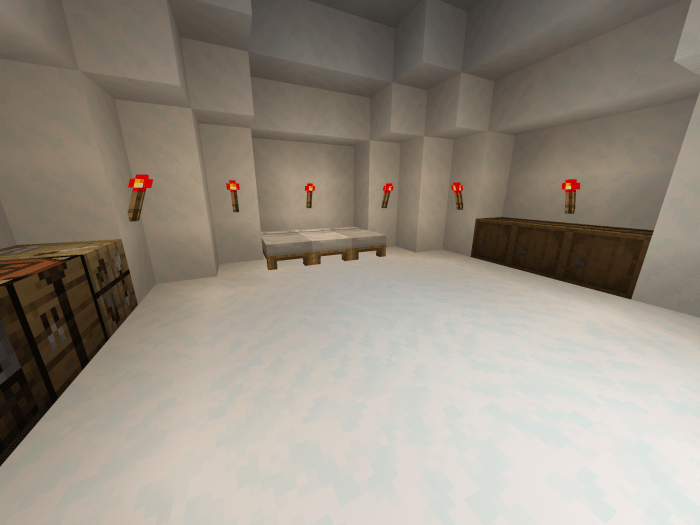
 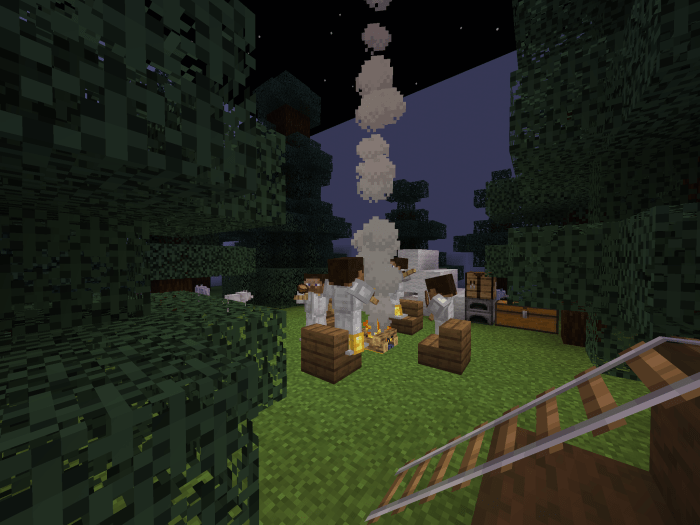 Here’s the first level of the game, resembling a typical button search level.
 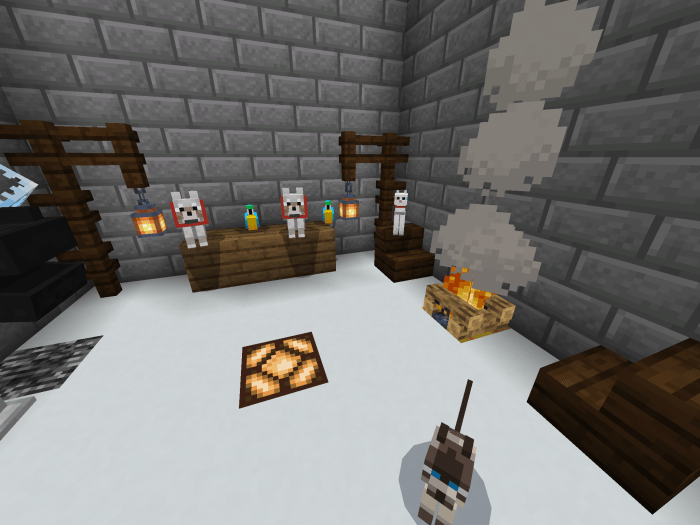 This level features parkour elements; you’ll need to climb to the top to press the button.
 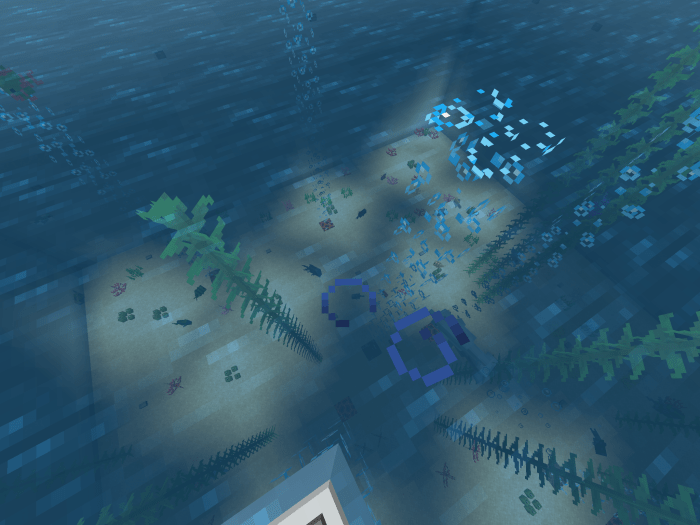 This is the only level where your Minecraft character’s life may be at risk.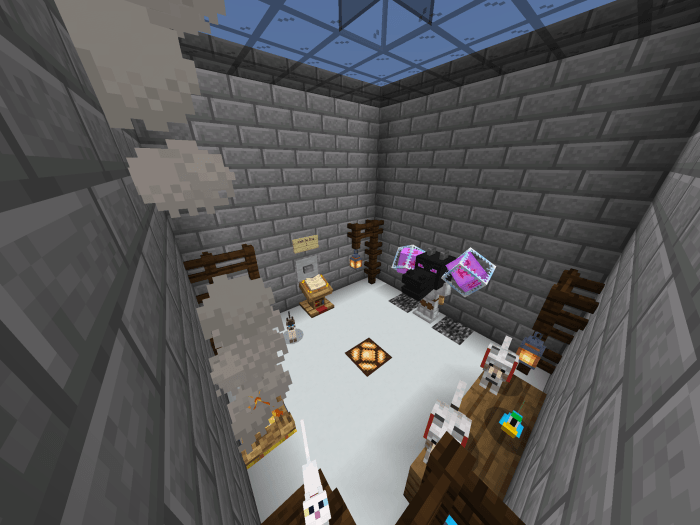
Installing the Buttons Map (.mcworld)
- Download the map labeled as “.mcworld” from below.
- Open the downloaded file to import the map into Minecraft.
- Launch Minecraft Pocket Edition, and then select the imported world.
Installing the Buttons Map (.zip):
- Download the map.
- Extract the map from the archive.
- Move the map to the following path: “/games/com.mojang/minecraftWorlds”.
- Open Minecraft PE > Play > Select the installed map.
- Have fun playing!