Giant Bathroom Parkour Map
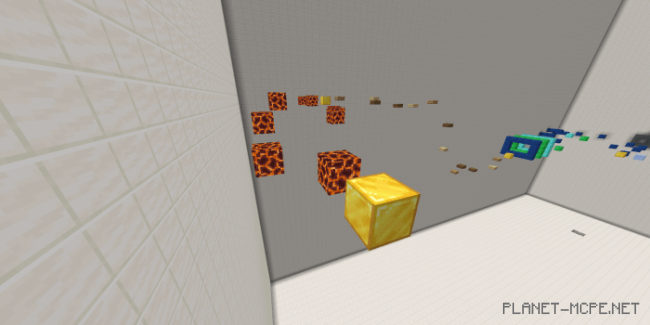
The map “Giant Bathroom Parkour” in Minecraft features an enormous bathroom. You will need to navigate through blocks to reach the exit. The map includes checkpoints and a brief storyline.
This is how the game begins: 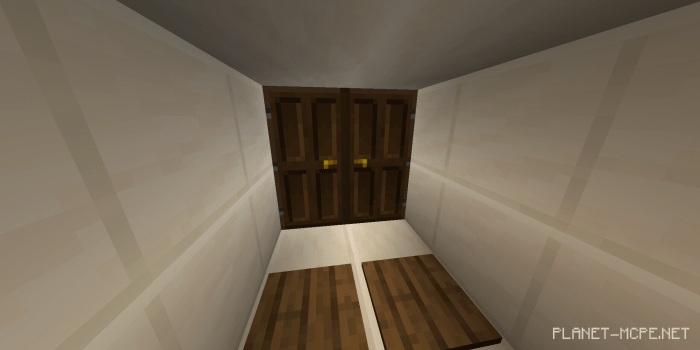 This door leads into a vast room where your missions will take place. Upon entering, you’ll feel as if you’re inside a giant’s house in the world of Minecraft Bedrock, and as a tiny character, you must overcome obstacles to escape.
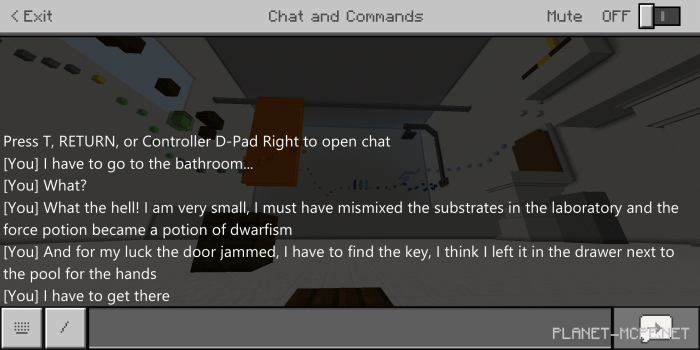
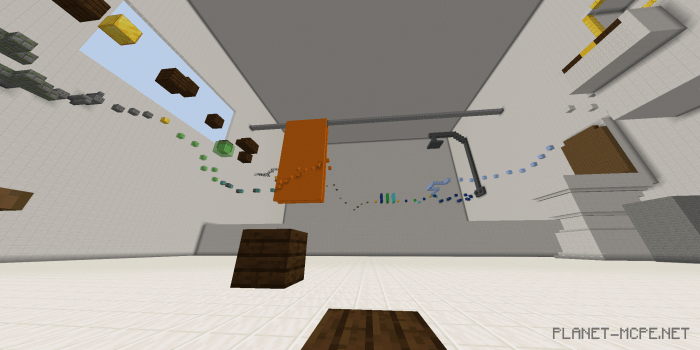 To understand how you ended up there, the creator has left a short story in the chat. Unfortunately, it is in English:
 Here’s what the obstacle paths will look like. The golden block serves as a checkpoint.
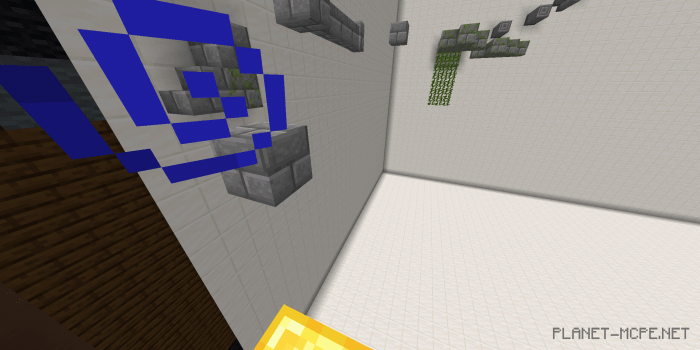 Once your character touches the golden block, you’ll hear a sound indicating that your progress has been saved. If you die, the game will restart from the last golden block.
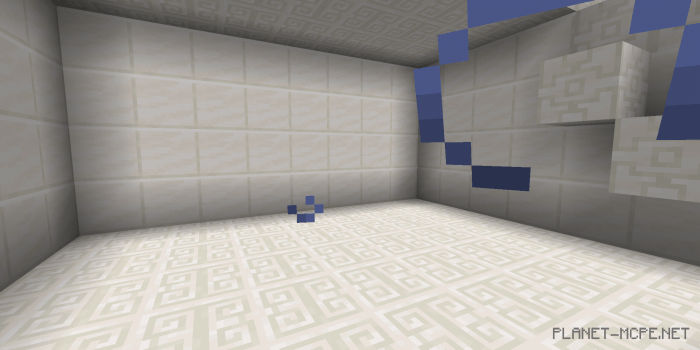
 Here are some additional locations: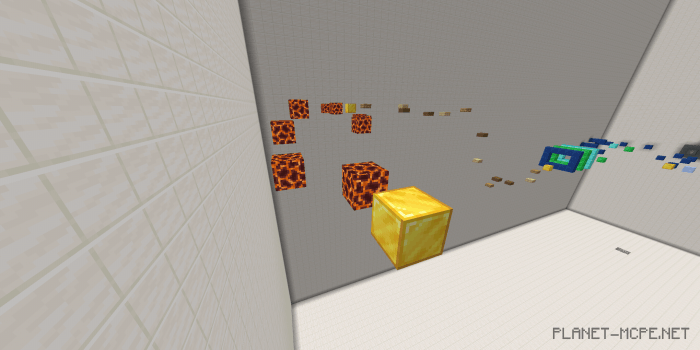
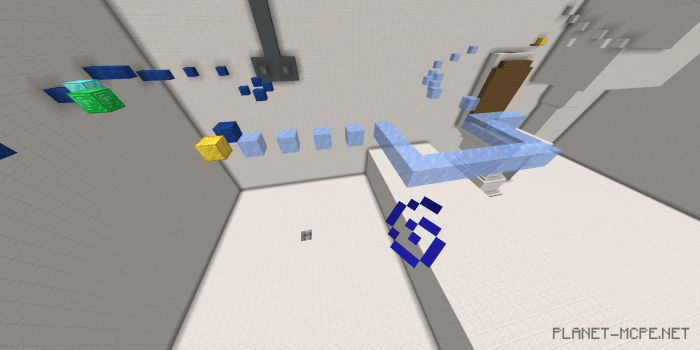 To complete the level, you need to reach the box and find the key (a large key made of yellow blocks):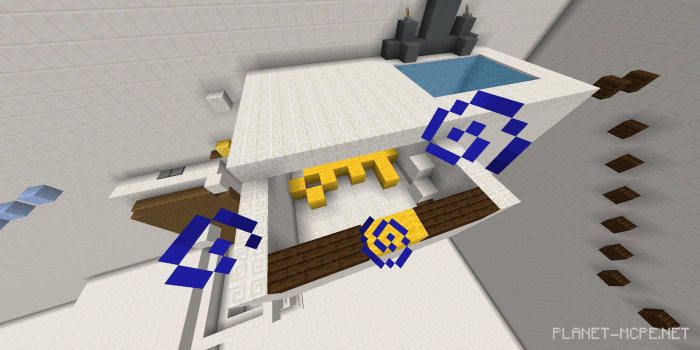
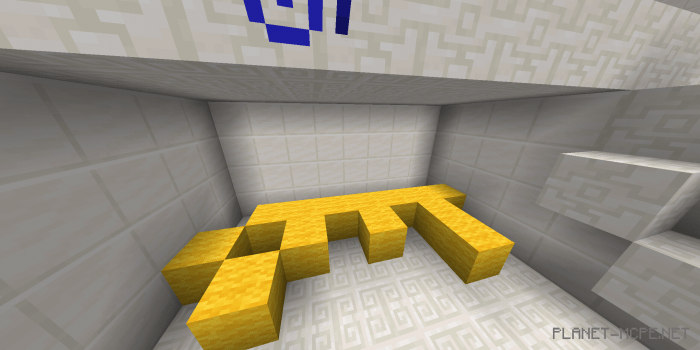
 After finding the key, proceed to the door.