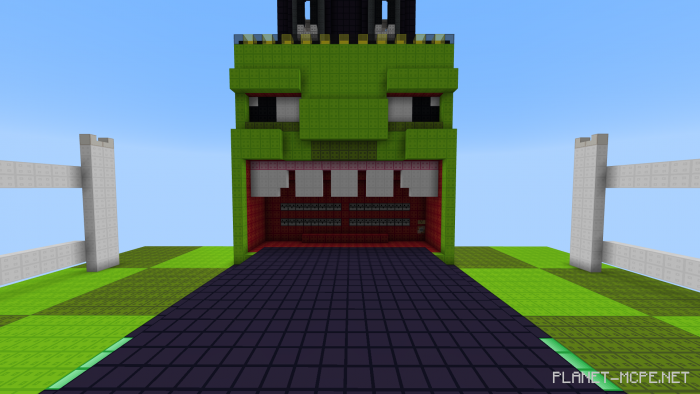
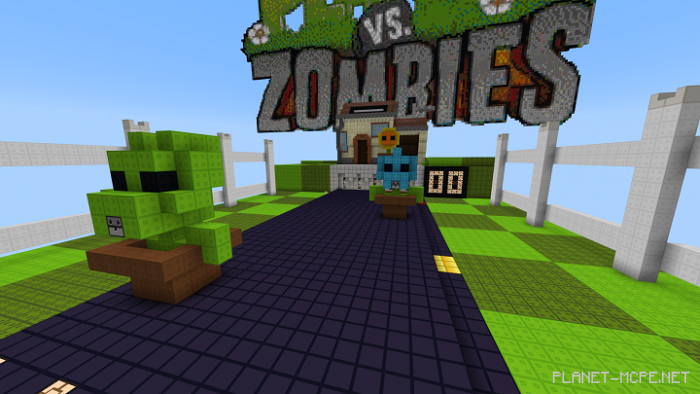
We present to you the map “Plants Vs Zombies”, where you’ll need to defend your base in Minecraft Bedrock against waves of zombies for as long as possible! This mini-game is inspired by FvDisco’s Zombie Siege.
Protect Your Home from Zombie Waves!
Features
2 Self-loading 64-ton TNT cannons with adjustable firing range
TNT ammo counters
Increasing difficulty levels
Helpful combat plants that will assist in defending your home!
How to Install the Plants Vs Zombies Map (.mcworld)
Download the map labeled — “.mcworld” below.
Open the downloaded file to import the map into Minecraft.
Launch Minecraft Pocket Edition, then select the imported world.
How to Install the Plants Vs Zombies Map (.zip):
Download the map.
Extract the map from the archive.
Move the map to the path: “/games/com.mojang/minecraftWorlds”.
Go to Minecraft PE > Play > Select the installed map.
![Plants Vs Zombies Map [Minigame]](https://new.planet-mc.net/wp-content/uploads/2026/02/1553630653_plants-vs-zombies-minigame-v10_4-1-1.png)