Реклама на сайте
2 млн+ просмотров в месяц
Ads

Map: Find The Button Halloween Edition [Minigame]

Map: Find The Button Halloween Edition [Minigame]
06.02.2026 Maps admin 0 comments 1 min 81 views

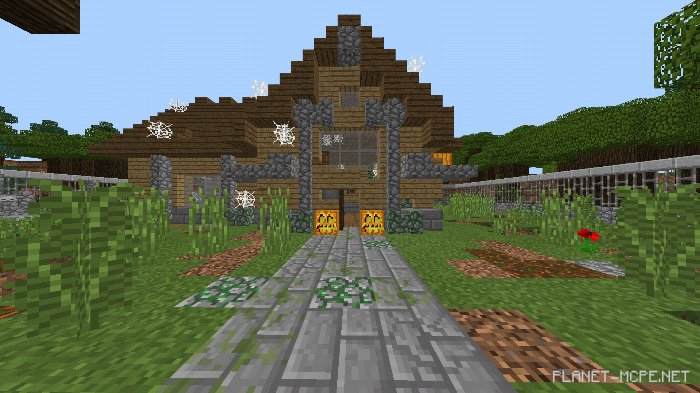
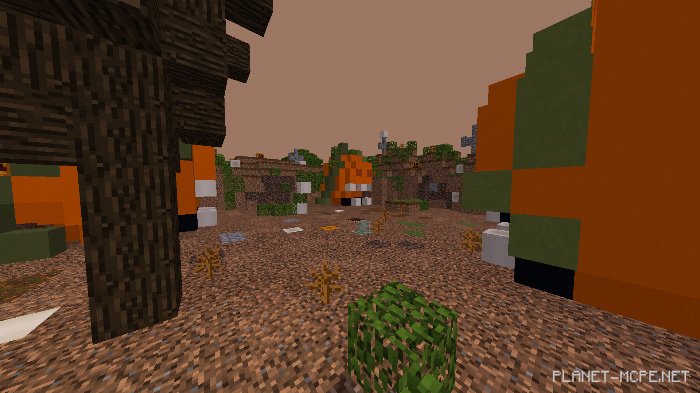
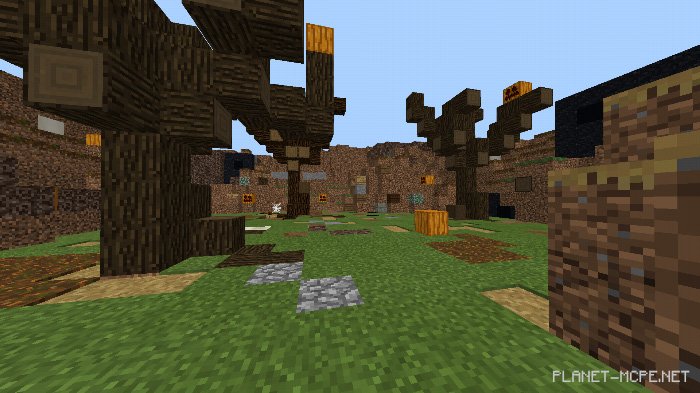
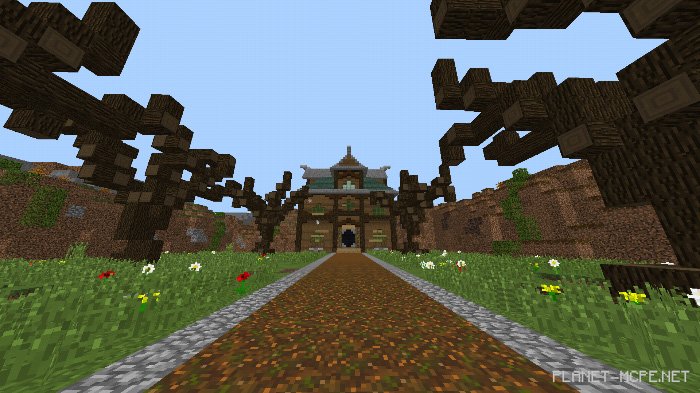
Discover the location of the button on the map titled “Find The Button Halloween Edition“. Search for it within the Halloween-themed levels in Minecraft Bedrock. Completing all 5 levels will take you around 30 minutes. This map is suitable for both multiplayer and single-player modes in Minecraft. Happy hunting!
Installing the Find The Button Halloween Edition Map (.mcworld)

  • Download the map labeled as “.mcworld” below.
  • Open the downloaded file to import the map into MCPE.
  • Launch Minecraft Pocket Edition, then select the imported world.

Installing the Find The Button Halloween Edition Map (.zip):

  • Download the map.
  • Extract the map from the archive.
  • Move the map to the path: “/games/com.mojang/minecraftWorlds”.
  • Open Minecraft PE > Play > Select the installed map.
  • Enjoy your game!

Leave a comment