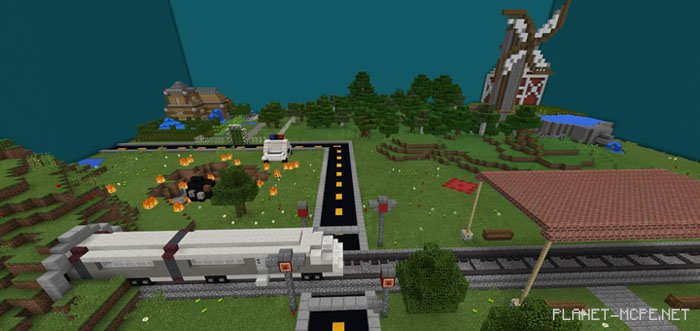
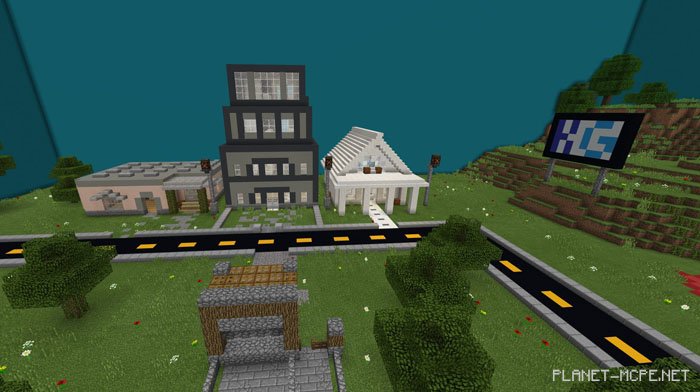
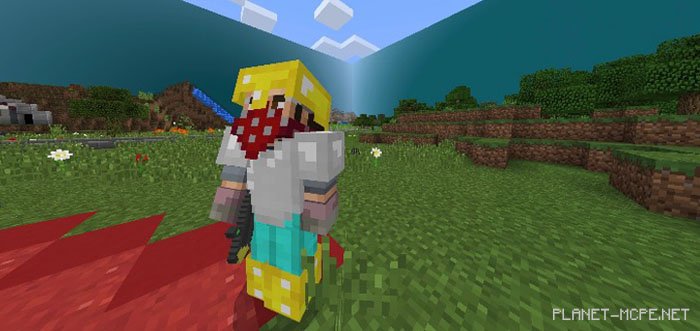
Bloxnite is a map designed for Minecraft PE, featuring a mini-game in the PvP genre, inspired by one of the top multiplayer battle games worldwide. This map incorporates nearly identical features to the original game, such as a moving battle bus, fully functional crates, and a shop and building system that resets every round in MCPE. Gather your friends and enjoy several rounds of Fort… Bloxnite in Minecraft Pocket Edition!
Features
Moving battle bus
Functional reset system for endless gameplay
Operational crate/shop system (sells only keys)
Custom textures/behavior
Working building system (resets)
Installing the Bloxnite Map (.mcworld)
Download the map labeled — “.mcworld” below.
Open the downloaded file to import the map into MCPE.
Launch Minecraft Pocket Edition and select the imported world.
Installing the Bloxnite Map (.zip):
Download the map.
Extract the map from the archive.
Move the map to the path: “/games/com.mojang/minecraftWorlds”.
Open Minecraft PE > Play > Select the installed map.
![Bloxnite Map (Fortnite) [PvP] [Mini-game]](https://new.planet-mc.net/wp-content/uploads/2026/02/1529527125_bloxnite-5-1-1.jpg)