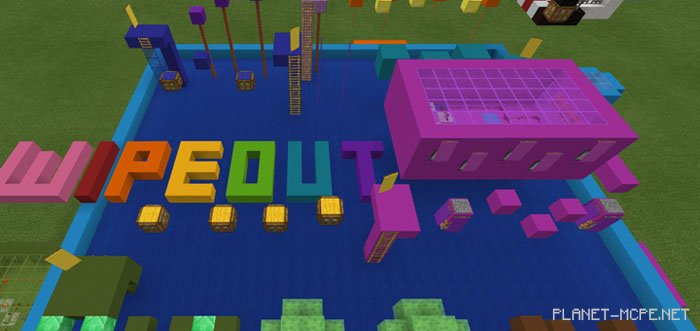
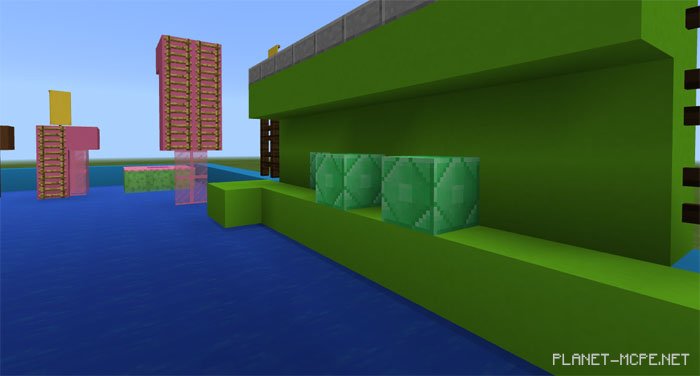
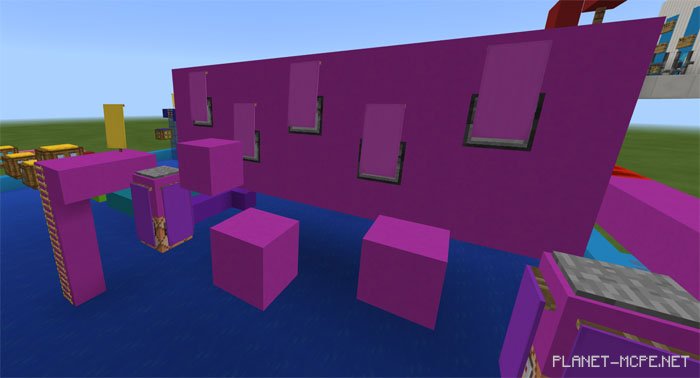
Crazy Wipeout is a map inspired by the once-popular game show known as Wipeout. This map features an obstacle course along with various automated mechanisms controlled via redstone in Minecraft PE. You can enjoy it solo or team up with friends in multiplayer mode!
The yellow banners indicate the locations of checkpoints.
Updates
Fixed checkpoint-related bug
Added fish, dolphins, and other underwater creatures
Corrected arrow dispenser issue
Updated world name
Various bug fixes
Rules
Game Mode: Survival
Difficulty: Easy
Installing Crazy Wipeout Map (.mcworld)
Download the map labeled as “.mcworld” below.
Open the downloaded file to import the map into MCPE.
Launch Minecraft Pocket Edition, then select the imported world.
Installing Crazy Wipeout Map (.zip):
Download the map.
Extract the map from the archive.
Move the map to the path: “/games/com.mojang/minecraftWorlds”.
Open Minecraft PE > Play > Select the installed map.
![Crazy Wipeout Map [Parkour]](https://new.planet-mc.net/wp-content/uploads/2026/02/1523651087_wipeout-2-1-1.jpg)