SkyBlock Map [Survival]
![SkyBlock Map [Survival]](https://new.planet-mc.net/wp-content/uploads/2026/02/1522013775_skyblock-3-1-1.jpg)
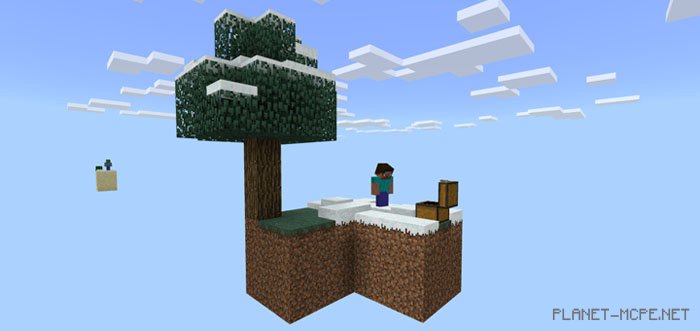
SkyBlock is among the most well-known maps designed for Minecraft: Java Edition. Numerous variations of SkyBlock are available for Minecraft Pocket Edition, but this particular map appears to be one of the earliest ports of the original map. You will spawn on a small island in a world surrounded only by endless void in MCPE. On the island, you will discover a chest, a tree, and several other essential blocks needed to embark on your survival challenge in Minecraft PE.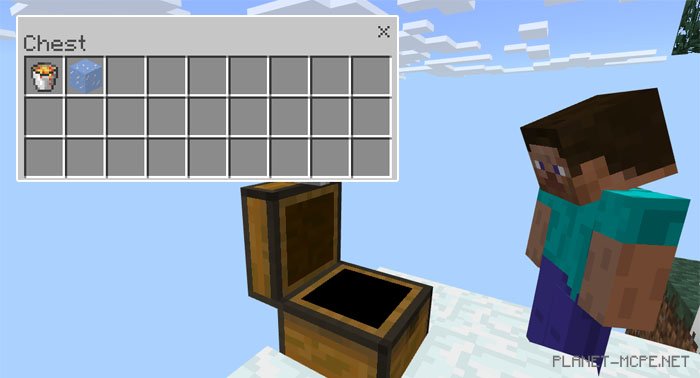
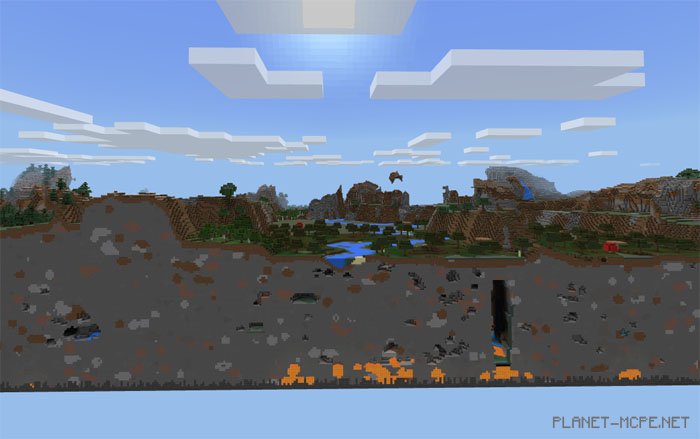
Here are some indications that the world has been ported naturally. If you travel long enough in one direction, you will eventually reach normal terrain. However, if you wish to stay true to the original SkyBlock experience, it’s advisable to refrain from exploring this part of the map.