After installing the map “Magical Items (magical items)“, you will discover 13 magical items. I will explain what they are and their functions in Minecraft Pocket Edition.
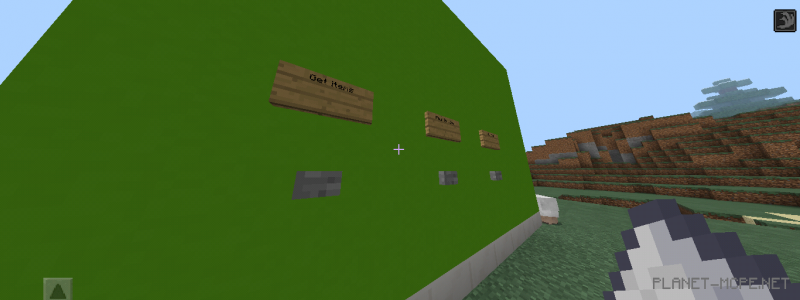
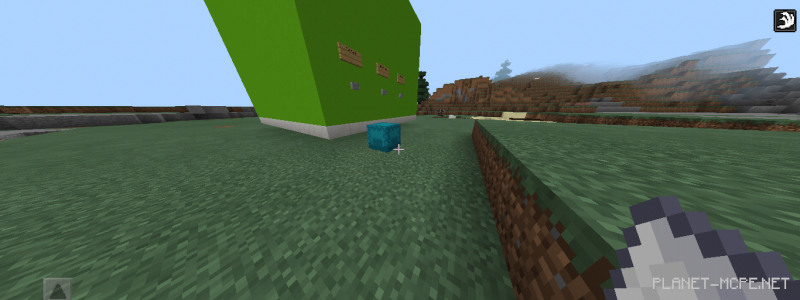
First, when you enter Minecraft PE, you need to obtain items from a special redstone machine. Once you have acquired 2 items, drop them on the ground (make sure they touch it), and a blue shulker box will appear next to you.
Items
Time Warp – adds 10,000 time units in Minecraft
Night Vision – grants the player night vision for 60 seconds
Jump Boost – provides jump acceleration for 60 seconds
Rain Shard – makes it rain
TNT Floor – creates an entire floor of TNT beneath you
Thunder Strike – strikes all entities with lightning
Instant Health – gives the player regeneration for 60 seconds
Sugar Rush – boosts the player’s speed for 60 seconds
Full Protection – equips the player with a full set of diamond armor
Sea In A Bottle – generates a massive water cube around the player
Insta-Portal – creates a portal to the Nether near the player.
Installing the Magical Items Map (.mcworld)
Download the map labeled as “.mcworld” below.
Open the downloaded file to import the map into MCPE.
Launch Minecraft Pocket Edition and select the imported world.
![Magical Items [Redstone] Map](https://new.planet-mc.net/wp-content/uploads/2026/02/1517430672_49196_5a637b229be43-1-1.png)