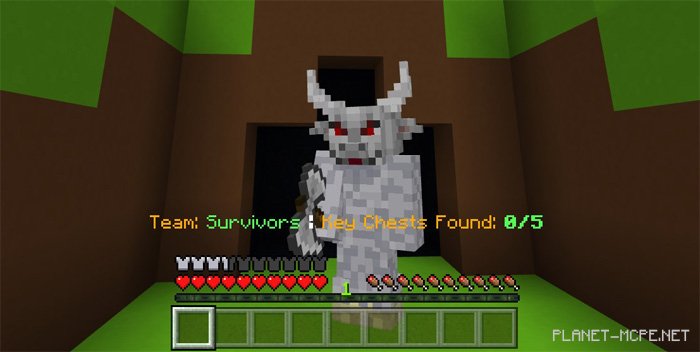
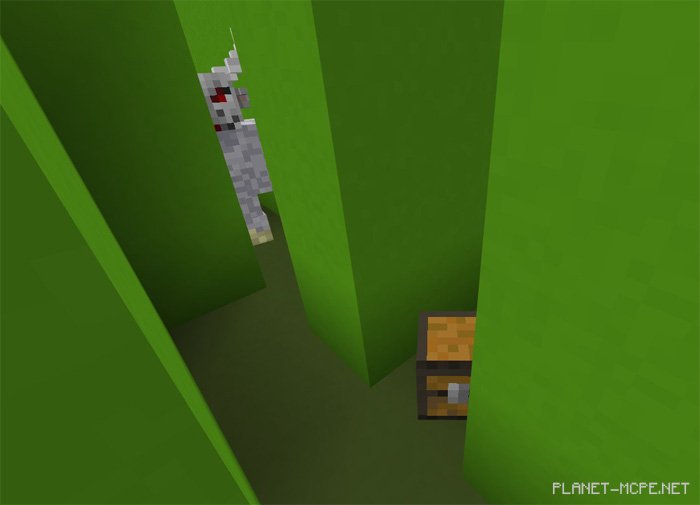
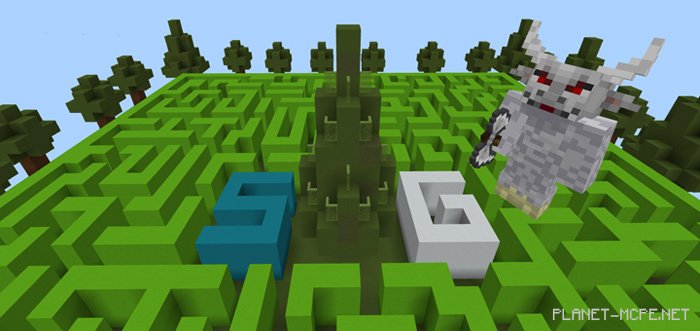
«SG Minotaur» is a multiplayer mini-game designed for Minecraft Pocket Edition, where one player takes on the role of the Minotaur, whose objective is to locate and eliminate all other players in MCPE. The remaining survivors must collaborate to search for various items within the maze to unlock the exit and escape.
How to Play?
This mini-game requires at least two players in Minecraft PE. There are two distinct roles – survivors and the Minotaur.
Survivor: Avoid the Minotaur, collect all five chests, and find your way out of the maze! Your heart races when you’re near the Minotaur.
Minotaur: Chase down the survivors and eliminate them. But remember to guard the exit!
You can choose from six different themes to customize the arena’s design.
Updates
Four new levels have been added
Ocean Theme
Nether Theme
Desert Theme
Sky Meadow
Installing SG Minotaur Map (.mcworld)
Download the map labeled as “.mcworld” below.
Open the downloaded file to import the map into MCPE.
Launch Minecraft Pocket Edition and select the imported world.
Installing SG Minotaur Map (.zip):
Download the map.
Extract the map from the archive.
Move the map to the path: “/games/com.mojang/minecraftWorlds”.
Open Minecraft PE > Play > Select the installed map.
![Map: SG Minotaur [Minigame]](https://new.planet-mc.net/wp-content/uploads/2026/02/1514151536_sg-minotaur-2-1-1.jpg)