Реклама на сайте
2 млн+ просмотров в месяц
Ads

Raffi’s Calculator 2 [Redstone] Map

Raffi’s Calculator 2 [Redstone] Map
06.02.2026 Maps admin 0 comments 1 min 246 views

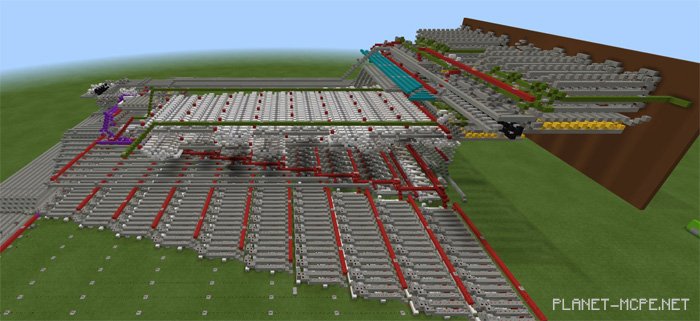
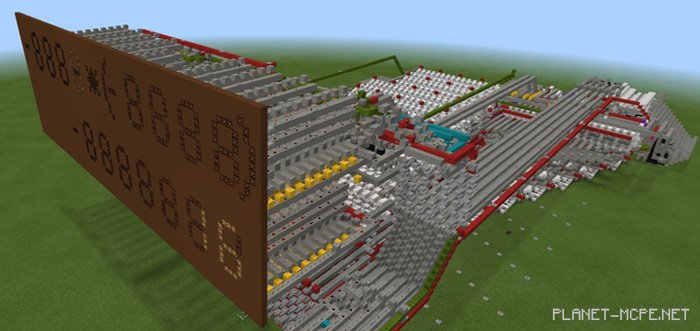
We invite you to utilize a highly advanced calculator, fully equipped with redstone in Minecraft Pocket Edition (along with command blocks, but without pistons). After installing the mapRaffi’s Calculator 2 (Calculator),” use it to tackle any mathematical challenges you may have. It supports functions such as addition, subtraction, multiplication, division, and more. Be sure to read the in-game user guide for Minecraft PE to learn about all its features.
Calculator Features

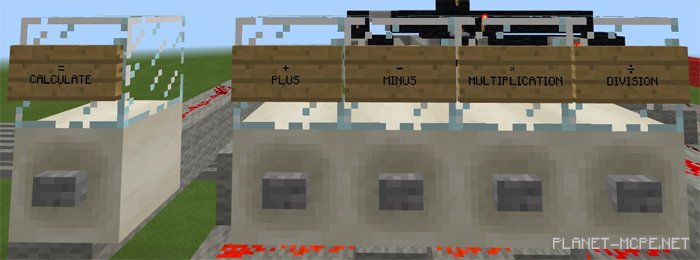
  • Addition
  • Subtraction
  • Multiplication
  • Division
  • 15 seven-segment displays
  • Aesthetic working display
  • Supports negative numbers
  • Maximum input – 1023
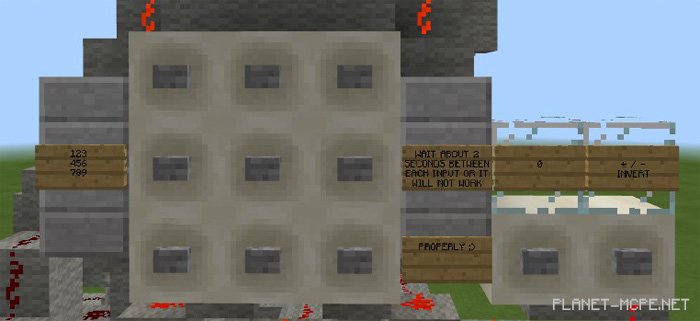
  • User-friendly controls
  • Minecraft PE v1.2.10 +

Installing Raffi’s Calculator 2 (.mcworld)

  • Download the map labeled — “.mcworld” below.
  • Open the downloaded file to import the map into MCPE.
  • Launch Minecraft Pocket Edition, then select the imported world.

Installing Raffi’s Calculator 2 (.zip):

  • Download the map.
  • Extract the map from the archive.
  • Move the map to the path: “/games/com.mojang/minecraftWorlds”.
  • Enter Minecraft PE > Play > Select the installed map.
  • Enjoy your game!

Leave a comment