Map Painting in MCPE [Creativity]
![Map Painting in MCPE [Creativity]](https://new.planet-mc.net/wp-content/uploads/2026/02/1503006120_painting-in-mcpe-3-1-1.jpg)
Do you enjoy painting? I truly hope so! The creation featured on the map “Painting in MCPE” allows you to express your artistic side within the world of Minecraft Pocket Edition. You can choose from 5 different brushes and a wide array of colors. Additionally, you have the option to save (and load) your artwork, among other features. This is undoubtedly an impressive addition to MCPE, worth trying out, especially since it has been made possible largely due to command blocks!
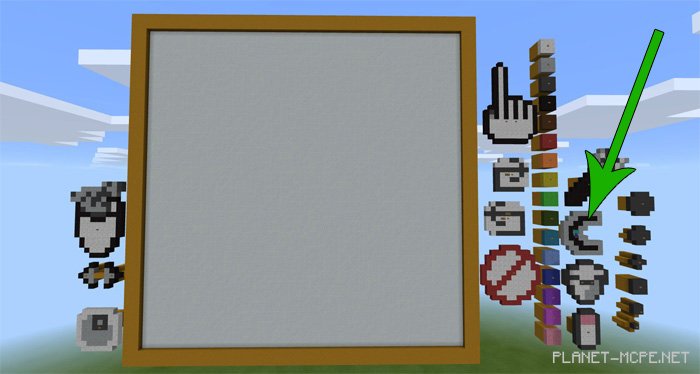
You can reset the drawing canvas by pressing the Clear (‘C’) button. It might be hard to spot in the image below, but this button definitely exists.
Before you start creating in Minecraft PE, you need to select the type of brush and color for your artwork. You can do this by clicking on various buttons located on the right side of the canvas.
To draw, you need to physically move the player character onto the canvas in MCPE. Then simply guide the player in any direction where you wish to create. It’s crucial not to break any blocks.
Make sure your render distance is set to maximum. If it’s not, you’ll only be able to paint on the lower part of the canvas.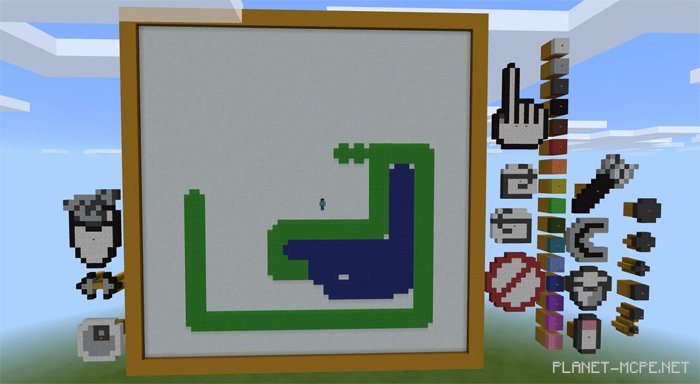
Once you’re satisfied with your masterpiece in Minecraft Pocket Edition, you can press the SAVE button to store it in memory. This means you’ll be able to keep all your creations.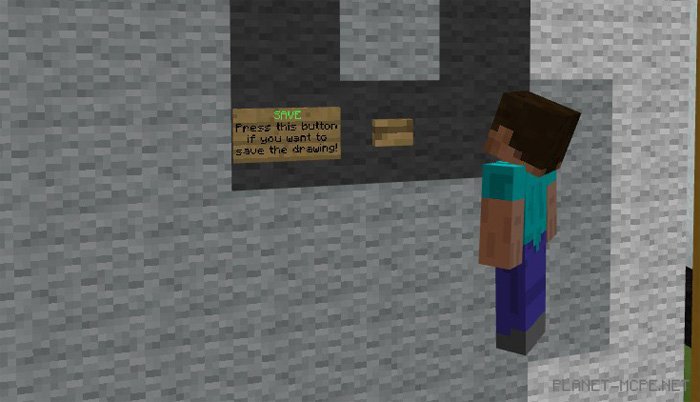
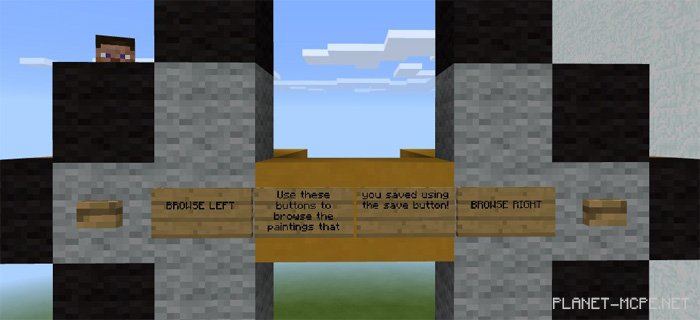
Afterward, you can use the loading feature to access your previous artworks. Just utilize the left and right buttons to browse through your collection of paintings.