Redstone ATM [Redstone] Map
![Redstone ATM [Redstone] Map](https://new.planet-mc.net/wp-content/uploads/2026/02/1502920412_atm-cart-2-3-1.jpg)
Redstone ATM is an incredibly advanced device featured on the map titled “Redstone ATM“, designed for efficient management of your valuable items in the Minecraft Pocket Edition world, ensuring their safety. It is fully equipped with redstone and command blocks, capable of holding multiple accounts and effortlessly tracking a wide array of elements within MCPE.
Open the chest and take one of the key cards. There are fake key cards as well as genuine ones. This illustrates that you will need a specific key card to access certain chests in Minecraft Pocket Edition, and if you attempt to access the ATM with a counterfeit, it won’t work.
Insert the obtained key card into the chest, then press the button on the right side of the ATM to request access to your account. After this, analyze your request and determine the process based on your key card.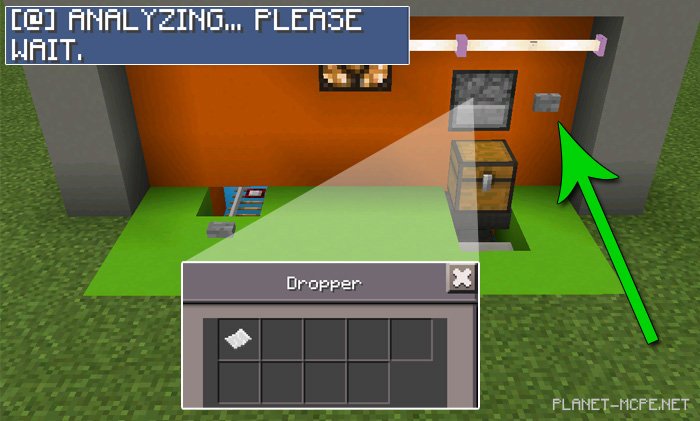
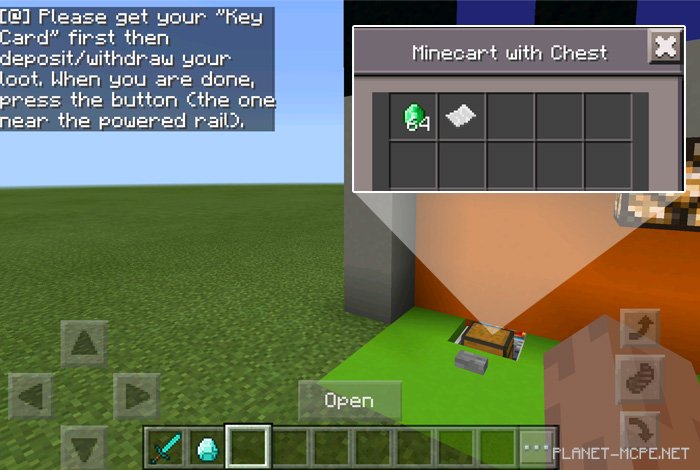
In this instance, I inserted a functioning key card, which granted me access to a cart containing a chest. This represents an account that holds items or blocks associated with it.
You can deposit or withdraw items from the chest. Remember to retrieve the key card from the chest before closing your account (also known as pressing the button to return the cart back to storage).