SpongeBob The Movie Card [Mini-game]
![SpongeBob The Movie Card [Mini-game]](https://new.planet-mc.net/wp-content/uploads/2026/02/1502137642_spongebob-hide-n-seek-4-3-1.jpg)
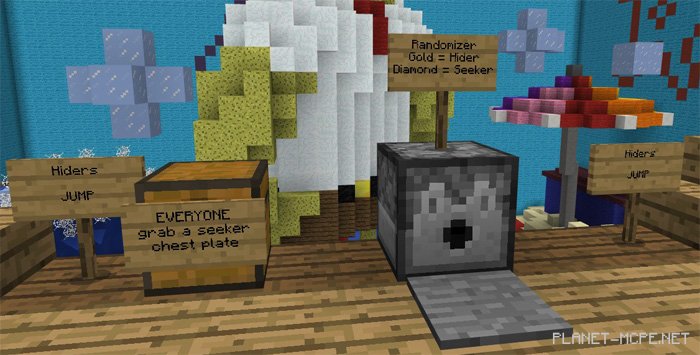
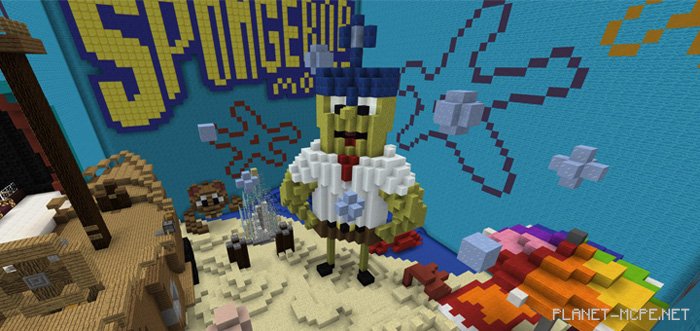
The map «SpongeBob The Movie (Спанч-боб)» was developed just over two years ago for Xbox Edition Minecraft. This hide-and-seek map is set within the world of SpongeBob. You will start in a cinema, from where you can venture into the realm of Minecraft Pocket Edition, featuring some iconic characters from the show. This type of mini-game is best suited for multiplayer mode in MCPE.
You can either stroll through the environment or explore it at your leisure, such as using it for a game of hide-and-seek. However, you’ll need a few more players from Minecraft PE for that.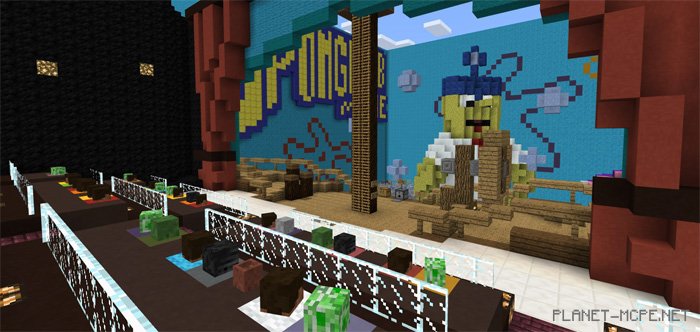
Step on the pressure plate to receive an item.