Map 1.2 Review World [Creation] (Only for 1.2 Beta)
![Map 1.2 Review World [Creation] (Only for 1.2 Beta)](https://new.planet-mc.net/wp-content/uploads/2026/02/1501582908_1-2-review-520x245-1-1.jpg)
A beta version 1.2 of Minecraft has been released, also referred to as “better together update.” Now, all console users, Windows 10, and Minecraft PE players can enjoy the game together! This update introduces a variety of new features that you can explore on the official website. To highlight some of the most exciting aspects, a “1.2 Review World” map has been created for Minecraft Pocket Edition. All features are presented in a straightforward and visual manner. This map is where you should begin your exploration of the overall Minecraft experience.
Greetings!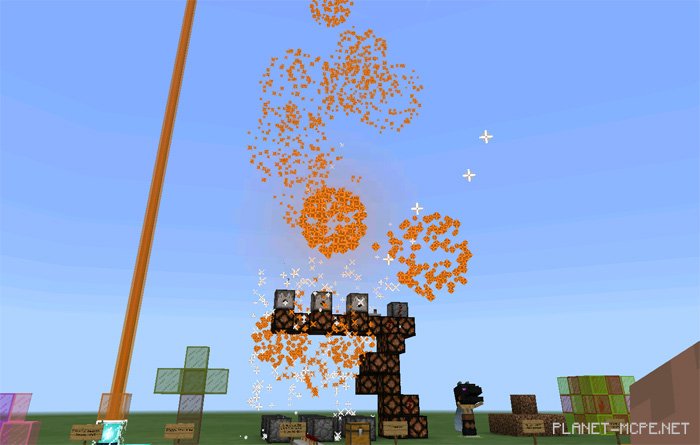
Here are some blocks from MCPE. 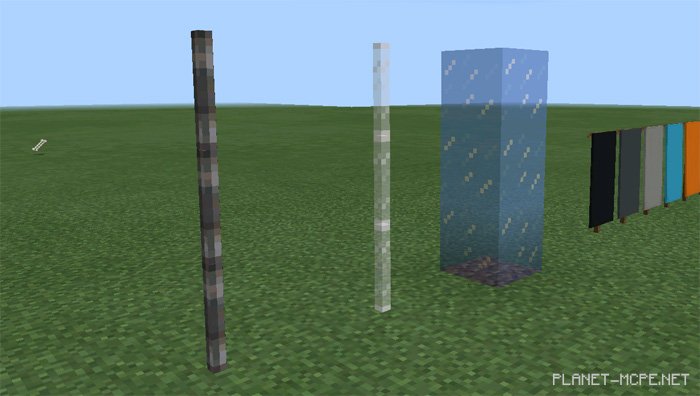
Banners.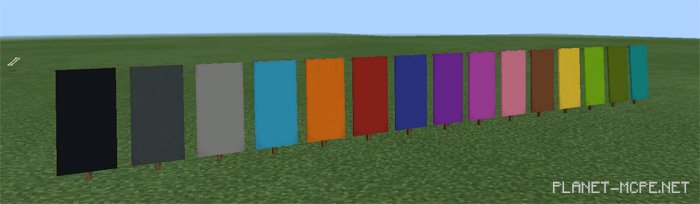
Stained glass.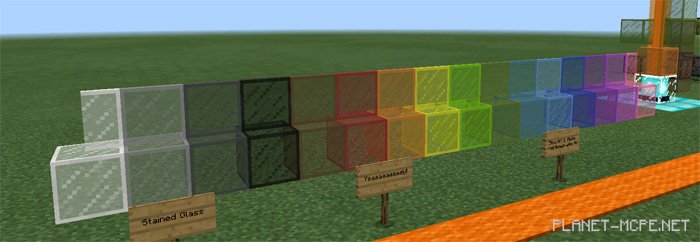
Additionally, there are many other fantastic features available on this map for Minecraft PE.
Note: You will need the beta version 1.2 to play on this map. Click here to find out how to join the beta version.