One Night At Frankie’s Freeroam Map (Horror!) [Mini-game]
![One Night At Frankie’s Freeroam Map (Horror!) [Mini-game]](https://new.planet-mc.net/wp-content/uploads/2026/02/1501151582_one-night-at-frankies-freeroam-2-1-1.jpg)
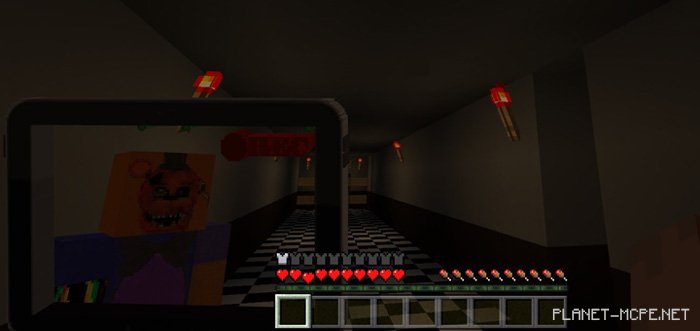
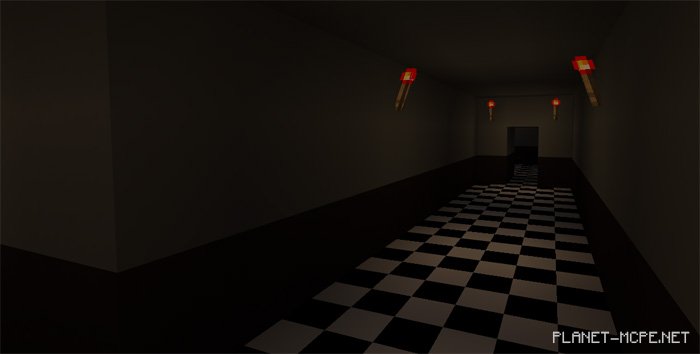
Map “One Night At Frankie’s Freeroam” for Minecraft Pocket Edition is a horror-themed map inspired by the well-known game “Five Nights at Freddy’s.” This is the fourth installment in the series. In this version of the map for MCPE, you won’t be confined to a camera view. Instead, you’ll explore the Frankbear pizzeria while evading the terrifying animatronic from the world of Minecraft PE.
During this late-night shift in MCPE, you are tasked with working at the pizzeria. Stay alert, as an animatronic will be on your tail throughout the night. Although you will have a camera, it lacks any real functionality; it merely alters your perspective of the game’s events. Your objective is to survive for as long as possible.