The Perfect Cross Map [Custom Location]
![The Perfect Cross Map [Custom Location]](https://new.planet-mc.net/wp-content/uploads/2026/02/1499524719_the-perfect-cross-3-1-1.jpg)
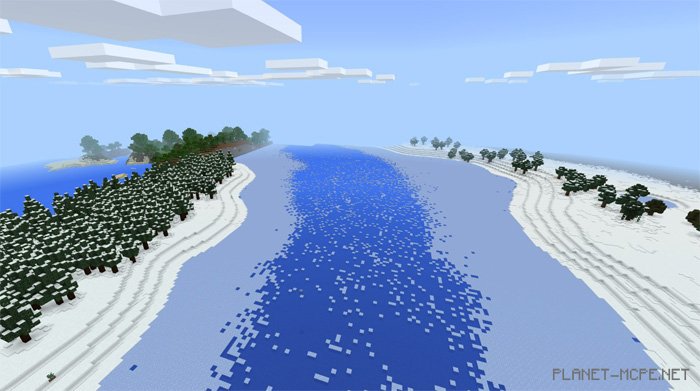
Are you eager to explore a new type of location in Minecraft Pocket Edition? If so, the map “The Perfect Cross” is just what you need! This map offers players of MCPE a fully customized landscape imported into the standard world of Minecraft PE. You will discover various terrains such as a frozen river, a pyramid in the desert, and an underworld. 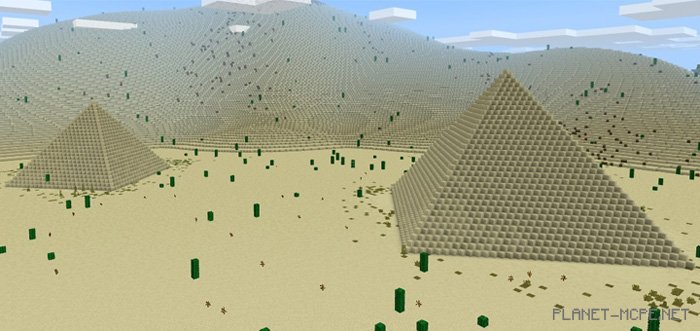
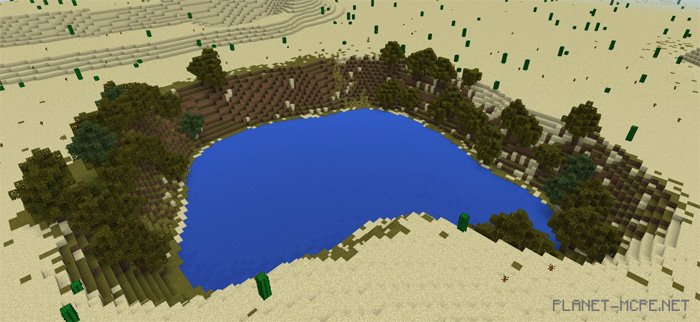
 Below is a list of biomes included in this map. Since the world has been imported into a regular environment, players are not limited to just the map itself.