Реклама на сайте
2 млн+ просмотров в месяц
Ads

Tyler’s Custom Terrain Map
Tyler’s Custom Terrain Map
06.02.2026 Maps admin 0 comments 1 min 346 views

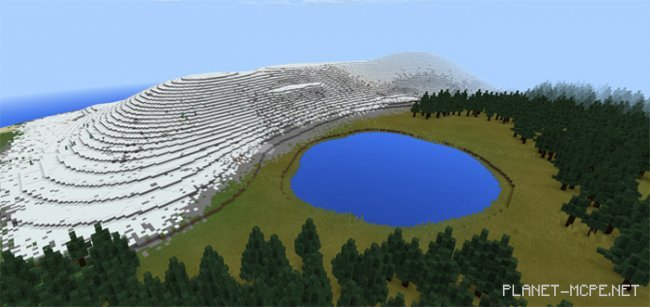
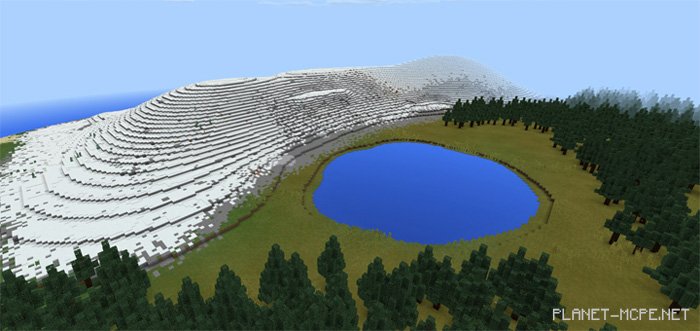
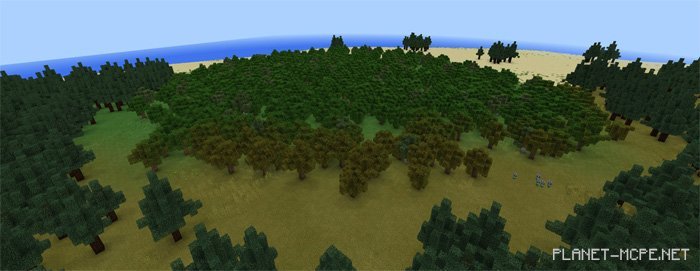
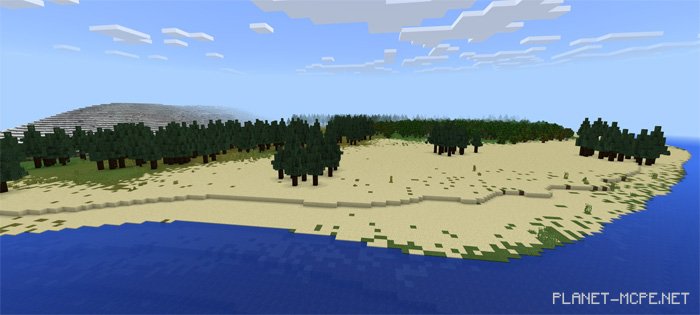
On this map for MCPE, you will explore a round island featuring beaches, gentle mountains, a lake, and several forests. There are plenty of resources available to make this world suitable for survival gameplay in MCPE. For instance, underground ores can be found, along with a treasure chest located at the spawn point. You can earn achievements while playing in survival mode without cheats in Minecraft PE.
How to Install Tyler’s Custom Terrain (.mcworld)

  • Download the map labeled as “.mcworld” below.
  • Open the downloaded file to import the map into MCPE.
  • Launch Minecraft Pocket Edition and select the imported world.

How to Install Tyler’s Custom Terrain (.zip):

  • Download the map.
  • Extract the map from the archive.
  • Move the map to the path: “/games/com.mojang/minecraftWorlds”.
  • Open Minecraft PE > Play > Select the installed map.
  • Have fun!

Leave a comment