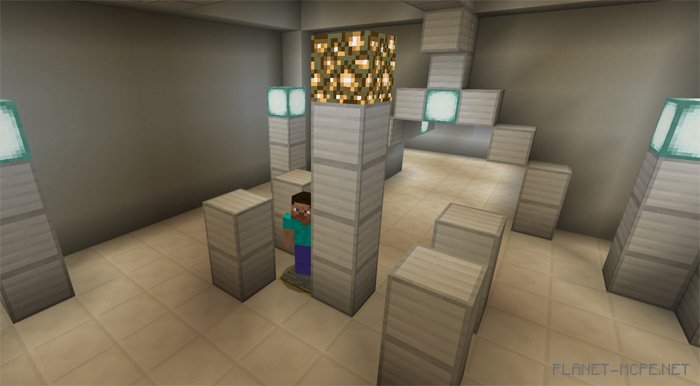
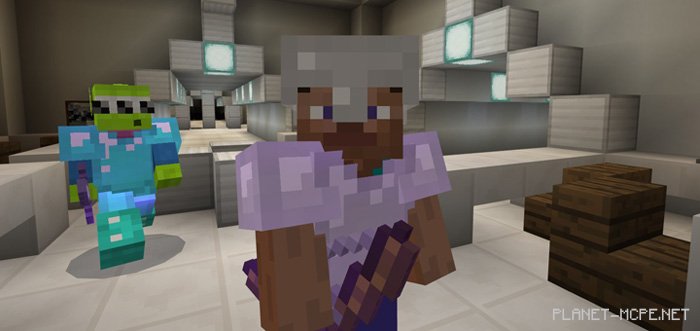
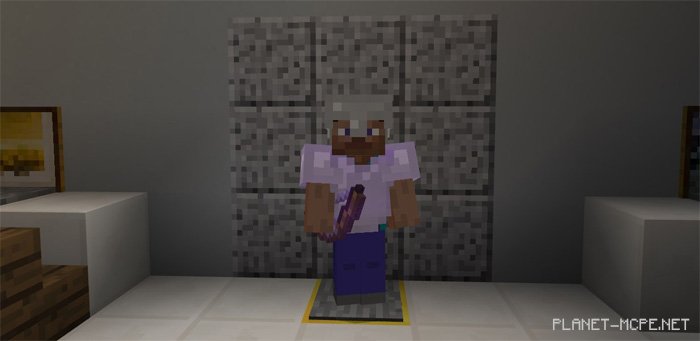
Alien Escape! is a multiplayer mini-game designed for MCPE, suitable for 2-5 players. One player takes on the role of an alien, while the others are humans. The humans find themselves trapped aboard an extraterrestrial spaceship and must escape by disabling five different generators to unlock the exit. However, the aliens have other intentions and aim to eliminate the humans before they can flee.
How to Play?
Players can choose between two distinct roles in MCPE. They can either be malevolent aliens or select humans who need to make their escape.
Alien – Objective: Eliminate all humans before they discover the exit
Human – Objective: Stand on 5 pressure plates to open the exit
Rules
2-5 players (maximum of 1 alien)
Play on easy mode in Minecraft PE
You may only take items from your own chests. The area with alien items is surrounded by eggs, while the human item zone is located in the laboratory.
Main Information
Alien
Claws – primary melee weapon
Tail – powerful weapon but low durability
Acid Spit: right-click on the ground to spit acid. Humans walking through the acid will be poisoned for several seconds.
Human
Blaster – single shot that slows down the alien
Slowdown Ammo – ammunition for the blaster
First Aid Kit – right-click on the ground to use it
Disguise – right-click on the ground to become invisible for a short time
Barrier – use obstacles to keep the enemy at bay and prevent them from reaching you quickly.
Knife – melee weapon for fighting aliens
Installing the Alien Escape Map! (.mcworld)
Download the map labeled as “.mcworld” below.
Run the downloaded file to import the map into MCPE.
Launch Minecraft Pocket Edition, then select the imported world.
Installing the Alien Escape Map! (.zip):
Download the map.
Extract the map from the archive.
Move the map to the path: “/games/com.mojang/minecraftWorlds”.
Open Minecraft PE > Play > Select the installed map.
![Alien Escape Map! [Mini-game]](https://new.planet-mc.net/wp-content/uploads/2026/02/1499347090_alien-escape-2-1-1.jpg)