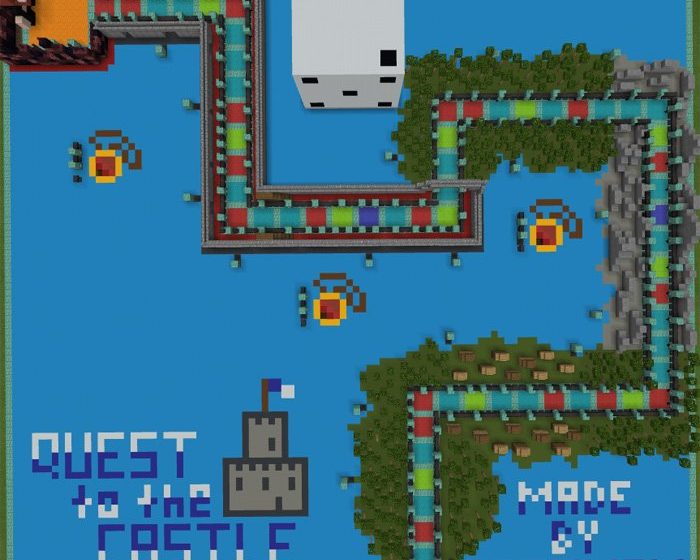
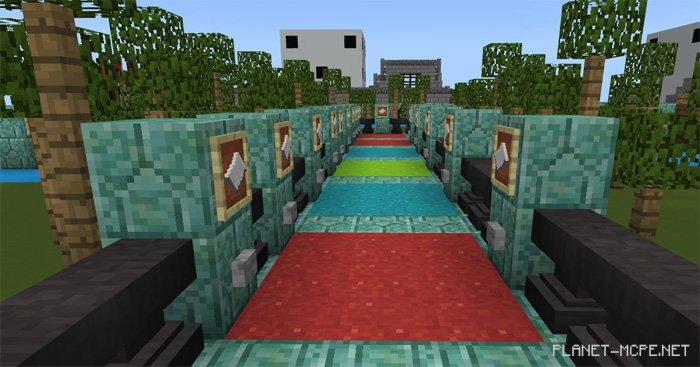
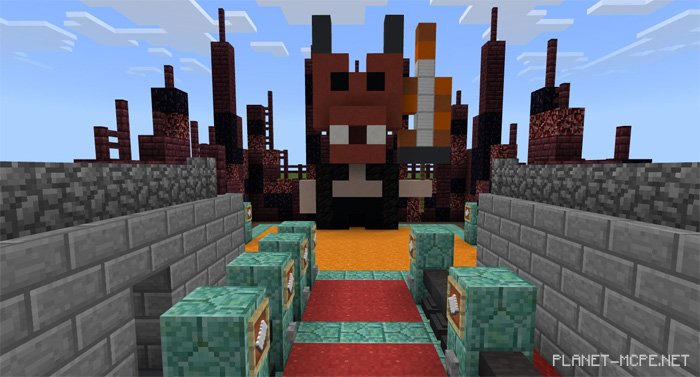
Are you on the lookout for an engaging RPG mini-game in Minecraft PE? If so, we present to you the map titled “Quest to the Castle” designed for Minecraft Pocket Edition. This map features a mini-game reminiscent of the classic board game Monopoly. You can enjoy playing with your friends, accommodating 1 to 4 players in MCPE. The gameplay revolves around adventures within the Minecraft PE universe, and your objective is quite straightforward: defeat the main Boss at the final checkpoint.
Rules
The map supports 1 to 4 players
1 character per player
Play in creative mode
The winner is the one who first defeats the final Boss
How to Install Quest to the Castle (.mcworld)
Download the map labeled as “.mcworld” below.
Open the downloaded file to import the map into MCPE.
Launch Minecraft Pocket Edition, then select the imported world.
How to Install Quest to the Castle (.zip):
Download the map.
Extract the map from the archive.
Move the map to the path: “/games/com.mojang/minecraftWorlds”.
Open Minecraft PE > Play > Select the installed map.
![Quest to the Castle Map [Mini-game]](https://new.planet-mc.net/wp-content/uploads/2026/02/1498485832_quest-to-the-castle-3-1-1.jpg)