Homa RTX shaders
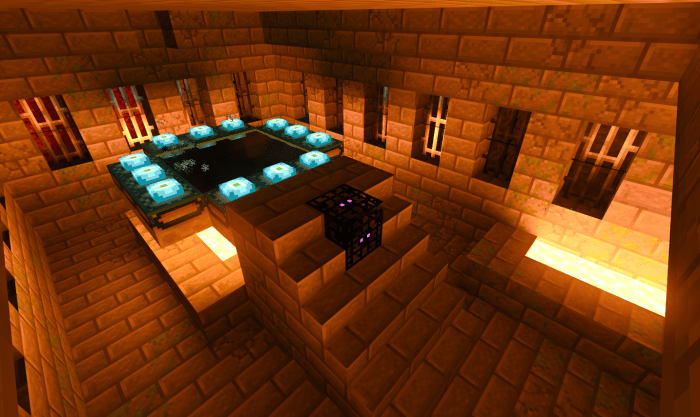
Shaders “Homa RTX (Homa TTL)”, built on the vanilla Minecraft, introduce ray tracing technology to your worlds. The Nether will become brighter, featuring glowing ores like lapis lazuli and redstone. More blocks will emit light, including honeycomb blocks, honey, and various others.
The light gray glazed terracotta acts as a reflective block. Additionally, the light emitted by torches, glowstone, sea lanterns, and lava will be enhanced.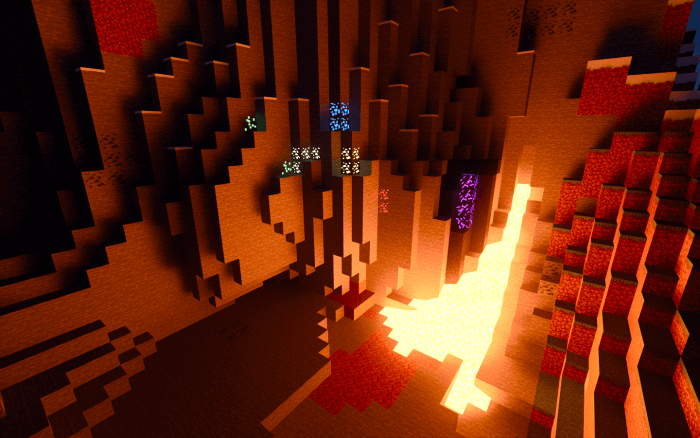 Glowing ores from the Nether, such as crying obsidian, are also included.
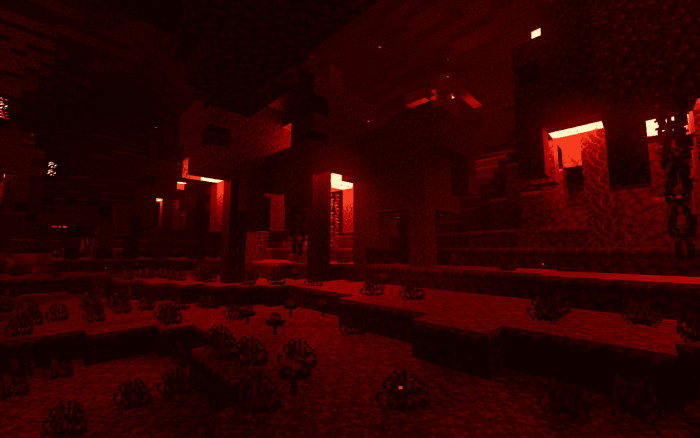 Crimson forests and shroomlights.
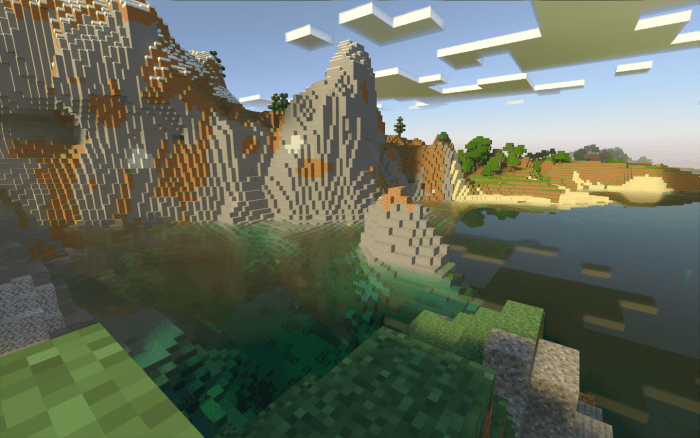 The Overworld and oceans.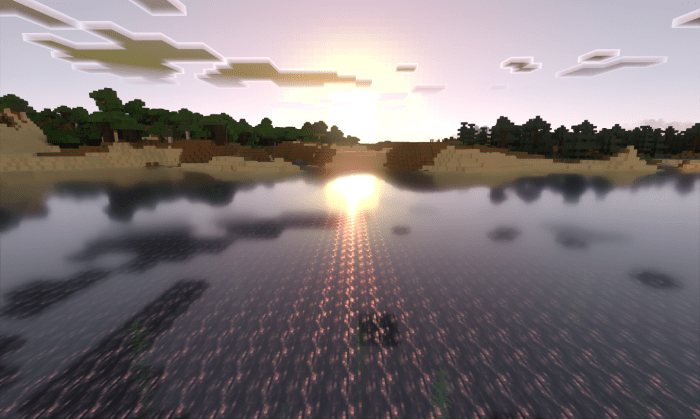
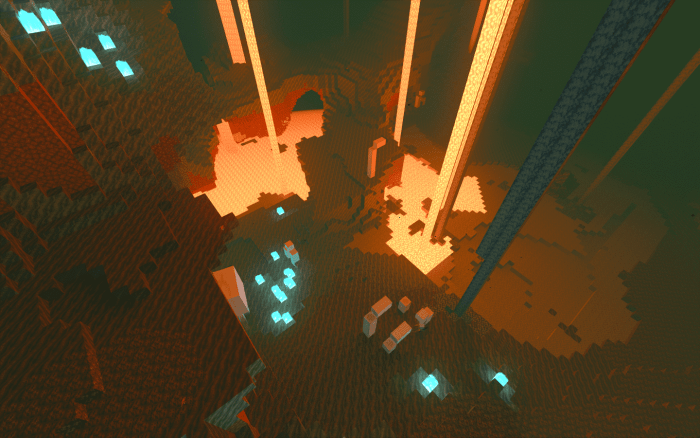 Soul Sand Valley and lava.
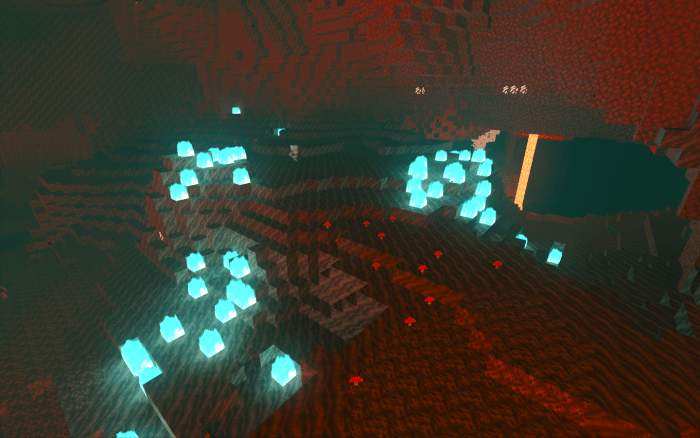 A more vibrant Nether.
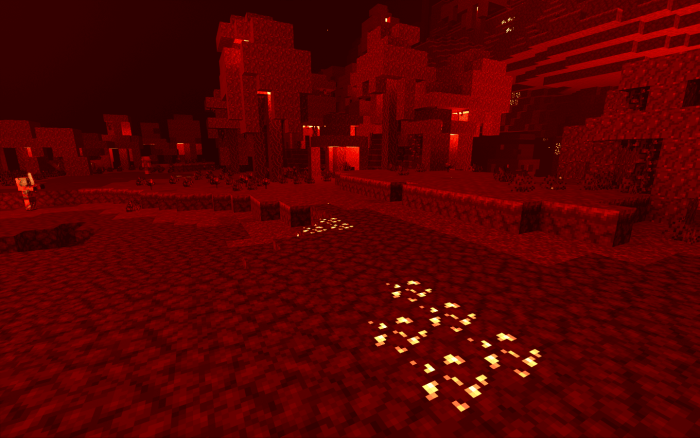 End Portal.