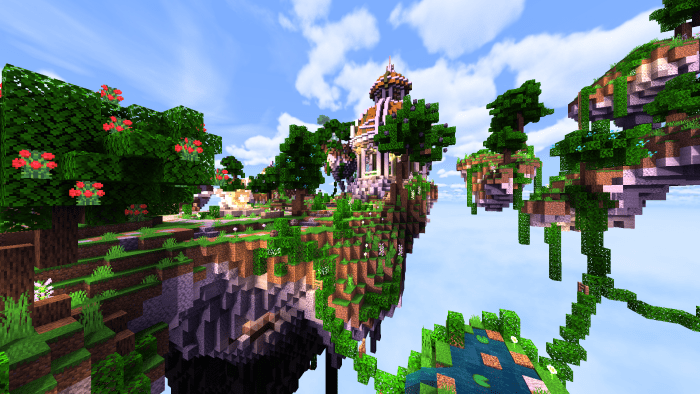
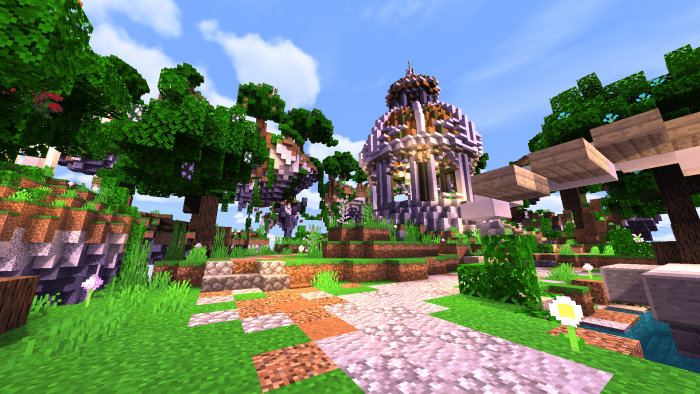
Shaders “YamaRin (Ямарин)” enhance the visual experience of Minecraft, making it appear more lifelike. With these shaders, you will enjoy swaying grass, realistic flame movement, accurate shadow casting, flowing water, and dynamic clouds. Brighter and higher-quality textures in Minecraft make gameplay more engaging and slightly unique. Everything feels more vibrant, friendly, and welcoming.
Installing YamaRin (.mcpack)
Download the shaders marked with — “.mcpack” from below.
Run the downloaded file to import the shaders into Minecraft.
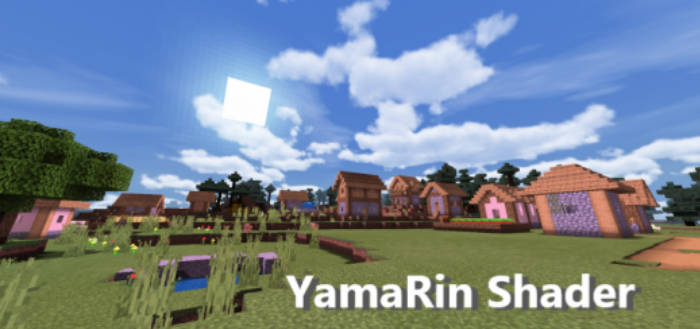
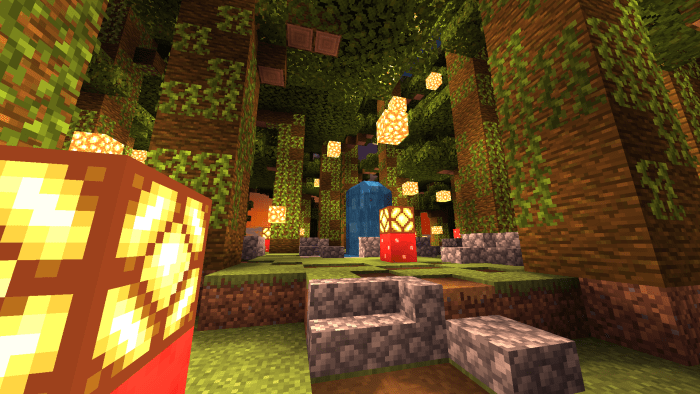
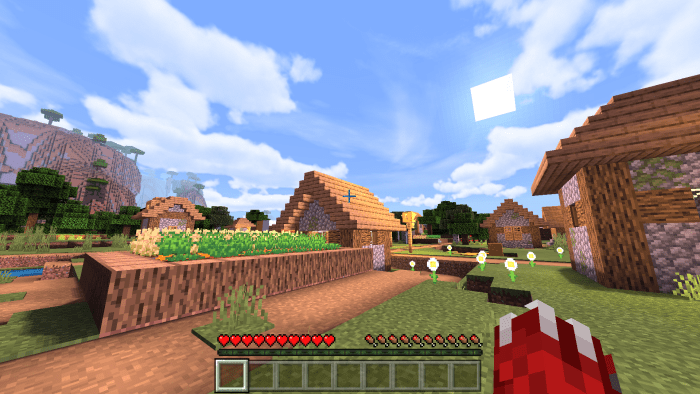
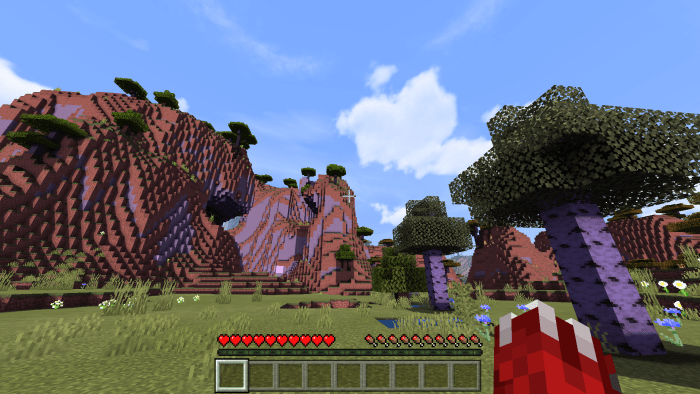
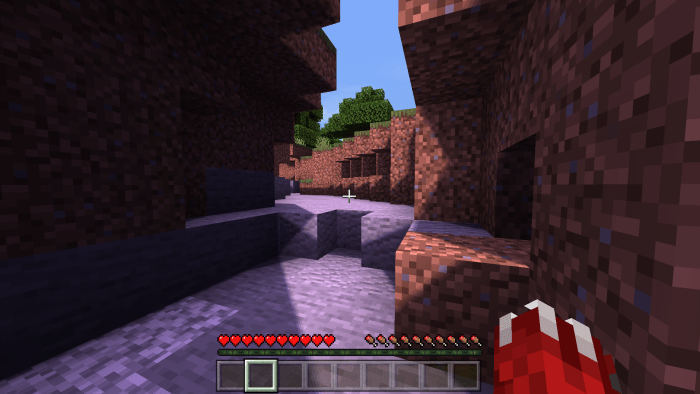 Brighter and higher-quality textures in Minecraft make gameplay more engaging and slightly unique. Everything feels more vibrant, friendly, and welcoming.