Реклама на сайте
2 млн+ просмотров в месяц
Ads

SufiCraft shaders

SufiCraft shaders
05.02.2026 Shaders admin 0 comments 1 min 168 views

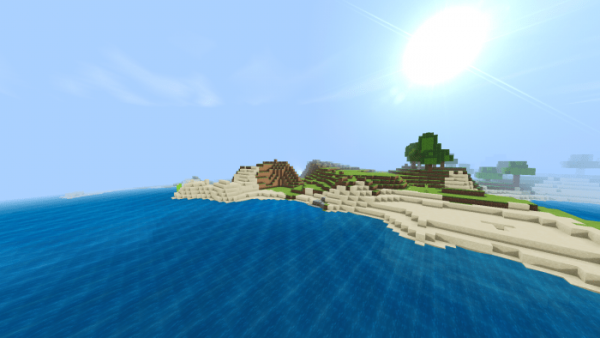
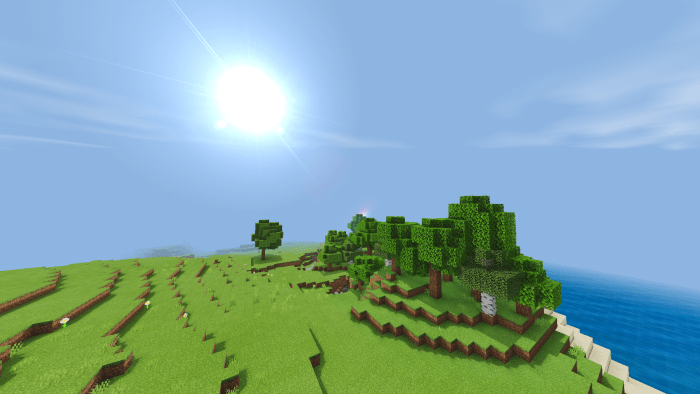
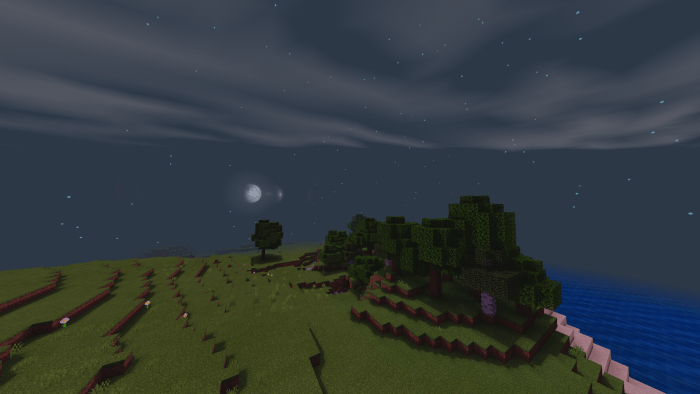
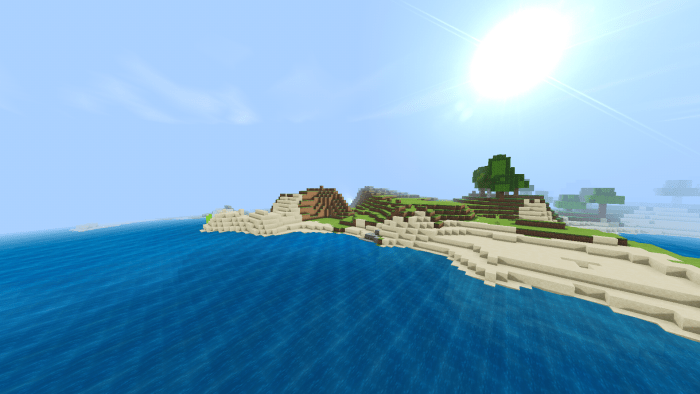
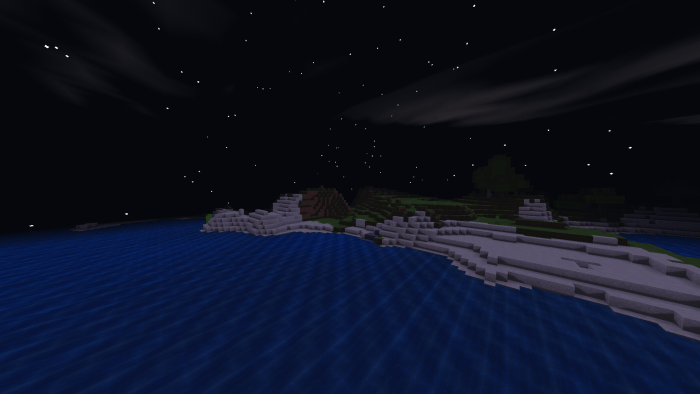
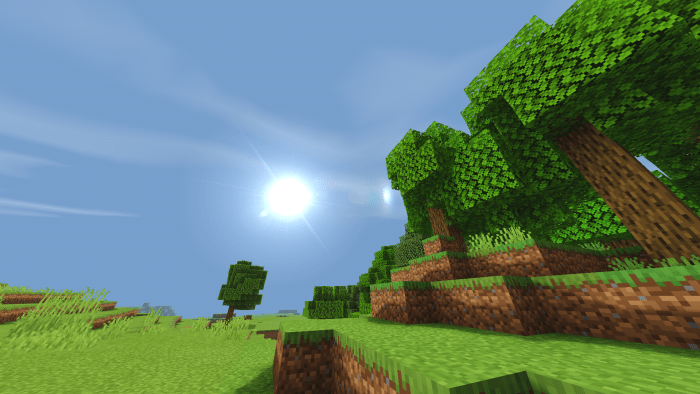
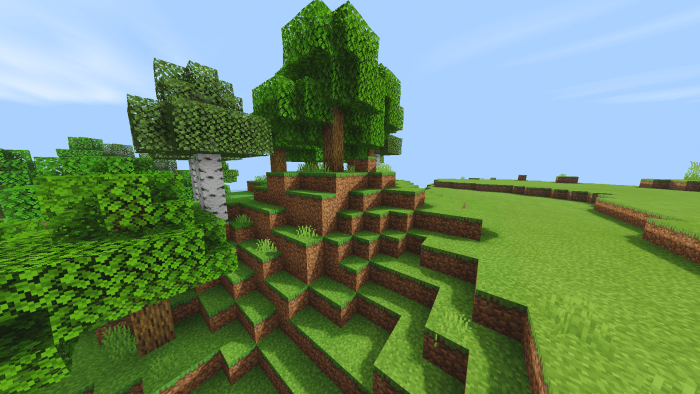
Do you want to enhance the world of Minecraft? The SufiCraft shaders transform item textures, making them more realistic and refined.

With shaders, Minecraft will feature:

  • Swaying leaves and grass.
  • Realistic water effects.
  • Smooth shadows cast by objects and plants.
  • Authentic fluffy clouds.
  • Enhanced sunlight reflections.
  • Natural lighting.

Installing SufiCraft (.mcpack)

  • Download the shaders labeled as “.mcpack” from below.
  • Open the downloaded file to import the shaders into Minecraft.
  • Launch Minecraft Pocket Edition and navigate to the world settings.
  • For your world, apply the imported:
    — Resource Packs.
  • Select the imported shaders in each section.
  • It is advisable to restart the Minecraft PE client afterward.
  • Start Minecraft Pocket Edition, enter the previously configured world of Minecraft, and enjoy the shaders!

Leave a comment