ESTN shaders
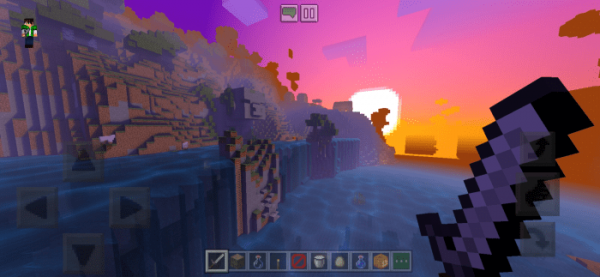
Shaders “ESTN” are designed to enhance the fundamental natural textures of Minecraft. They introduce more suitable sky tones, including those for sunsets and sunrises, improved water rendering, shadow casting, and much more.
Shaders are only compatible with Minecraft: Pocket Edition version 1.13 and above. Additionally, they can be run on certain computers in Education Edition.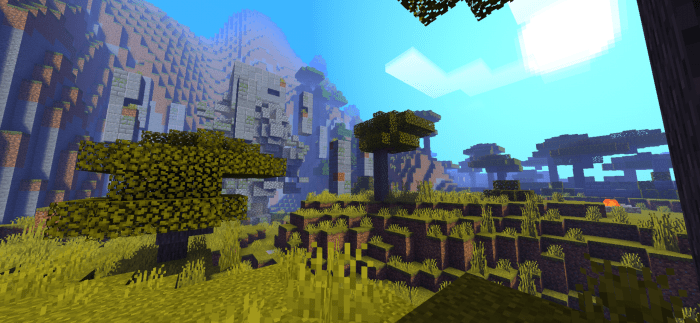
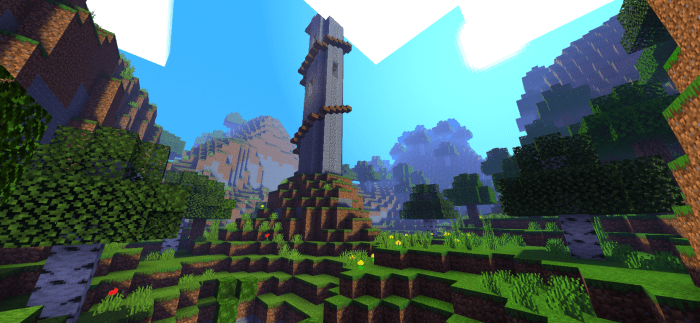
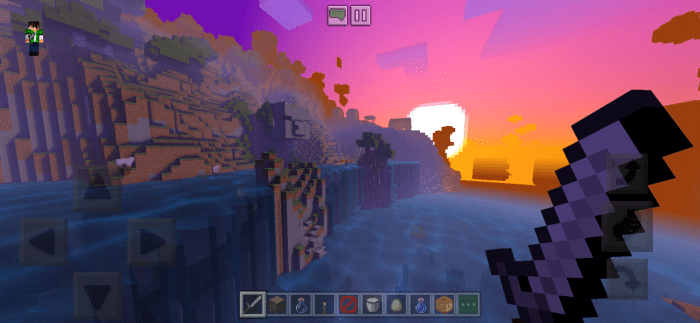
Enhanced shadow quality. It’s possible that the shadow rendering may vary across different devices.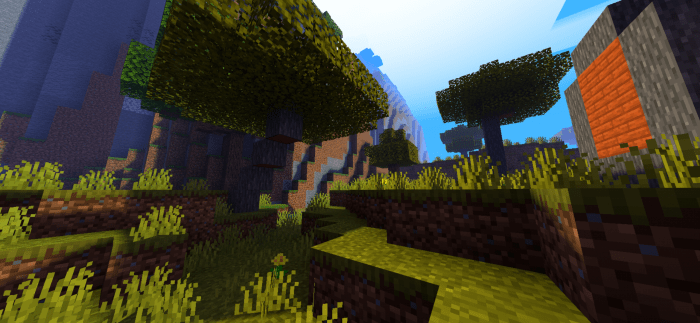 Improved sky rendering.
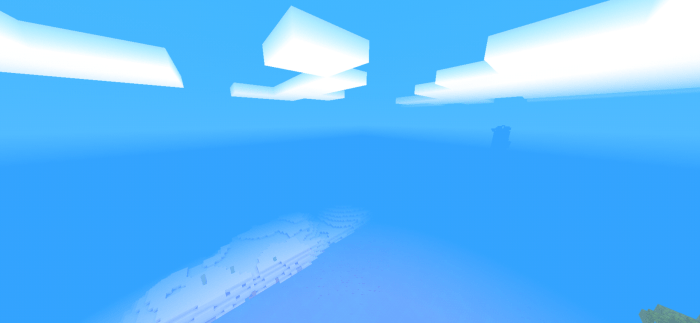 New water textures. Lagging may occur on lower-end devices.
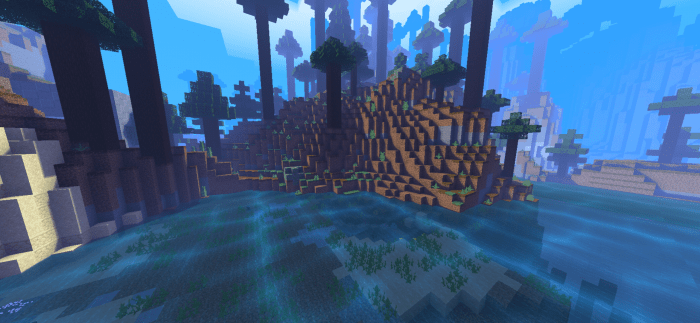 The underwater environment will feature new effects.
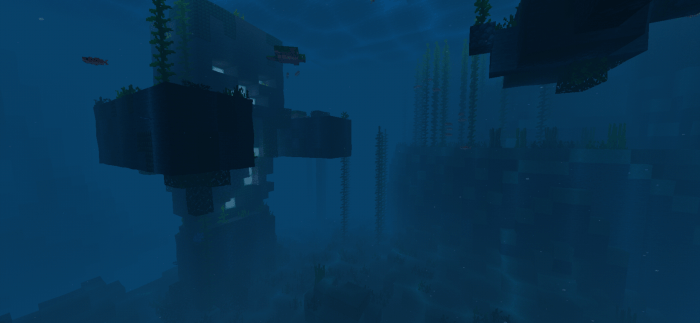 Fog rendering will be refined.
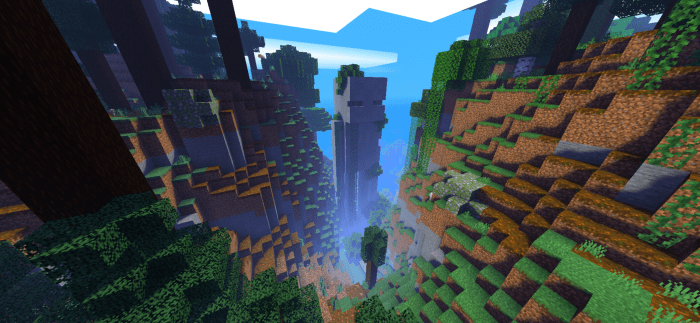 Significant changes will also be made to the sun and moon, making sunsets one of the most beautiful aspects of the game!
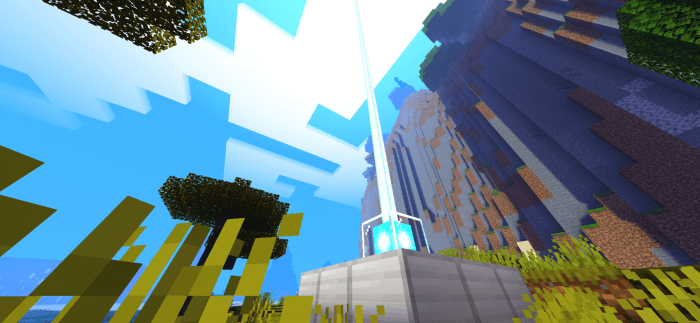 Wind movement will be noticeable through the swaying leaves of trees and plants.
The monochromatic rain effect.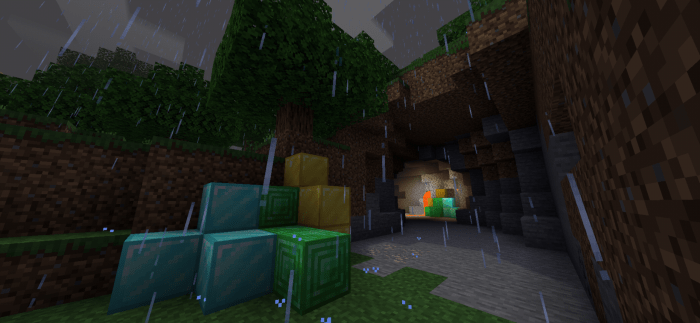 Additionally, a smart optimization system will be introduced. This feature aims to enhance gameplay on lower-end devices when necessary.