Реклама на сайте
2 млн+ просмотров в месяц
Ads

Scorpio PE shaders (Android/iOS)

Scorpio PE shaders (Android/iOS)
05.02.2026 Shaders admin 0 comments 2 min 149 views

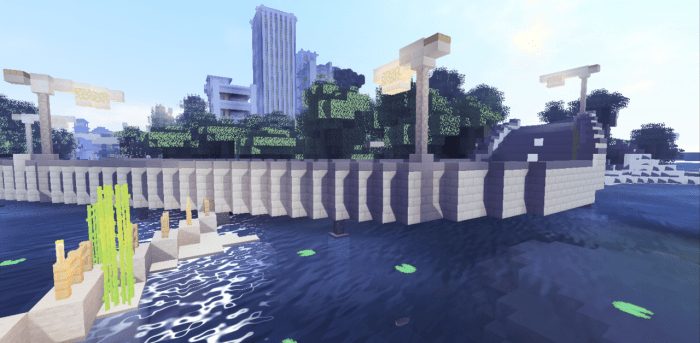
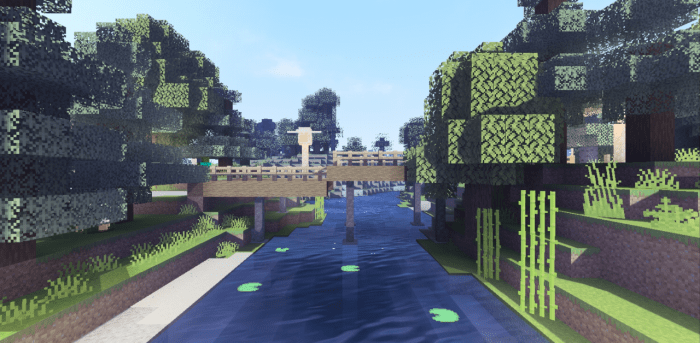
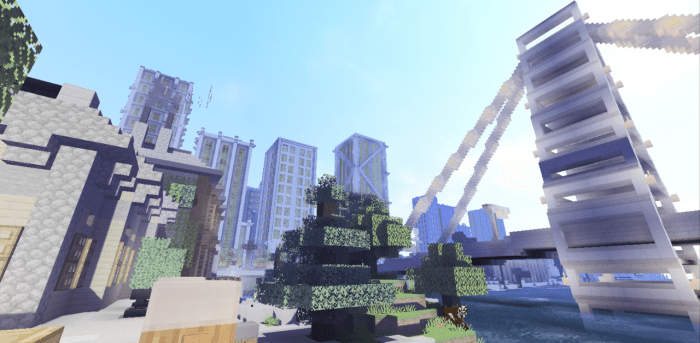
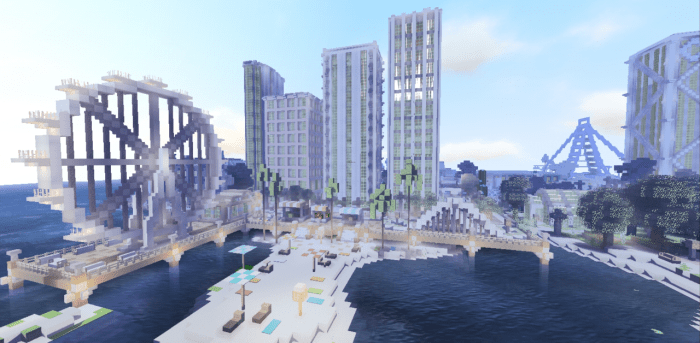
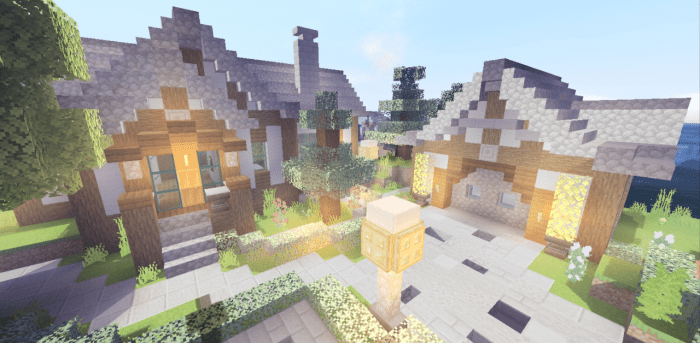
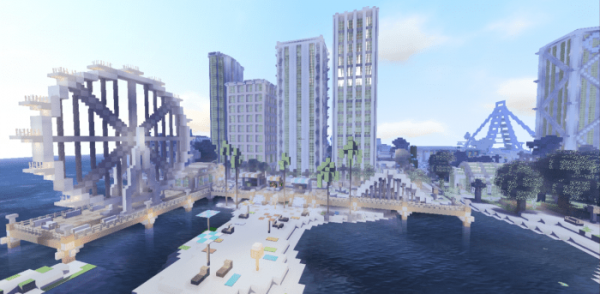
ShadersScorpio PE (Scorpio)” have been created using cutting-edge shader technology for Minecraft. Mobile users will experience a significant enhancement of the default textures. The brightness is balanced, featuring a dynamic sky with retextured clouds and completely revamped textures for the sky, including the moon, sun, stars, and sunlight. With a gentle breeze, you’ll notice animated swaying of grass and tree leaves. The developers also paid attention to the aquatic environment in Minecraft, making the water more uniform, introducing smooth wave movements, and realistic ripples.

Recent updates have introduced new clouds, stars, and a wet effect from rain. Additionally, the glow radius of burning torches has been reduced.

Installing Scorpio PE (.mcpack)

  • Download the shaders labeled as “.mcpack” from below.
  • Open the downloaded file to import the shaders into Minecraft.
  • Launch Minecraft Pocket Edition and navigate to the world settings.
  • For your world, apply the imported:
    Resource Packs.
  • Select the imported shaders in each section.
  • It is advisable to restart the Minecraft PE client afterward.
  • Start Minecraft Pocket Edition, enter the previously configured world of Minecraft, and enjoy the shaders!

Installation of Scorpio PE (.zip):

  • Download the shaders.
  • Create a folder named “resource_packs” in the directory “games/com.mojang/“.
  • Next, extract the shaders from the archive and move only the folder from this archive into the “resource_packs” folder.
  • Go to the settings of Minecraft, then navigate to texture management.
  • Select your shaders.
  • Enjoy your game!

Leave a comment