Реклама на сайте
2 млн+ просмотров в месяц
Ads

Shaders UltraMax 1.9
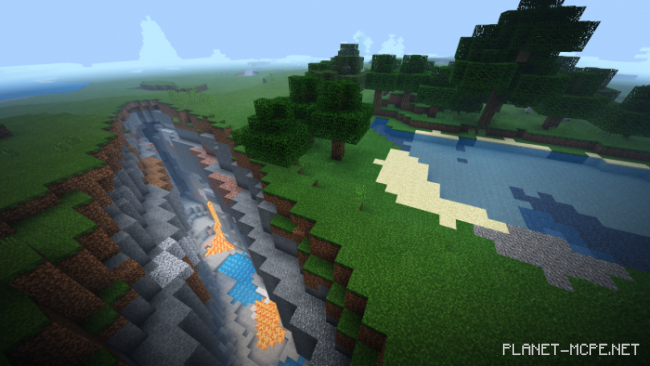
Shaders UltraMax 1.9
05.02.2026 Shaders admin 0 comments 1 min 214 views

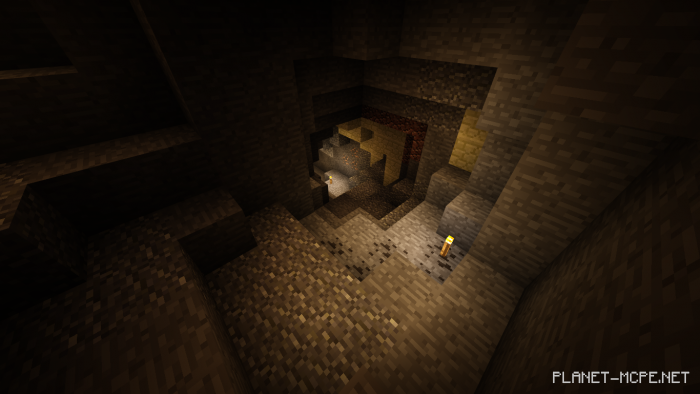
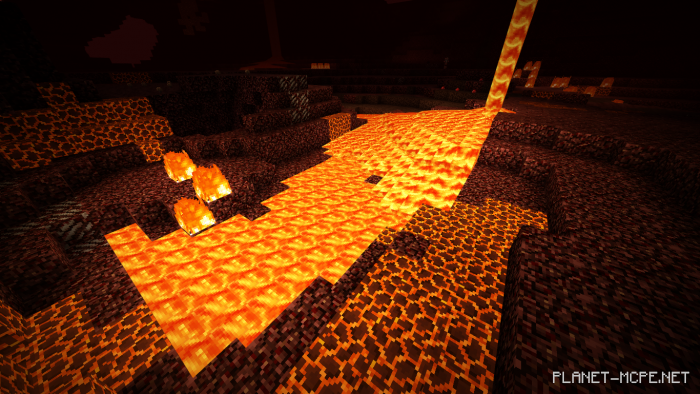
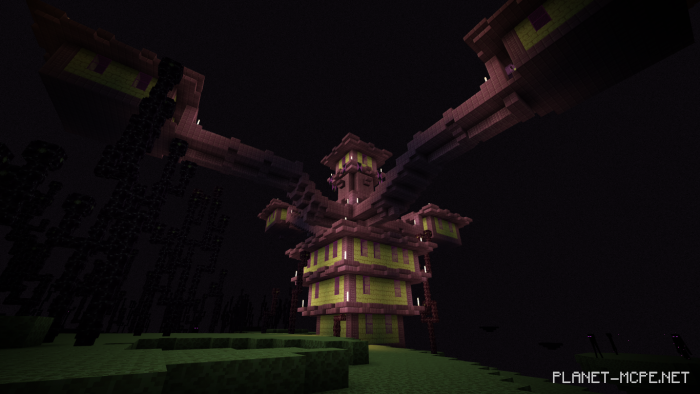
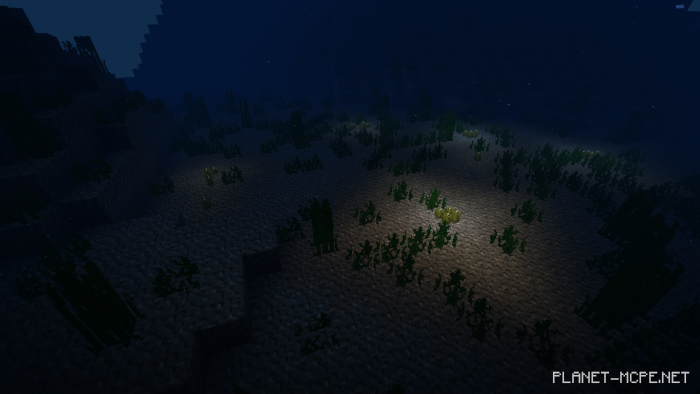
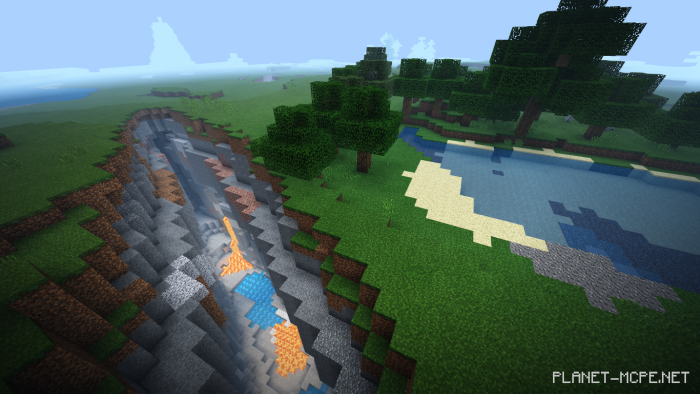
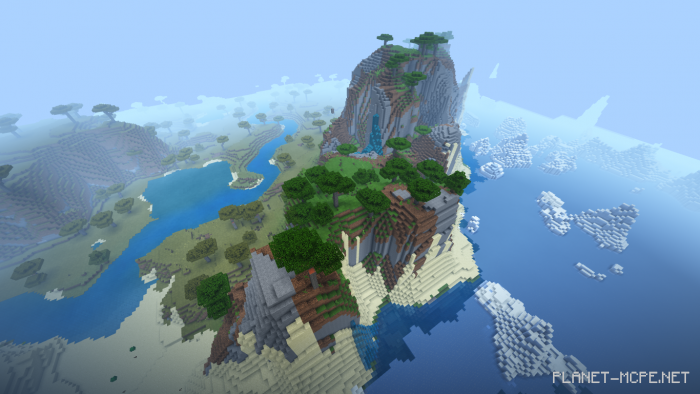
Shader packUltraMax” subtly transforms your experience in Minecraft Bedrock. This pack aims to enhance certain fundamental lighting and visual projections by introducing a unique visualization method. Colors are more vibrant, the environment feels more immersive, and overall gameplay becomes more enjoyable.

The shader makes the three-dimensional visuals surrounding the player distinctive.
Installing UltraMax (.mcpack)

  • Download the shaders marked with “.mcpack” below.
  • Open the downloaded file to import the shaders into Minecraft.
  • Launch Minecraft Pocket Edition and navigate to world settings.
  • Set the imported shaders for the world under:
    Resource Packs.
  • Select the imported shaders in each section.
  • It is recommended to restart the game client Minecraft PE afterward.
  • Start Minecraft Pocket Edition, enter the previously configured world Minecraft, and enjoy the shaders!

Installing UltraMax (.zip):

  • Download the shaders.
  • Create a folder named “resource_packs” in the directory “games/com.mojang/”.
  • Next, extract the shaders from the archive and move only the folder from this archive into the “resource_packs” folder.
  • Go to the settings of Minecraft Bedrock, then to texture management.
  • Select your shaders.
  • Happy gaming!

Leave a comment